Selecting type ofSelecting type of
resultsresults
Studying a specificStudying a specific
resultresult
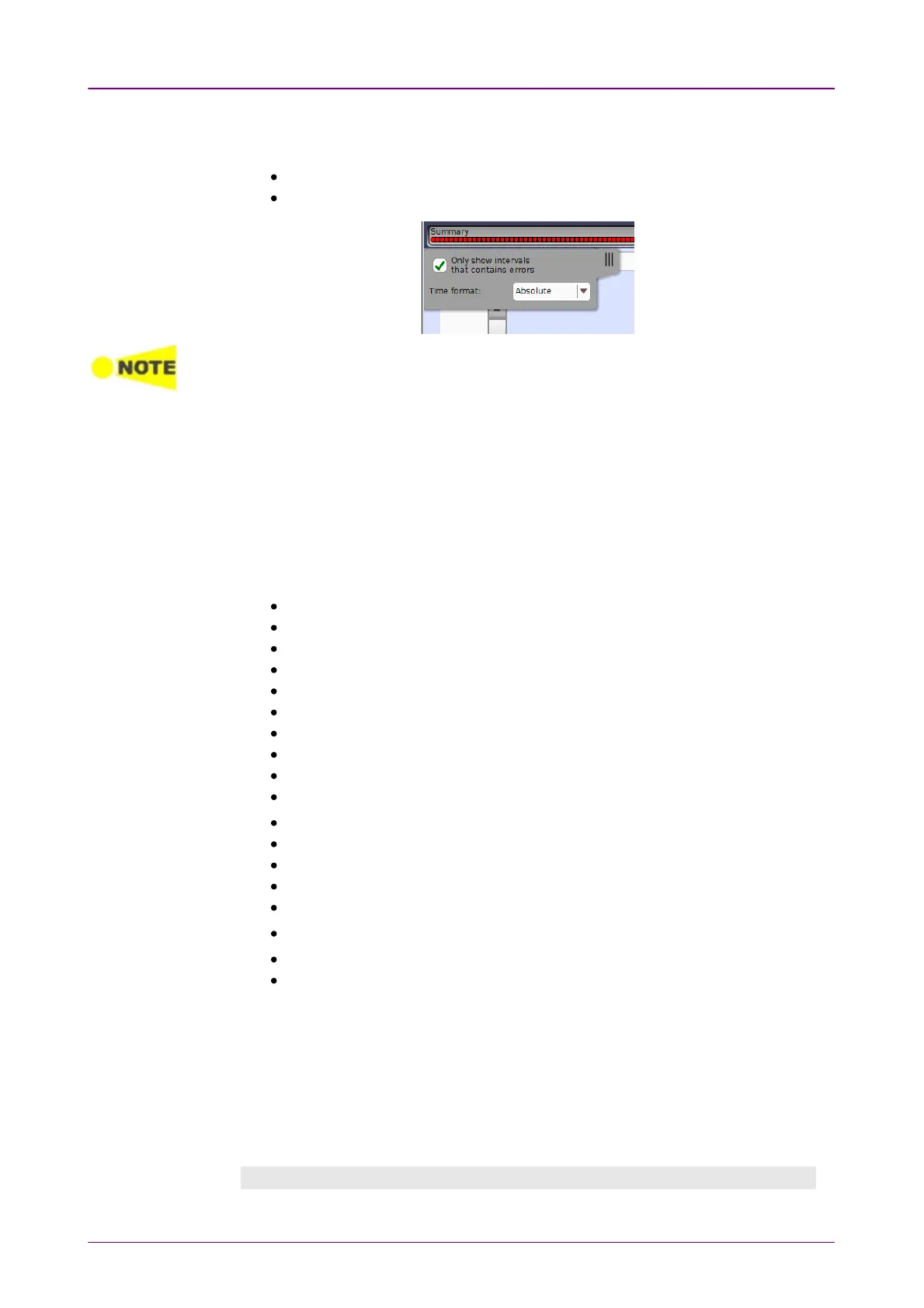
The slide-out panel on the left-hand side of the screen contains the following
functions:
Only show intervals that contains errors
Time format
If you have stopped measurement during the interval time, the measurement results of
the current interval are discarded. The log of the current interval is not displayed in BackBack
field.
In this case, result data are re-calculated excluding the data of the current interval
when the measurement is stopped. This causes that "Count" and "Ratio" displayed
after the measurement will be different from that of during measurement.
The sum of interval time (multiplied interval time by the number of back logs) may
not match the differential time between displayed time at left top and right top after
the measurement.
Open the middle drop-down menu in the top row of buttons to select which
results you want to display on the screen.
Performance
Frame
Burst
Size Distribution
Transmit
Multi Stream Transmit
Multi Stream Throughput
Multi Stream Frame Loss
Multi Stream Latency
Multi Stream Jitter
PCS*
1
SyncE
IEEE 1588v2
802.3ah
802.1ag/Y.1731
FEC*
1
PCS/FEC 200G/400G*
2
Conditions
*1: Either of PCS or FEC is displayed when the interface is 100 Gbps or less.
*2: This is displayed when the interface is 200 Gbps or 400 Gbps.
Touch a specific cell in a result table to zoom in on the corresponding result
item. The CountCount and RatioRatio fields are displayed on a ZoomZoom tab. A Time vs.Time vs.
StatisticsStatistics tab is also available. Use the BackBack button or touch the zoom filed to
return to the statistics screen.
Selecting how results are displayedSelecting how results are displayed



 To Next Page