PatternPattern
Pattern Error InsertionPattern Error Insertion
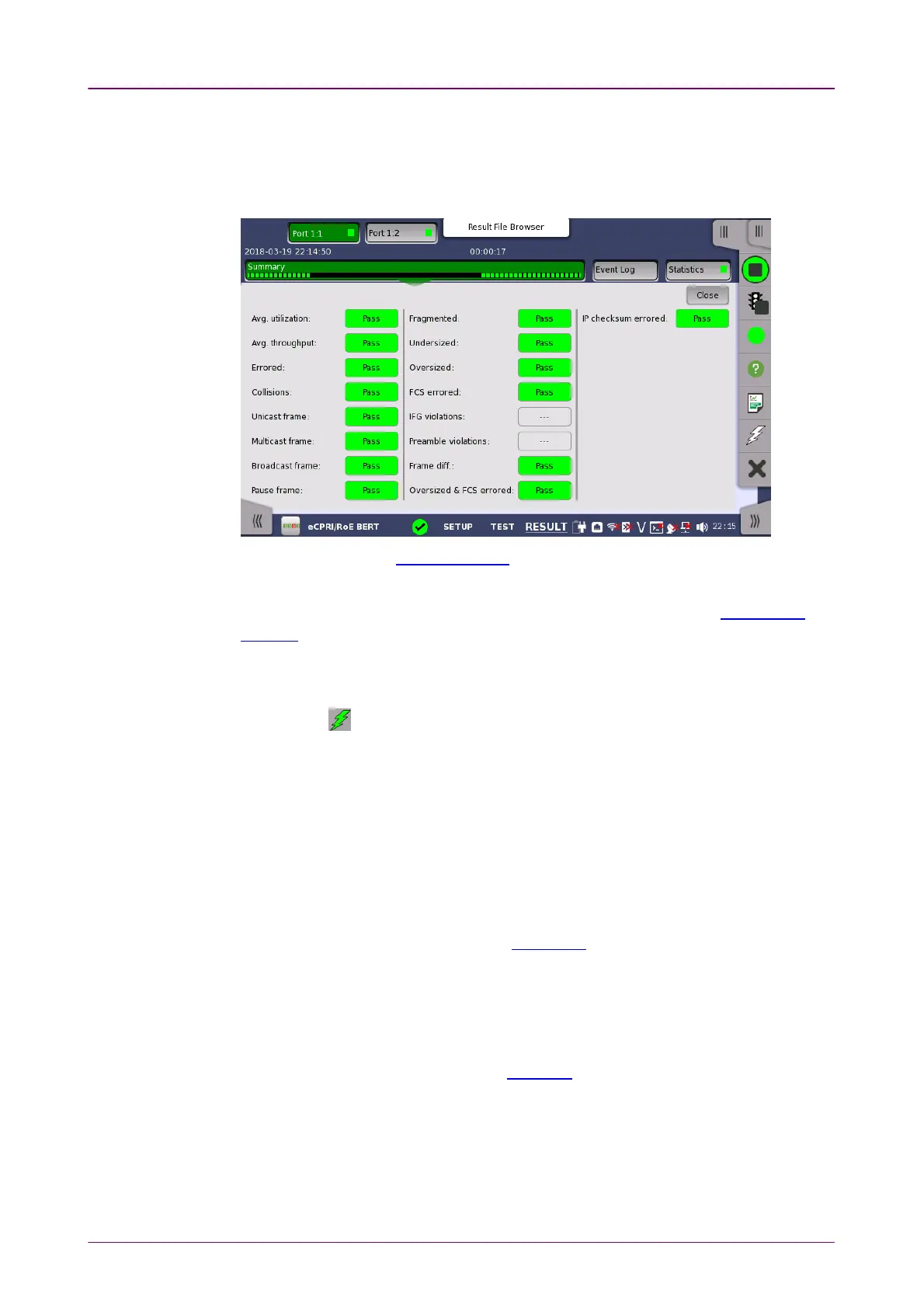
When EthernetEthernet is selected on the 'Threshold' of Test Setup screen, the EthernetEthernet
information appears in the upper right-hand corner, shows pass/fail status
summary. Touching the DetailsDetails button allows you to inspect the individual
pass/fail status.
Allows to change the payload pattern. Cross patternCross pattern check box is the same as
Cross pattern at successive framesCross pattern at successive frames of Payload pattern setting.
This provides the same Error insertion as
Stimuli setup options
in Application
Toolbar.
InsertionInsertion
If selecting ManualManual, error(s) are inserted when you touch the Alarm/ErrorAlarm/Error
InsertInsert icon ( ).
Set OffOff to stop the error insertion.
Burst lengthBurst length
If 'Insertion' is set to ManualManual, touch the button and set the number of errors to
insert.
88..44..33..22 Event LogEvent Log
Touching the Event LogEvent Log button in the navigation area displays the screen
providing the event log data. Refer to Event Log of SDH/SONET/PDH/DSn
BERT application.
88..44..33..33 StatisticsStatistics
Touching the StatisticsStatistics button in the navigation area displays the screen
providing the statistics data. Refer to Statistics of BERT for the operation.



 To Next Page