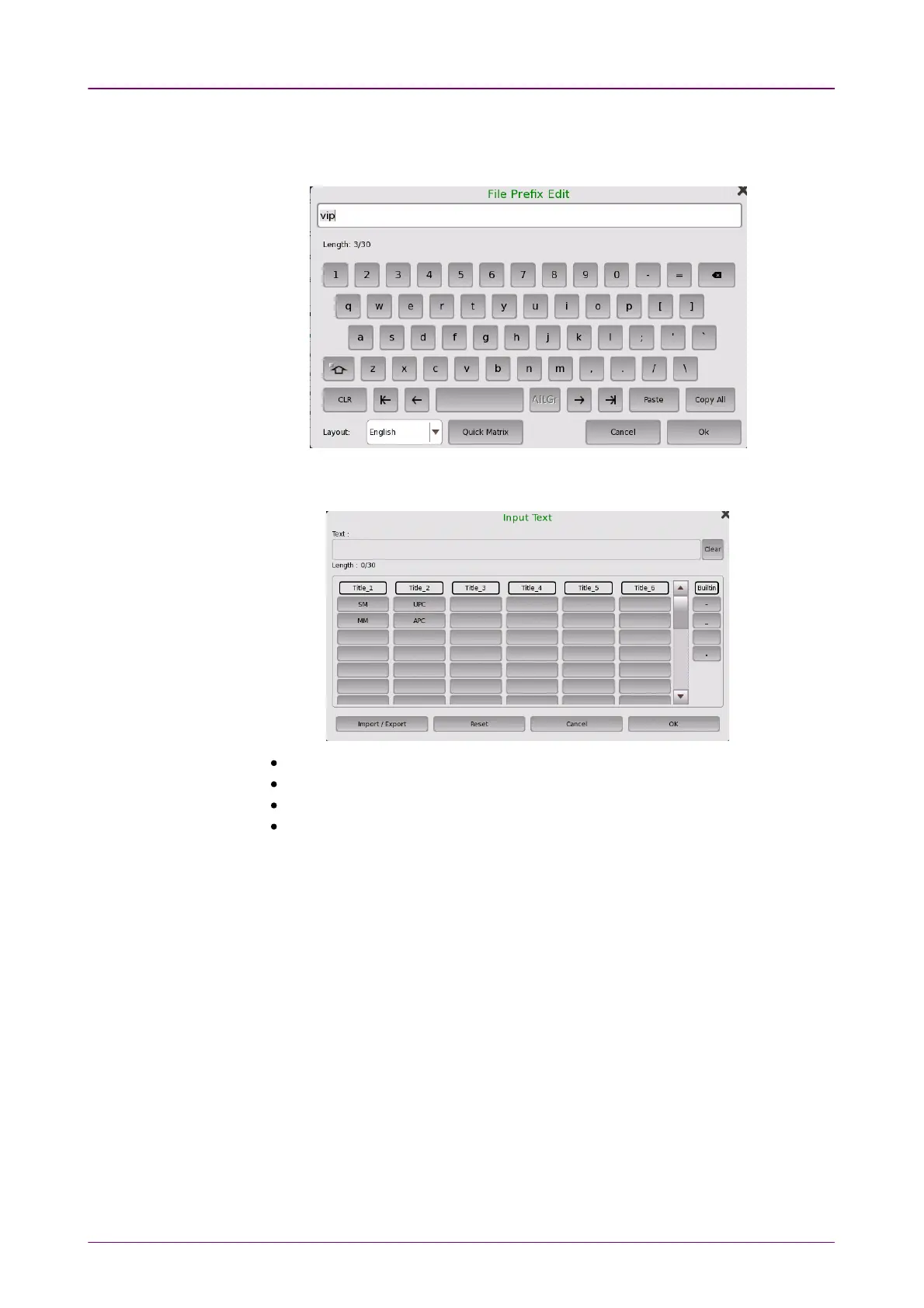
Touch the field and set the string used in the file name. Touching Quick MatrixQuick Matrix
at bottom of File Prefix EditFile Prefix Edit dialog box opens Input TextInput Text dialog box to register
string.
To register string, touch a blank button. Touching labeled button adds the
string to file name.
Import/ExportImport/Export: Saves string on buttons to a file or loads string from a file.
ResetReset: Erases string on all buttons.
CancelCancel: Discards edited string and closes dialog box.
OKOK: Applies edited string and closes dialog box.
Start NumberStart Number
Touch the field and set the start number of value used in the file name.
Include DateInclude Date
If selecting the check box, date will be appended in the file name.
Include NumberInclude Number
If selecting the check box, a file number will be appended in the file name.
The file name to be generated first is displayed under this item.
1111..44..44 Test ResultsTest Results
When you go to the test results of the VIP application, the following screen is
displayed.



 To Next Page