Auto FunctionsAuto Functions
Auto File NameAuto File Name
SettingsSettings
MM PC 62.5MM PC 62.5: Multi-Mode Fiber, Physical Contact, Core diameter 62.5 μm
Zone NameZone Name DefectsDefects ScratchesScratches
Core
4 ≤5 μm
None >5 μm
No limit ≤3μm
0 > 5μm
Cladding
No limit ≤2μm
5 from ≤2 μm to ≤5 μm
None >5 μm
No limit ≤5μm
0 > 5μm
Adhesive No limit No limit
Contact None ≥10 μm No limit
MM PC 50.0MM PC 50.0: Multi-Mode Fiber, Physical Contact, Core diameter 50 μm
Limits are the same as MM PC 62.5MM PC 62.5.
Auto MeasurementAuto Measurement
When it is recognized that the fiber edge surface is in the image, Auto Focus,
Auto Capture, Auto Analyze On Capture, and saving a file are performed
automatically.
Auto MeasurementAuto Measurement is available for G0306A, G0306B, and G0382A.
Auto FocusAuto Focus
When it is recognized that the fiber edge surface is in the image, autofocus and
capture are performed.
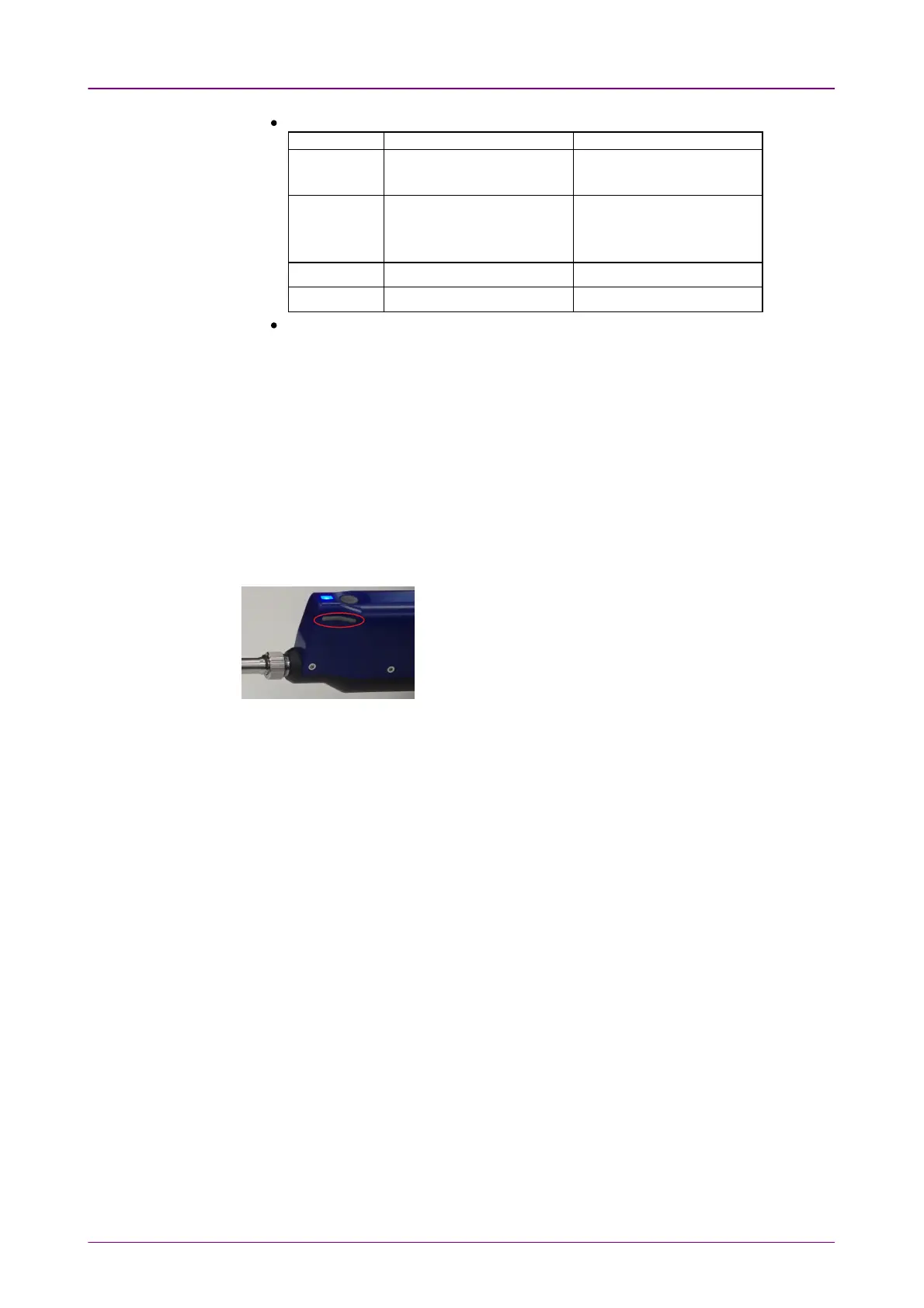
If it cannot be recognized that the fiber
edge surface is in the image, VIP may
not perform autofocus. In that case, get a
focus using << or >> button on G0382A.
Auto FocusAuto Focus is available for G0382A.
Auto CaptureAuto Capture
When it is recognized that the fiber edge surface is in focus, the image is
captured automatically.
Auto CaptureAuto Capture is available for G0306A, G0306B, and G0382A.
Auto Analyze On CaptureAuto Analyze On Capture
Executes Auto Analyze when the image has been captured.
Auto File Name GenerationAuto File Name Generation
File name is generated automatically when saving the file. Selecting the check
box activates Auto File Name SettingsAuto File Name Settings.
Auto Exposure SettingAuto Exposure Setting
The value can be set when Auto MeasurementAuto Measurement is selected. Set target value of
auto exposure in the range of 160 to 190.
File LocationFile Location
Touch the BrowseBrowse button to select a folder to save files.
File PrefixFile Prefix



 To Next Page