S412E UG PN: 10580-00318 Rev. P 8-1
Chapter 8 — Bias Tee (Option 10)
8-1 Overview
Option 10 provides a bias tee that is installed inside the instrument. The bias arm is
connected to a 12 VDC to 32 VDC power source that can be turned on as needed to place the
voltage on the center conductor of the VNA Port 2 (in VNA mode) or the center conductor of RF
In (in SPA mode). This supply of bias is useful when conducting two-port transmission
measurements and can also be used to provide power to block down-converters in satellite
receivers or to power some tower-mounted amplifiers (TMAs).
Bias Tee in VNA Mode
The bias can be turned on only when the Start Frequency is 2 MHz or greater. When bias is
turned on, the bias voltage and current are displayed in the Instrument Settings Summary
area of the screen. The 12 VDC to 32 VDC power supply is designed to continuously deliver a
maximum of 6 watts.
When in VNA mode, the bias tee menu can be accessed as follows:
• From the Sweep menu when in standard VNA mode:
Key Sequence: Sweep > Configure Ports > Bias Tee Setup
• From the System Options menu when VNA Field menus are selected:
Key Sequence: Shift, System (8)>Application Options > Bias Tee Setup
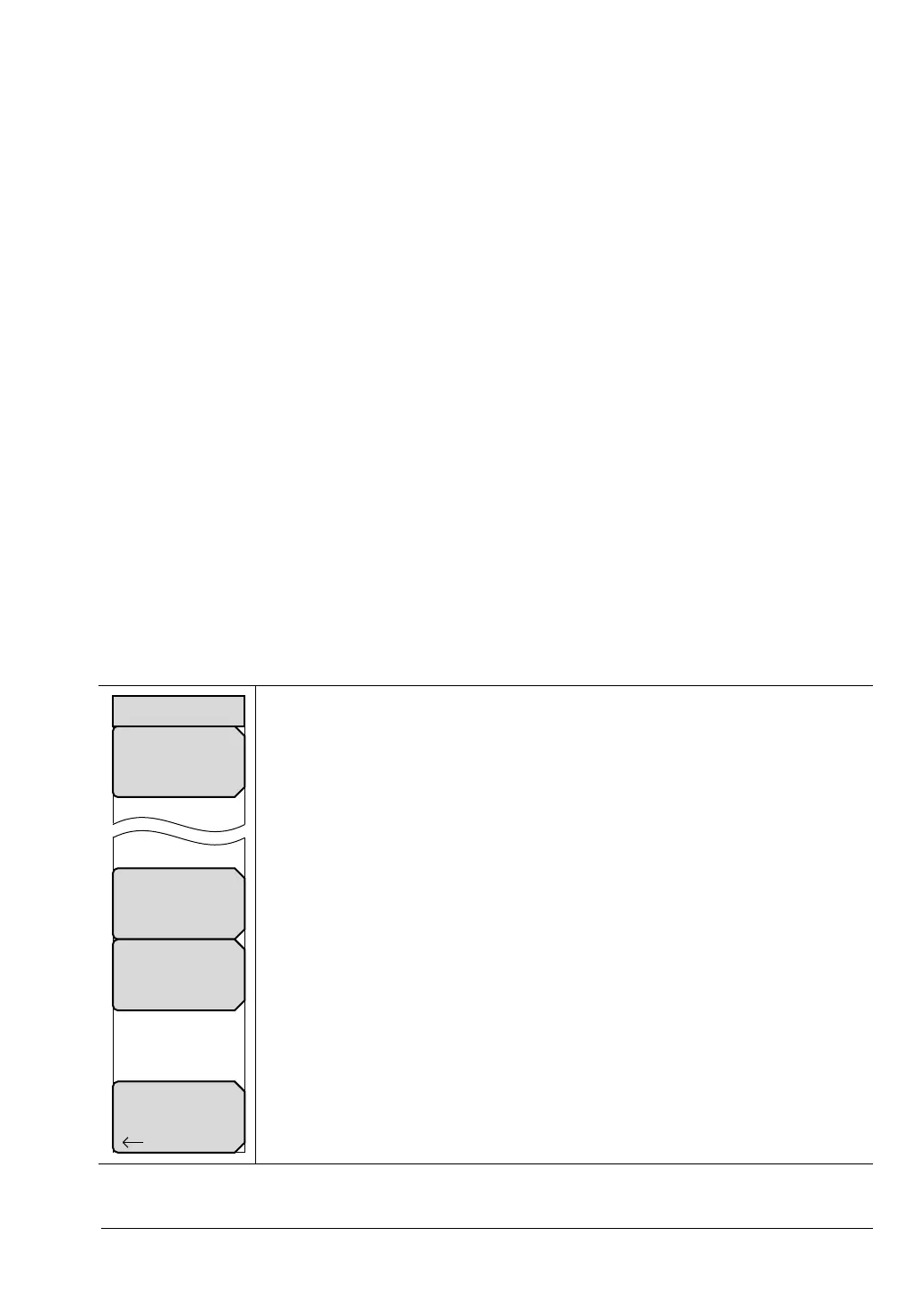
Bias Tee: Toggles On and Off the variable power supply.
Int Voltage P2: Use this submenu to set the power supply voltage.
Int Current Limit P2: Use this submenu to set the power supply current.
Back: Press this submenu key to return to the Configure Ports menu.
Figure 8-1. Bias Tee Menu
Bias Tee
Off
Back
Bias Tee
Int Voltage P2
16.1 V
Int Current Limit P2
450 mA



 To Next Page