Instrument Overview 2-7 Data Entry
S412E UG PN: 10580-00318 Rev. P 2-15
Text Entry
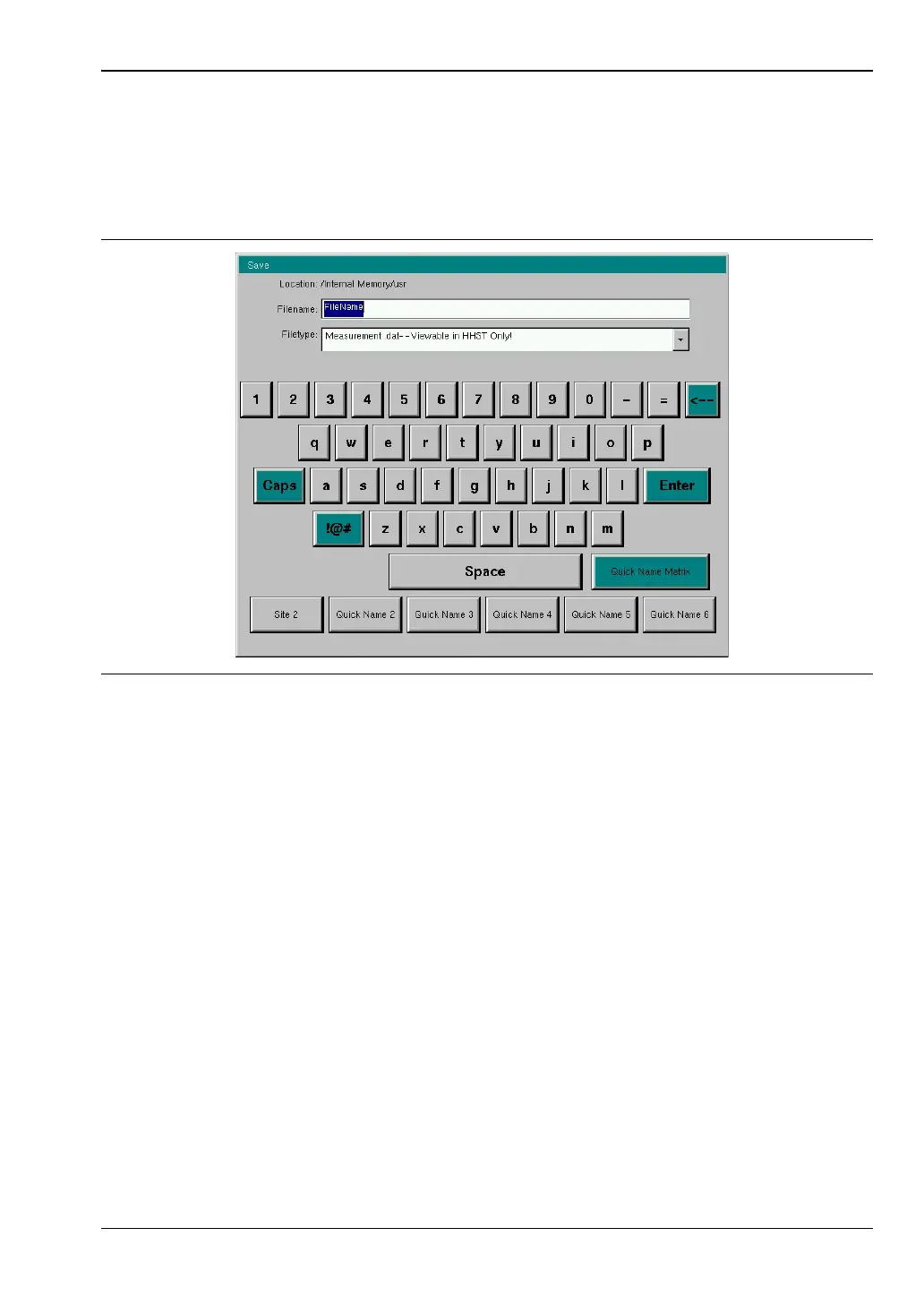
When entering text, as when saving a measurement, the touch screen keyboard is displayed
(Figure 2-13). Characters are entered directly with the touch screen keyboard. The keypad
can be used for numeric entry. The left and right arrow keys scroll the cursor through the
filename. Refer to “Save Menu” on page 4-9 for additional information.
Figure 2-13. Touch Screen Keyboard



 To Next Page