Bias Tee (Option 10) 8-1 Overview
S412E UG PN: 10580-00318 Rev. P 8-3
Bias Tee in SPA Mode
When bias is turned on, the bias voltage and current are displayed in the Instrument Settings
Summary area of the window. The 12 VDC to 32 VDC power supply is designed to
continuously deliver a maximum of 6 watts.
The bias tee menu can be accessed from the Application Options menu in SPA mode:
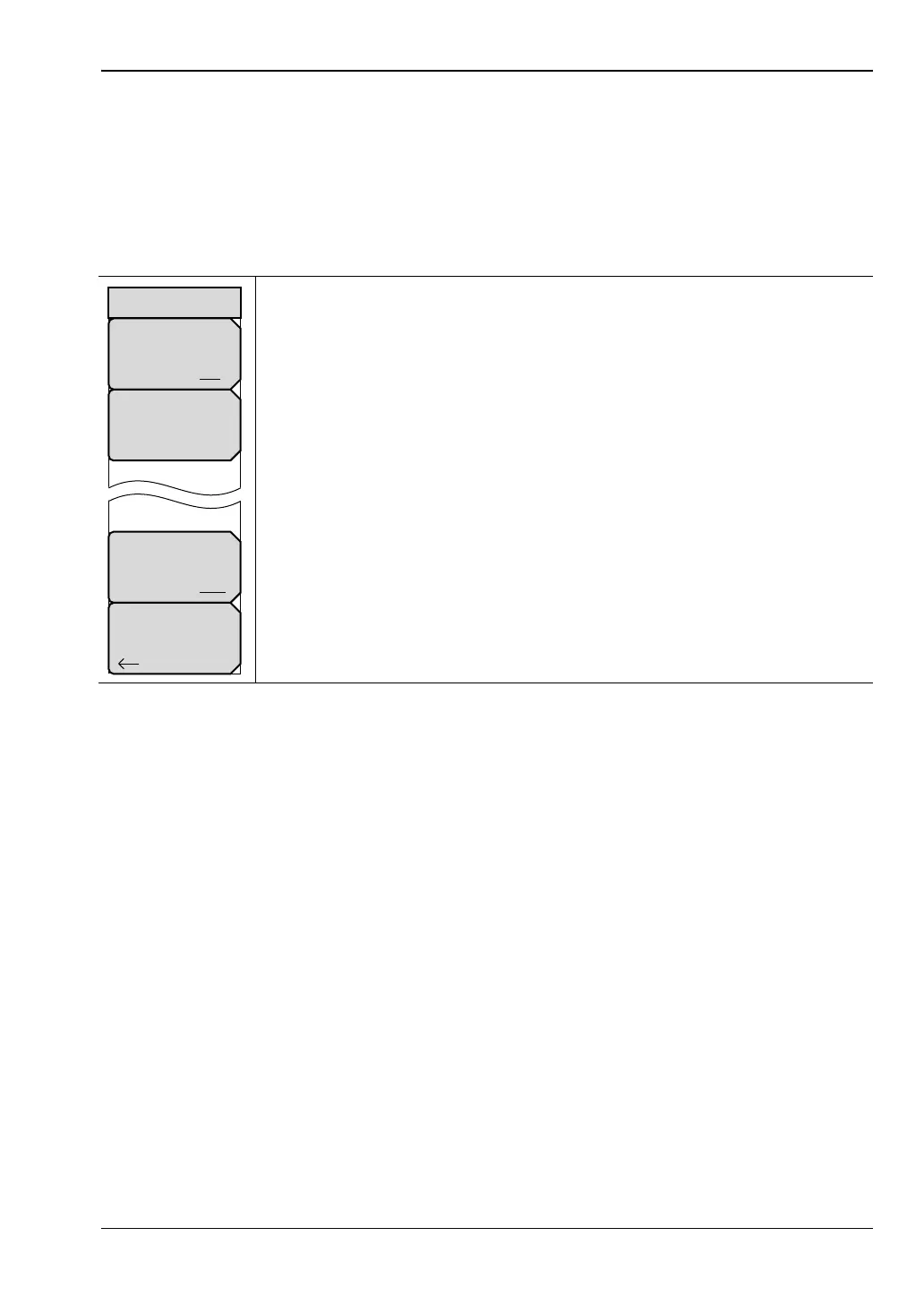
System > Application Options > Bias Tee
Bias Tee: Toggles On and Off the variable power supply.
Bias Tee Voltage: Use this submenu to set the power supply voltage.
Current: Toggle the bias tee current between Low and High.
Back: Press this submenu key to return to the Application Options menu.
Figure 8-3. Bias Tee Menu
Bias Tee
Off On
Current
Low High
Back
Bias Tee
Bias Tee Voltage
16.1 V



 To Next Page