GPS (Option 31) 9-3 Saving and Recalling Traces with GPS Information
S412E UG PN: 10580-00318 Rev. P 9-3
9-3 Saving and Recalling Traces with GPS Information
Saving Traces with GPS Information
The GPS coordinates of a location can be saved along with a measurement trace. Refer to the
“Save Menu” on page 4-9 for more information. The current GPS coordinates are saved with
the measurement traces whenever GPS is on and actively tracking satellites.
Recalling GPS Information
If the GPS coordinates were saved with a measurement, then when the measurement is
recalled, the coordinates that were saved are recalled as well. Refer to the “Recall Menu”
on page 4-12 for more information about recalling a saved trace.
9-4 GPS Menu
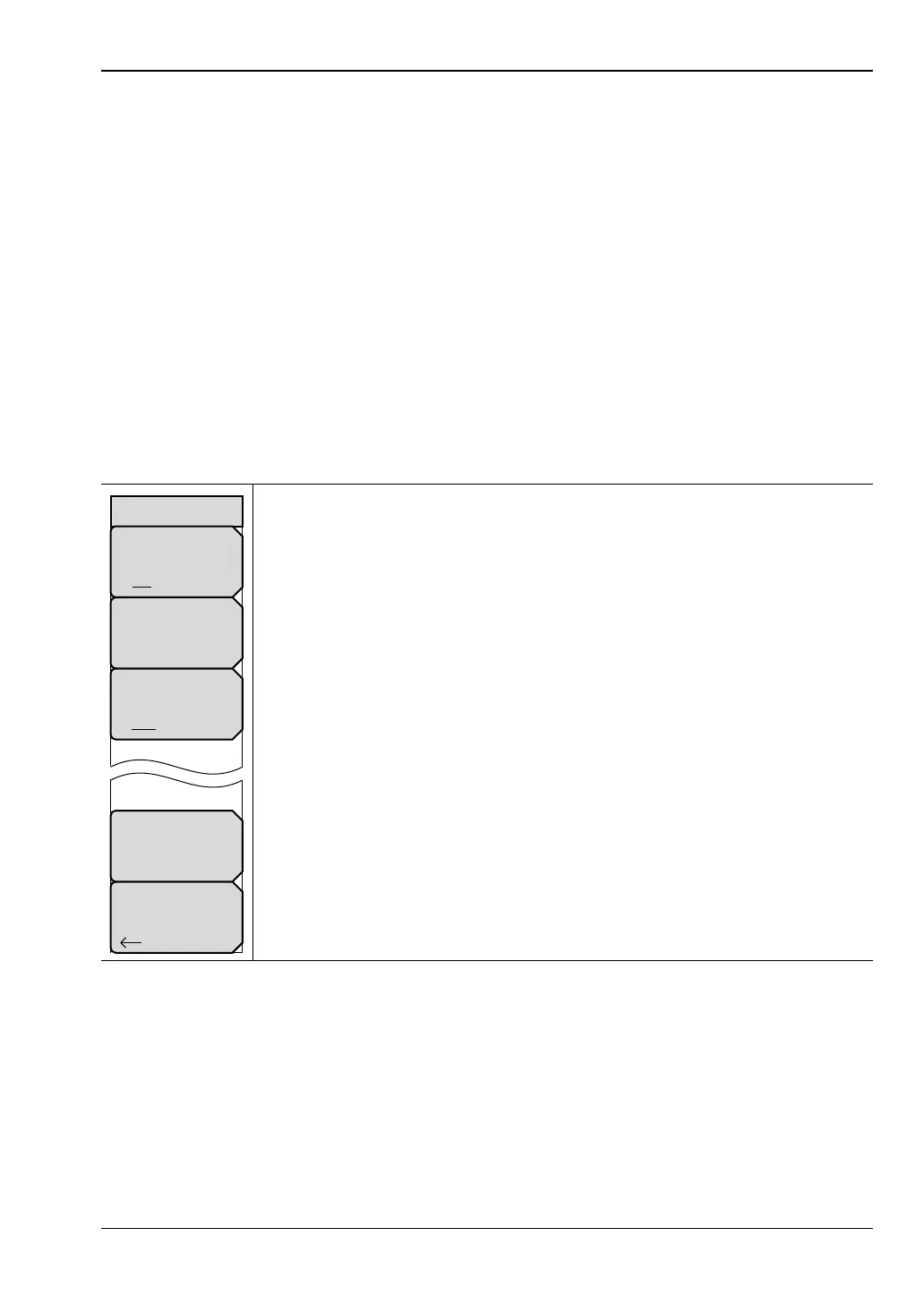
Key Sequence: Shift, System (8) > GPS
GPS: Press this submenu key to turn GPS on or off.
GPS Info: Press this submenu key to display the current GPS information.
Refer to “GPS Info” on page 9-4.
GPS Voltage: Press this submenu key to set the source voltage to be either
3.3 V or 5 V depending on the GPS receiver being used. GPS antenna
voltage is set to 3.3 V by default in order to prevent accidental damage to
lower-voltage GPS antennas.
5 V is the recommended setting for Anritsu GPS antennas.
Reset: Press this submenu key to set the number of tracked satellites to 0
and to erase any almanac data, along with saved coordinates. The process
of searching for and reacquiring satellites begins again.
Back: Press this submenu key to return to the “System Menu” on page 5-4.
Figure 9-4. GPS Menu
GPS
Back
GPS
On Off
GPS Voltage
3.3 V 5 V
GPS Info
Reset



 To Next Page