System Operations 5-6 Display Settings Menu
S412E UG PN: 10580-00318 Rev. P 5-15
5-6 Display Settings Menu
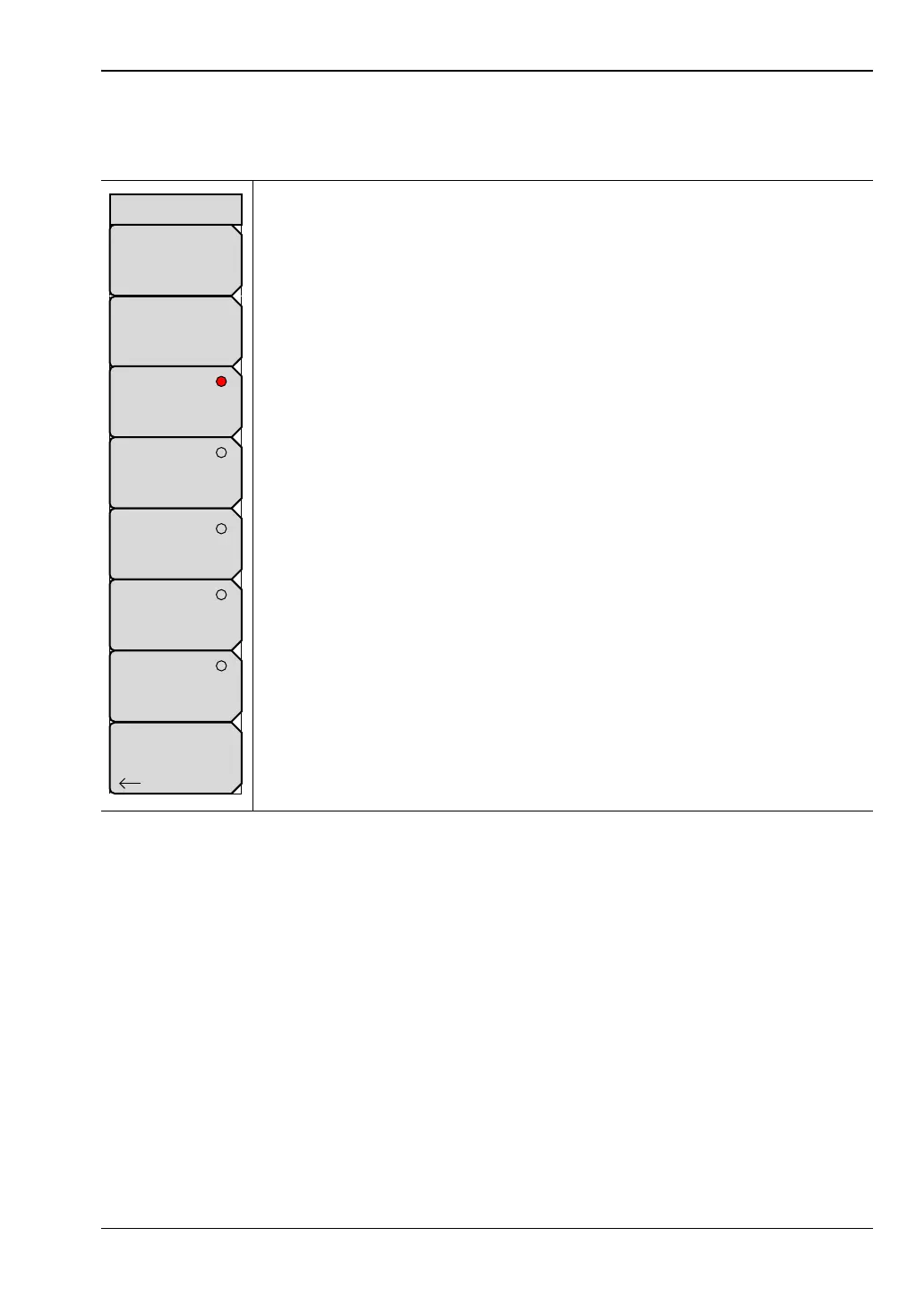
Key Sequence: Shift, System (8) > System Options > Display
Brightness: Press this submenu key to adjust the brightness of the display
to optimize viewing under a wide variety of lighting conditions. Use the
keypad, the Up/Down arrow keys or the rotary knob to select a brightness
level from 1 to 9, with 9 being the brightest. Press Enter to accept the
change.
Display Blank: Opens a note box. Press Enter to turn off the display, or
press Esc to abort. When the display is off, turn on the display with three
rapid key presses of any key except the power key (or turn instrument power
Off and On).
Default Colors: Press this submenu key to set the display colors to their
factory default condition. Use for normal viewing.
Black on White: Press this submenu key to set the display colors to black
and white. Use for printing and viewing in broad daylight conditions.
Night Vision: Press this submenu key to set the display to a red-tinted
color, which is optimized for night-time viewing.
High Contrast: Press this submenu key to increase the contrast of the
default display colors. Used for other challenging viewing conditions.
Color on White: Press this submenu key to invert the black background
color to produce a white background and black graticule lines with colored
traces. Use for viewing in broad daylight conditions and for color printing.
Back: Press this submenu key to return to the “System Options Menu”
on page 5-11.
Figure 5-18. Display Settings Menu
Back
Display Settings
Brightness
Display Blank
Default Colors
Black on White
Night Vision
High Contrast
Color on White



 To Next Page