System Operations 5-4 Application Options Menu
S412E UG PN: 10580-00318 Rev. P 5-9
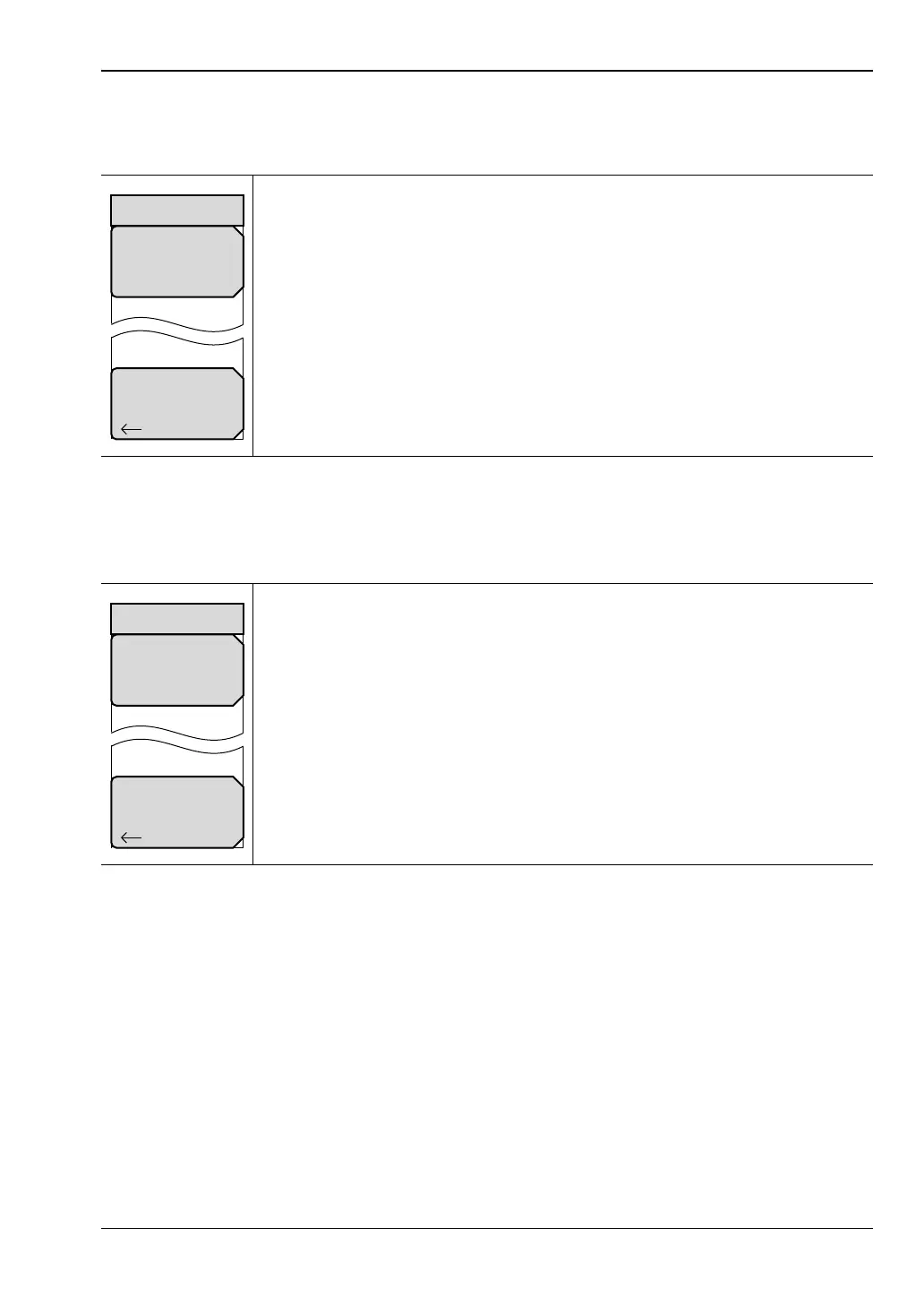
PTC Mode
Key Sequence: Shift, System (8) > Application Options
TETRA Mode
Key Sequence: Shift, System (8) > Application Options
Load PTC Patterns: Press this submenu key to load additional PTC signal
patterns into the instrument. Refer to “Updating Signal Generator Patterns”
on page 5-10 before continuing.
Back: Press this submenu key to return to the “System Menu” on page 5-4.
Figure 5-10. Application Options Menu (PTC Mode)
Load TETRA Patterns: Press this submenu key to load additional TETRA
signal patterns into the instrument. Refer to “Updating Signal Generator
Patterns” on page 5-10 before continuing.
Back: Press this submenu key to return to the “System Menu” on page 5-4.
Figure 5-11. Application Options Menu (TETRA Mode)
Options
Load PTC
Patterns
Back
Options
Load TETRA
Patterns
Back



 To Next Page