4-5 File Menu File Management
4-14 PN: 10580-00318 Rev. P S412E UG
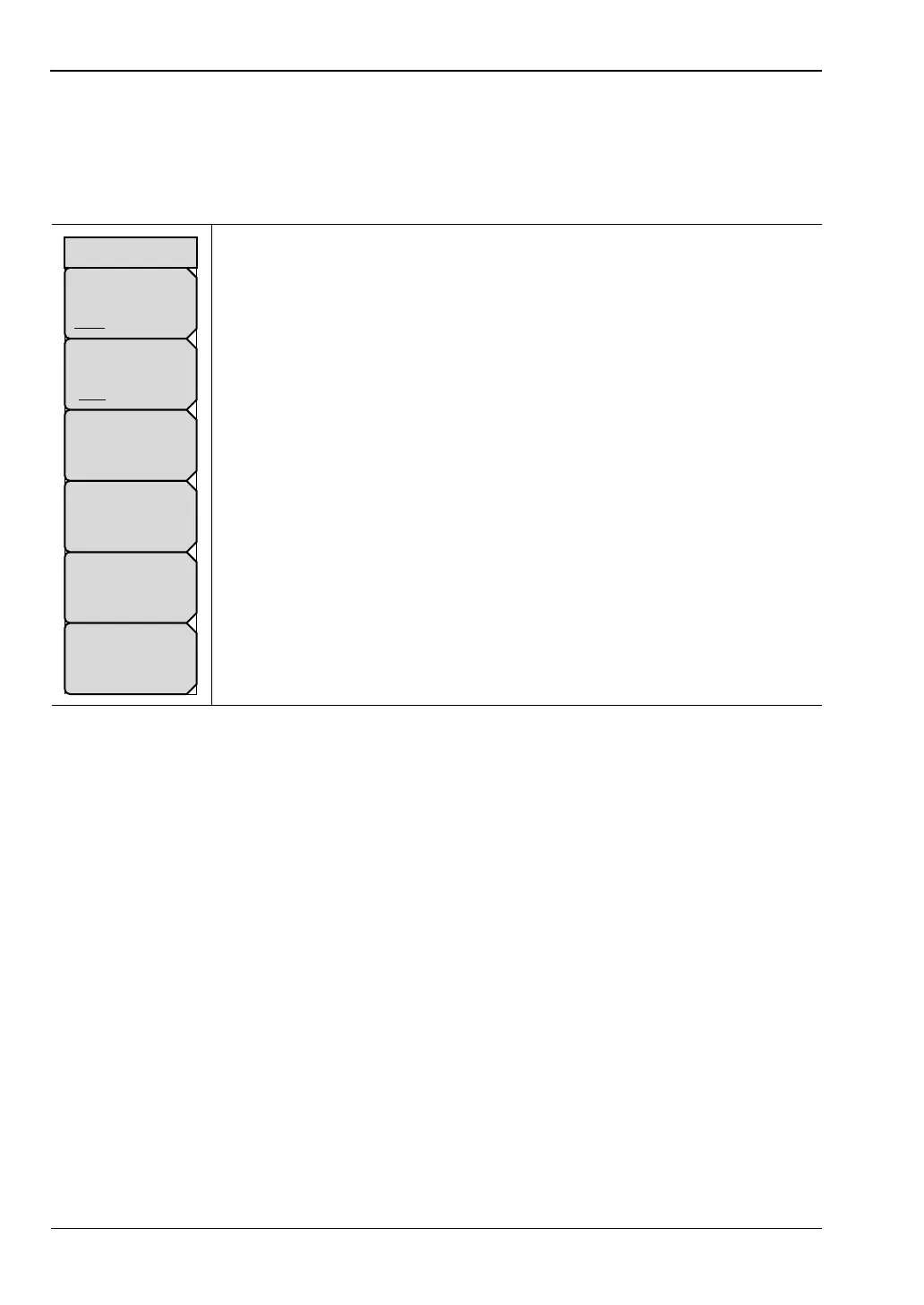
Delete Menu
This menu and dialog box are used to delete folders and files. Select folders or files with the
Up/Down arrow keys, the rotary knob, or the touch screen.
Key Sequence: File > Delete
Sort By
Name Date Type: Press this submenu key to sort files and folders
by name, by the type of file, or by the date that the file or folder was saved.
Sort Order
Asc Desc: Press this submenu key to display the folders or files in
ascending or descending order based on the selection in the Sort By key.
File Type: Press this submenu key to select the type of file to be deleted.
The file type can be changed with the Up/Down arrow keys, the rotary
knob, or the touch screen. Press Enter to make the selection. Refer to
Section 4-2 “File Types” for file type descriptions.
Select or De-Select: Press this submenu key to select or deselect the files
or folders to be deleted. When selected, a file or folder is outlined in blue.
Delete: Press this submenu key to open the Delete dialog box. Press
Enter to delete the selected item, or press Esc to Cancel.
Refresh Directories: Press this submenu key to update the display.
Figure 4-14. Delete Menu
Sort By
Name Date Type
Sort Order
Asc Desc
File Type
ALL
Delete
Refresh
Directories
Delete
Select
or
De-Select



 To Next Page