Instrument Overview 2-9 Soft Carrying Case
S412E UG PN: 10580-00318 Rev. P 2-17
2-9 Soft Carrying Case
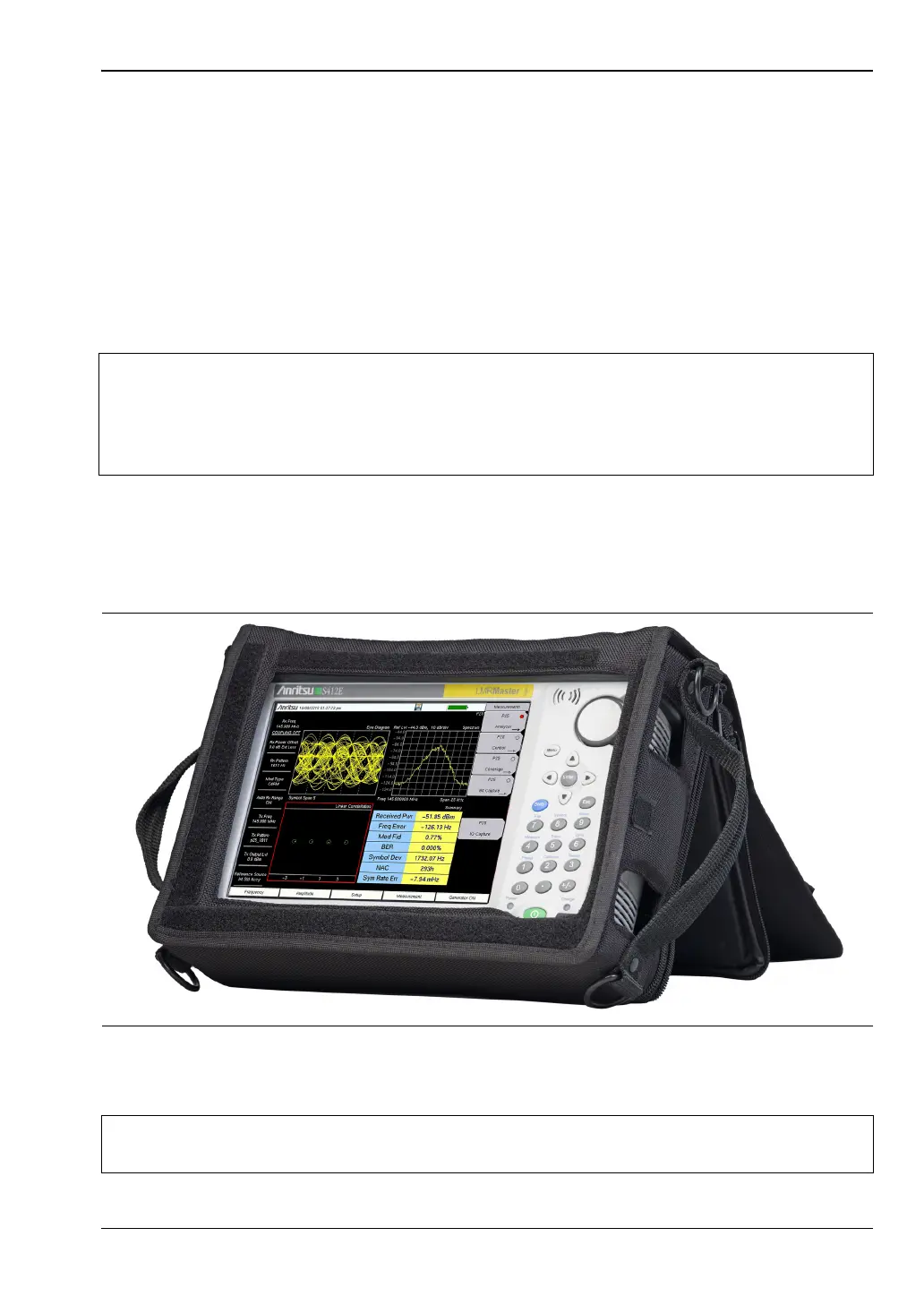
The LMR Master can be operated while in the soft carrying case. On the back of the case is a
large storage pouch for accessories and supplies.
To install the instrument into the soft carrying case:
1. The front panel of the case is secured with hook-and-loop fasteners. Fully close the front
panel of the case. When closed, the front panel supports the shape of the case while you
are inserting the LMR Master.
2. Place the soft carrying case face down on a stable surface, with the front panel fully
closed and laying flat.
3. Open the zippered back of the case.
4. Insert the instrument face down into the case, take care that the connectors are
properly situated in the case top opening. You may find it easier to insert the
connectors first, then pull the corners over the bottom of the LMR Master.
5. Close the back panel and secure with the zipper to secure the LMR Master.
Note
The soft case has two zippers near the back. The zipper closer to the front of the
case opens to install and remove the instrument. The zipper closer to the back of
the case opens an adjustable support panel that can be used to provide support for
improved stability and air flow while the instrument is in the case. This support
panel also contains the storage pouch.
Figure 2-15. LMR Master Inserted into the Soft Carrying Case
Caution
The soft case has panel openings for the fan inlet and exhaust ports. Do not block
the air flow through the panels when the unit is operating.



 To Next Page