2-4 Display Overview Instrument Overview
2-8 PN: 10580-00318 Rev. P S412E UG
Display Settings
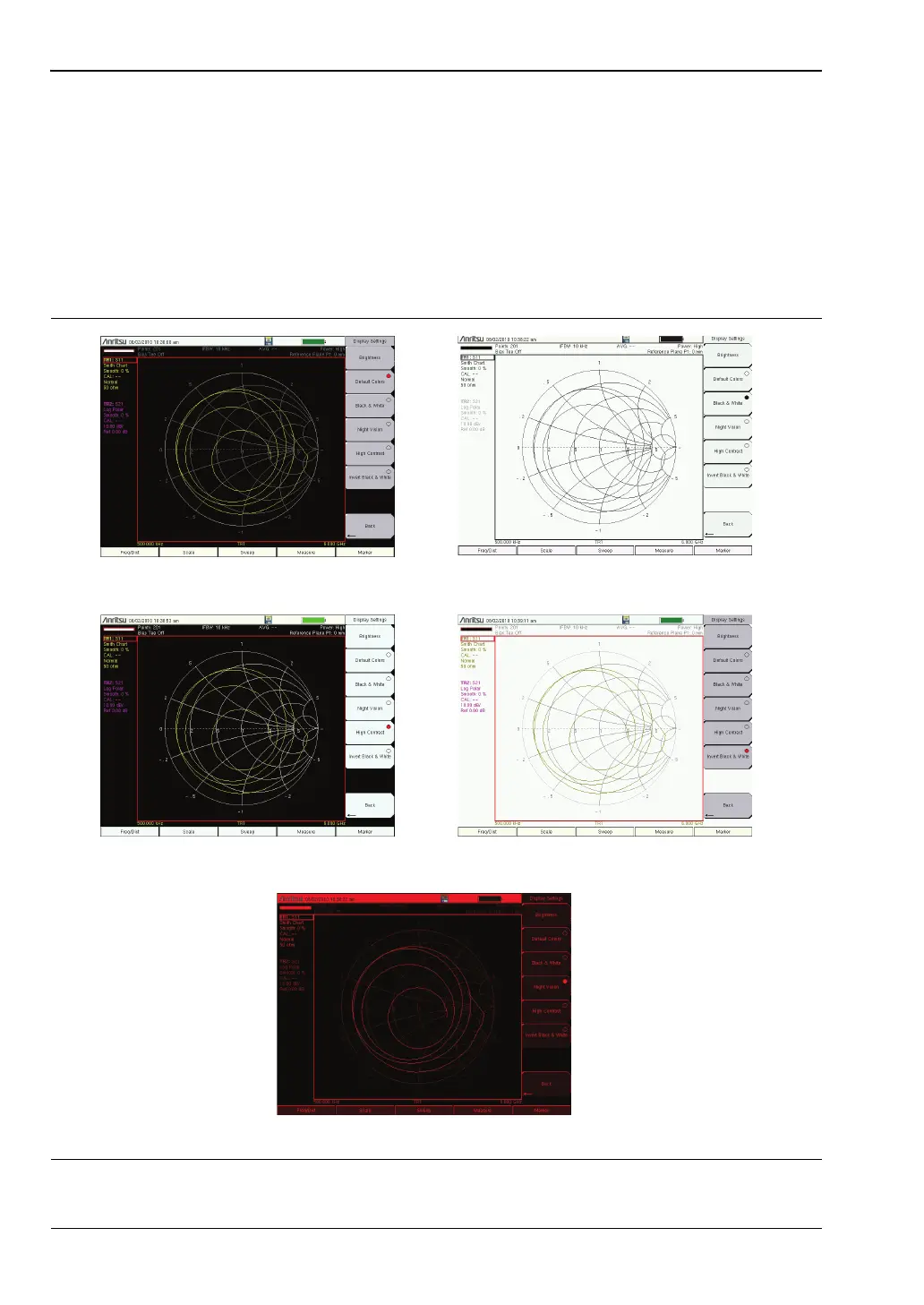
In addition to the default color display, LMR Master offers the following display settings
(System > System Options > Display) in some measurement modes:
Black on White for printing and viewing in broad daylight conditions
Color on White exchanges black for white on the display for best color printing
Night Vision optimized for night-time viewing
High Contrast for other challenging viewing conditions
Figure 2-7. LMR Master Display Settings
Default Colors
Black on White
Night Vision
High Contrast
Color on White



 To Next Page