5-4 Application Options Menu System Operations
5-6 PN: 10580-00318 Rev. P S412E UG
SPA Mode
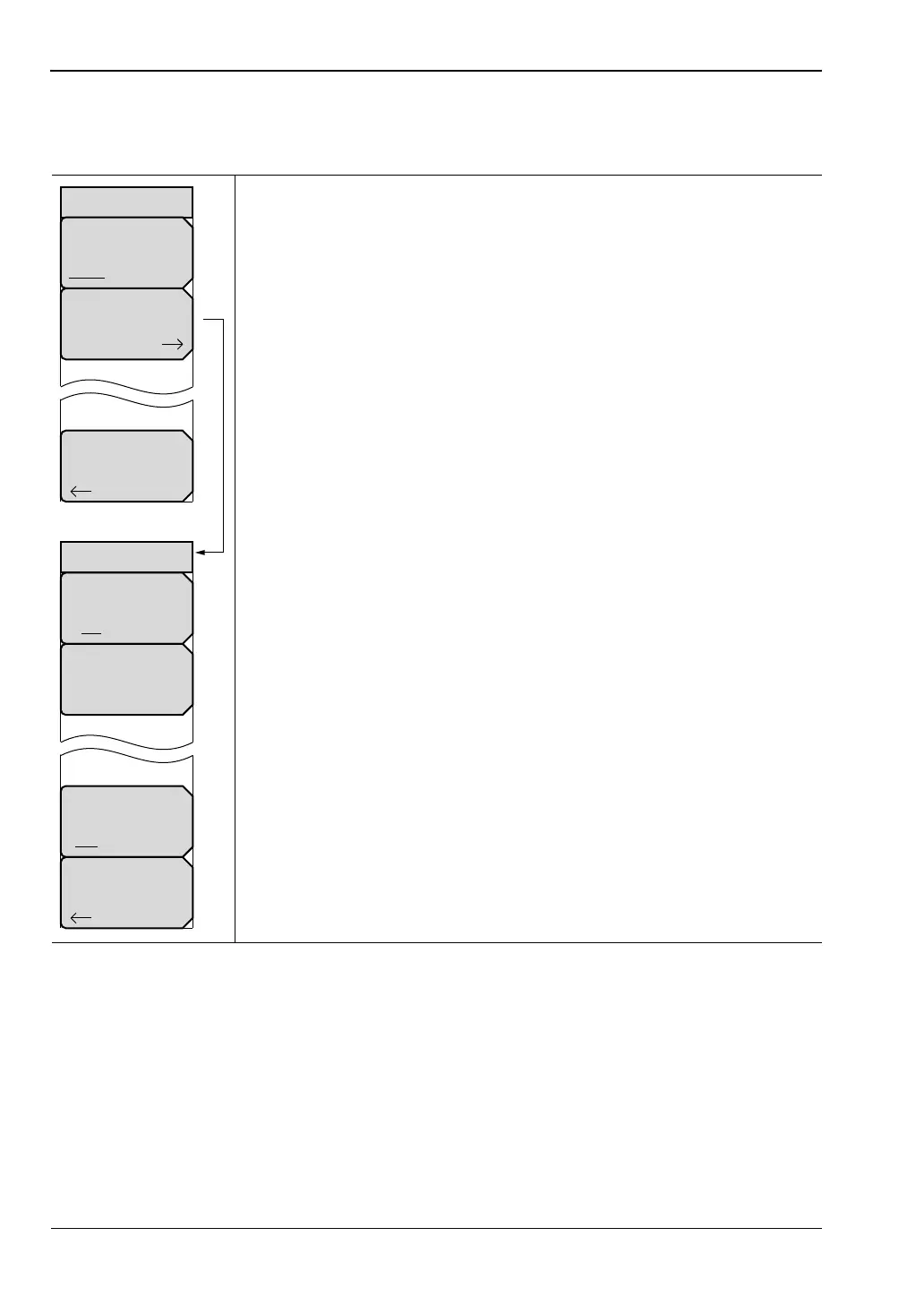
Key Sequence: Shift, System (8) > Application Options
Impedance
50 Ohm 75 Ohm Other: Press this submenu key to toggle the
impedance setting to 50 ohm, 75 ohm, or Other impedance value.
Selecting 75 ohm selects the 7.5 dB loss of the Anritsu 12N50-75B
adapter. For other adapters, select Other and enter the appropriate loss.
Bias Tee (Option 10 required): Opens the Bias Tee submenu. When
turned on, the Bias Tee voltage and current is shown in the lower left
corner of the display.
Bias Tee: Toggles On and Off the variable power supply.
Bias Tee Voltage: Use this submenu to set the power supply
voltage.
Current: Toggle the current between Low and High.
Back: Press this submenu key to return to the Application Options
Menu.
Back: Press this submenu key to return to the “System Menu”
on page 5-4.
Figure 5-5. Application Options Menu (SPA Mode)
Options
Bias Tee
Impedance
50 Ohm 75 Ohm Other
Bias Tee
Off On
Current
Low High
Bias Tee
Back
Bias Tee Voltage
15.0 V
Back



 To Next Page