File Management 4-5 File Menu
S412E UG PN: 10580-00318 Rev. P 4-11
Save On Event Menu
In all Spectrum Analyzer, Interference Analyzer, and LMR Analyzer modes, this menu is
used to auto save measurements to internal memory after a set events occur.
Key Sequence: File > Save On Event
...Crossing Limit
On Off: Toggling this submenu key to On sets the LMR Master to save
the measurement to internal memory when the measurement has crossed a
defined limit line that has been created with the Limit menu.
...Sweep Complete
On Off: Toggling this submenu key to On sets the LMR Master to save
the measurement to internal memory after the current sweep is complete. If
Save Then Stop is toggled Off, then a measurement is saved after every
sweep.
Save Then Stop
On Off: Toggling this key to On sets the LMR Master to stop the sweep
after a measurement is saved. With this key Off and Sweep Complete On, a
measurement is saved after every sweep.
Clear All: Press this key to turn Off all three save-on-event keys:
Crossing Limit
Sweep Complete
Save Then Stop
Back: Press this key to return to the “File Menu” on page 4-8.
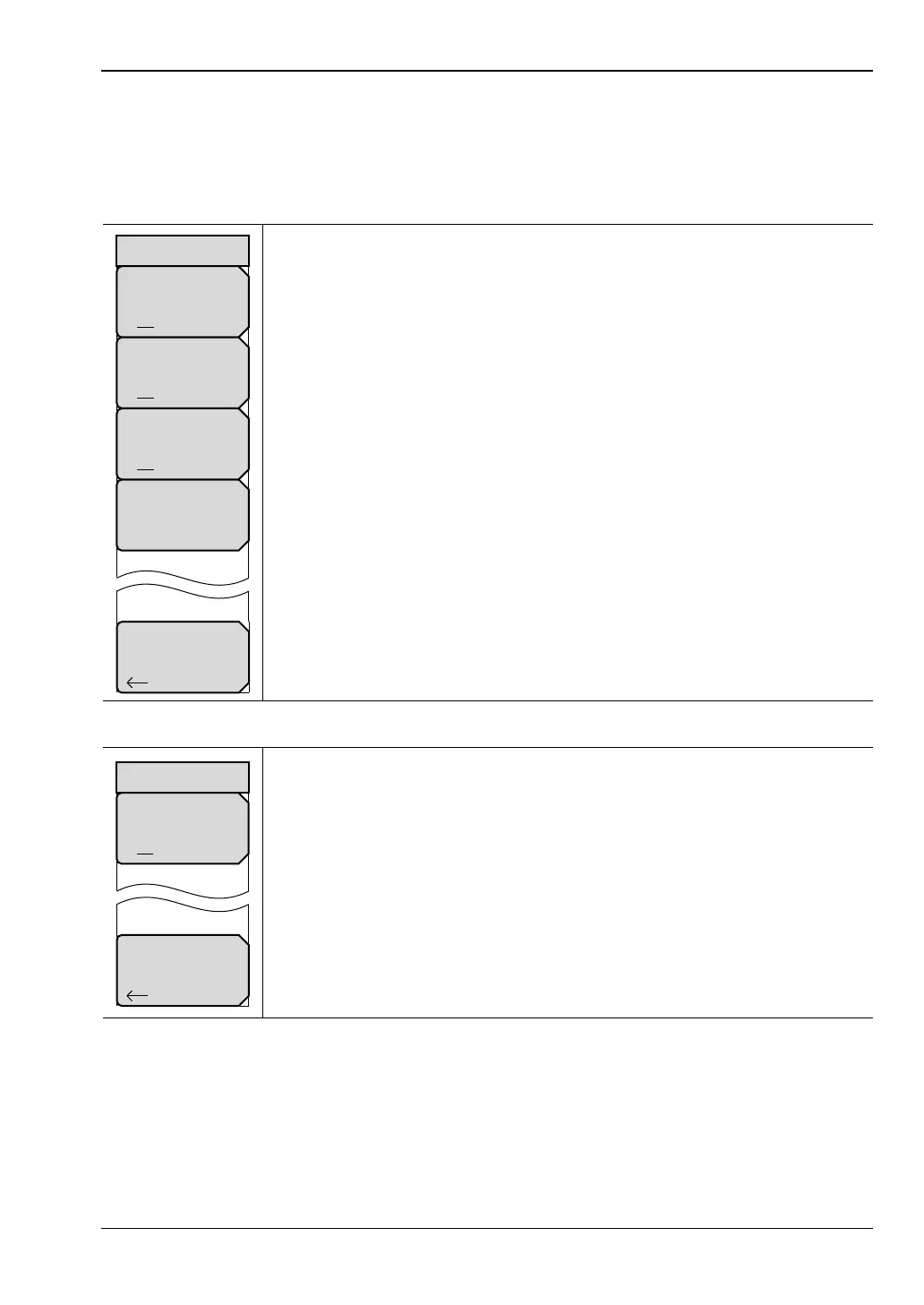
Figure 4-10. Save On Event Menu (Spectrum and Interference Analyzer Modes)
Squelch Crossing
On Off: Toggling this submenu key to On sets the LMR Master to save
the measurement to internal memory when the measurement has crossed a
defined squelch level that has been set via the Setup menu.
Back: Press this key to return to the “File Menu” on page 4-8.
Figure 4-11. Save On Event Menu (LMR Analyzer Modes)
Back
Clear All
Save On...
...Crossing Limit
On Off
...Sweep Complete
On Off
Save Then Stop
On Off
Back
Save On...
Squelch Crossing
On Off



 To Next Page