3-3 CW Signal Generator Quick Start Guide
3-2 PN: 10580-00318 Rev. P S412E UG
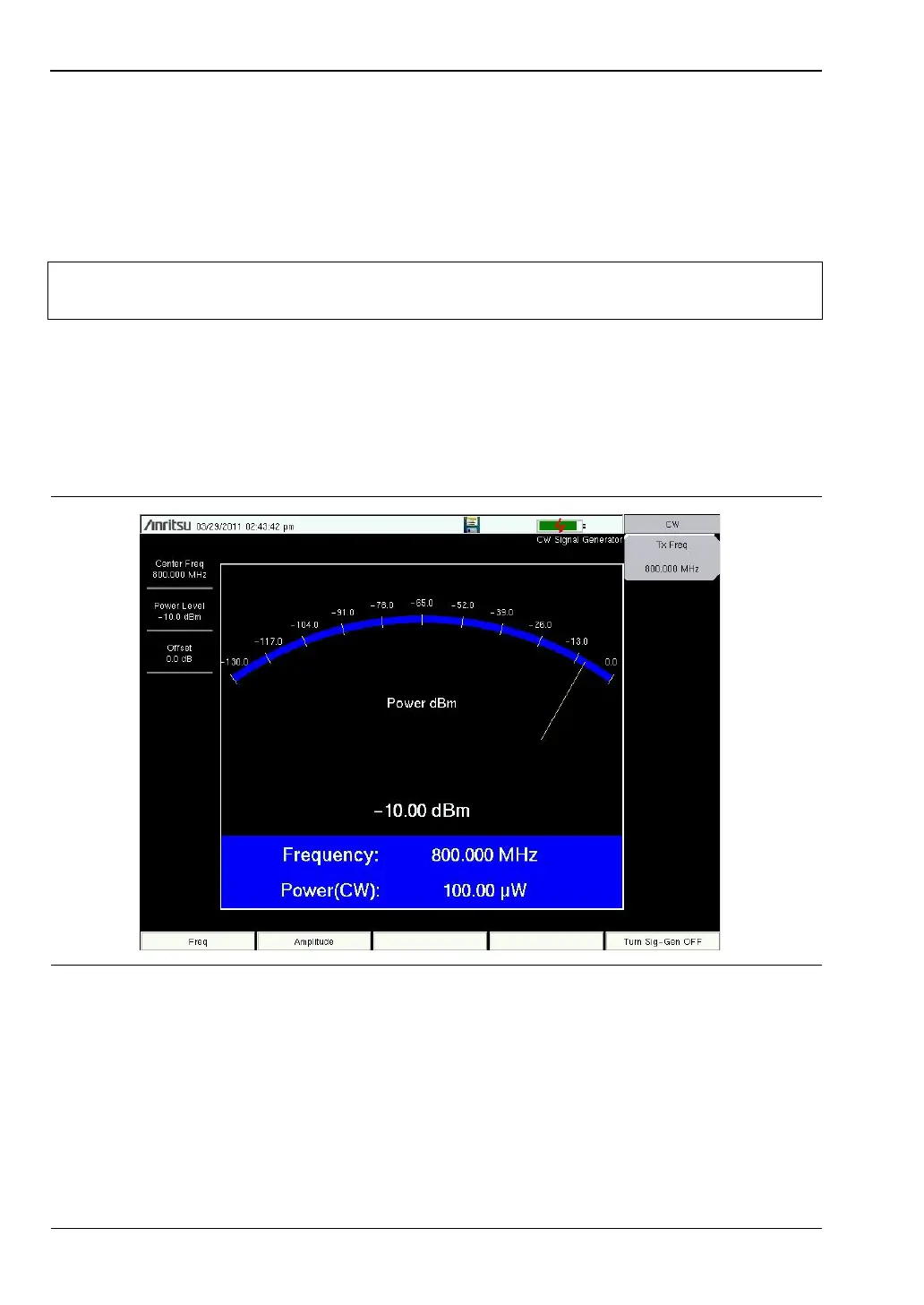
3-3 CW Signal Generator
The CW Signal Generator provides a continuous wave (CW) signal from the Signal Generator
Out port of the LMR Master. The CW signal is primarily used for testing the sensitivity of
receivers. To test receiver sensitivity, connect the output directly to the receiver that is being
measured, and then reduce the signal generator amplitude until the receiver is unable to
detect the signal.
1. Set the instrument to CW Signal Generator mode as described in the previous section.
2. Press the Freq main menu key and set the transmit frequency of the CW signal.
3. Press the Amplitude main menu key and set the Power Level and Offset. Add a positive
value offset value for any external gain or negative offset value for any external loss.
4. Press the Turn Sign-Gen OFF main menu key to stop transmitting.
Note
CW Output is turned on by default when entering CW Signal Generator mode and
automatically turned off when exiting CW Signal Generator mode.
Figure 3-2. CW Signal Generator



 To Next Page