System Operations 5-8 Preset Menu
S412E UG PN: 10580-00318 Rev. P 5-17
5-8 Preset Menu
Key Sequence: Shift, Preset (1)
5-9 Self Test
At power on, the LMR Master runs through a series of quick checks to ensure that the system
is functioning properly. The System Self Test runs a series of tests that are related to the
instrument itself. The Application Self Test runs a series of tests that are related to the
current operating mode of the instrument.
If the LMR Master is within the specified operating range with a charged battery and the self
test fails, contact your Anritsu Service Center at http://www.anritsu.com/contact-us.
To start a self test when the system is already powered up:
1. Press the Shift key and then the System (8) key.
2. Press the Self Test submenu key. The Self Test results are displayed.
3. Press Esc to continue.
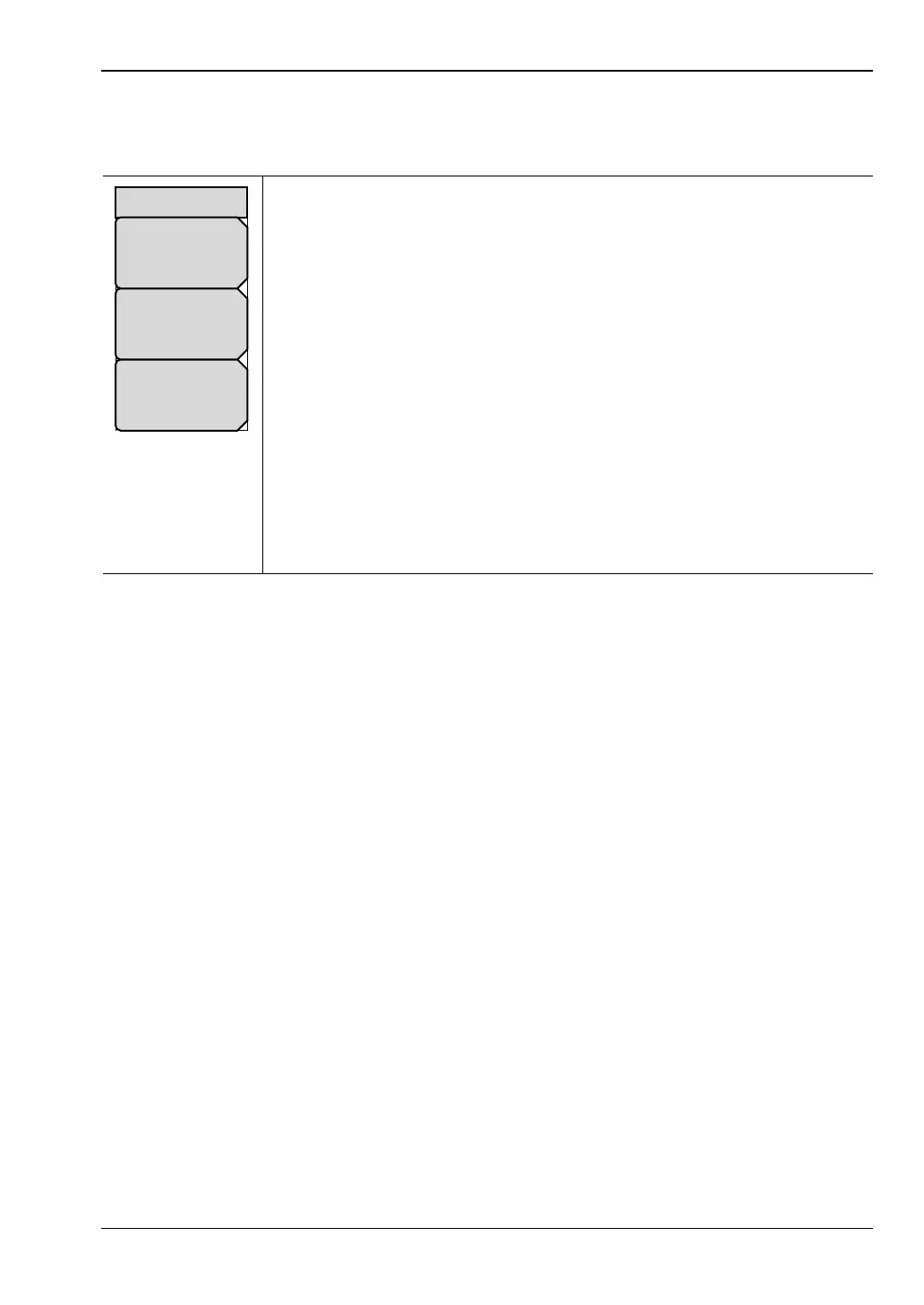
Preset: Press this submenu key to reset the instrument to the default
starting conditions.
Save Setup: Press this submenu key to open the Save dialog box
(Figure 4-1 on page 4-3) to name and save the current operating settings,
allowing them to be recalled later to return the instrument to the state it was
in at the time the setup was saved.
The saved setup can be named using the touch screen keyboard. Use the
Caps key to select an upper case letter. Use the Left/Right directional
arrows to move the cursor position. Press Enter to save the setup.
Note: Set the File type as Setup. Refer to “Save Menu” on page 4-9 for
details.
Recall Setup: Press this submenu key to select and recall a previously
stored instrument setup using the “Recall Menu” on page 4-12. Use the
rotary knob, the Up/Down arrow keys, or the touchscreen to highlight the
saved setup, and press Enter. All current instrument settings are replaced
by the stored setup information.
Figure 5-20. Preset Menu
Recall
Setup
Preset
Save
Setup
Preset



 To Next Page