System Operations 5-2 System Menu Group Overview
S412E UG PN: 10580-00318 Rev. P 5-3
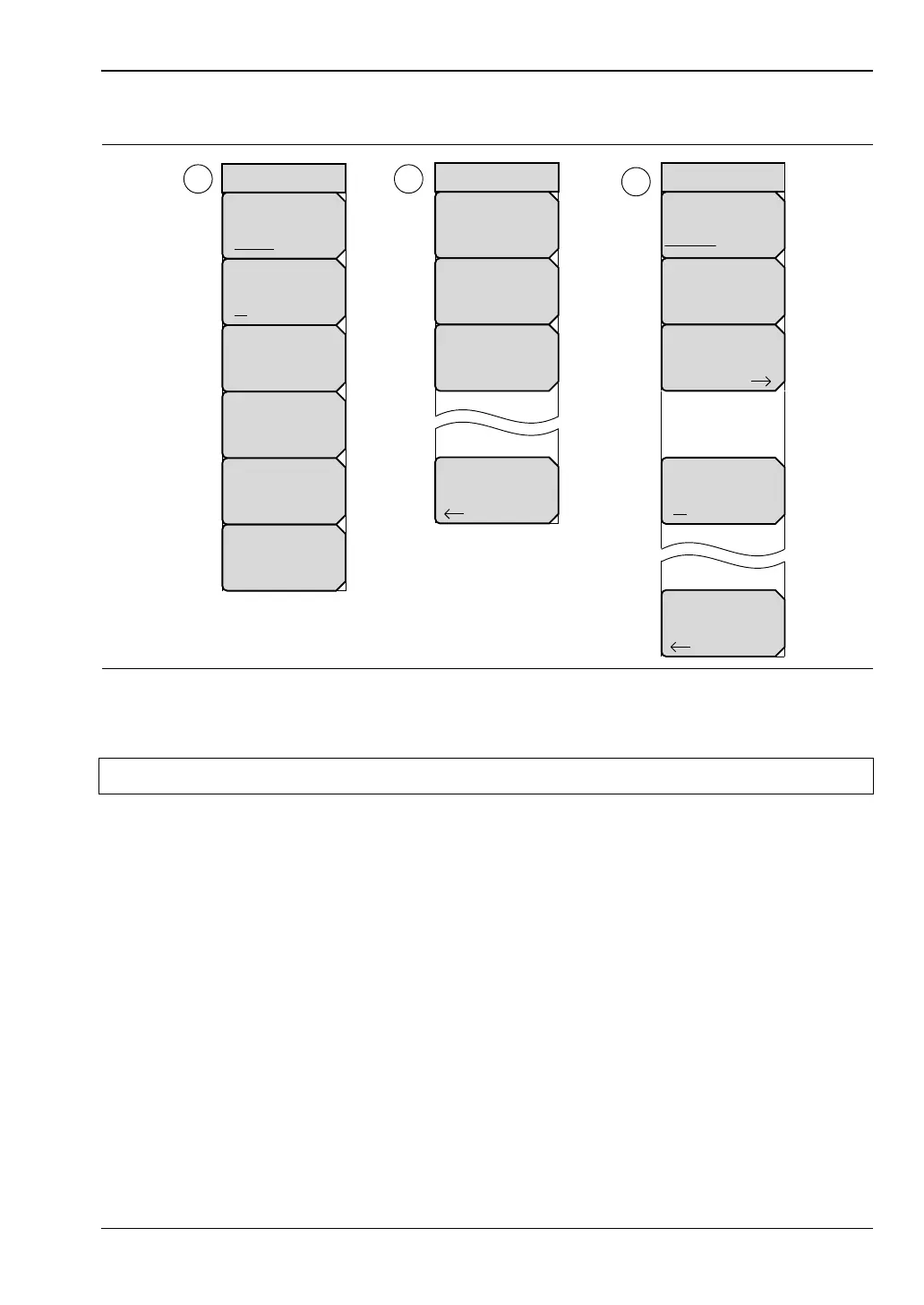
System Menu Map 2
To access the functions under the System menu, press the Shift key, then the System (8) key.
Figure 5-2. System Menu Map – Part 2
Note The display settings will vary based on the current measurement mode.
21
3
Back
Reset
Factory
Defaults
Master
Reset
Update
Firmware
Ethernet
Type
Manual DHCP
Field
IP G-Way Sub
Back
System Options 2/2
Share CF &
Pwr Offset
All Modes Not Shared
Set
Remote Access
Password
Power–On
Input Power
Warning
On Off
First Octet
Second Octet
Third Octet
Fouth Octet



 To Next Page