Instrument Overview 2-3 Front Panel Overview
S412E UG PN: 10580-00318 Rev. P 2-5
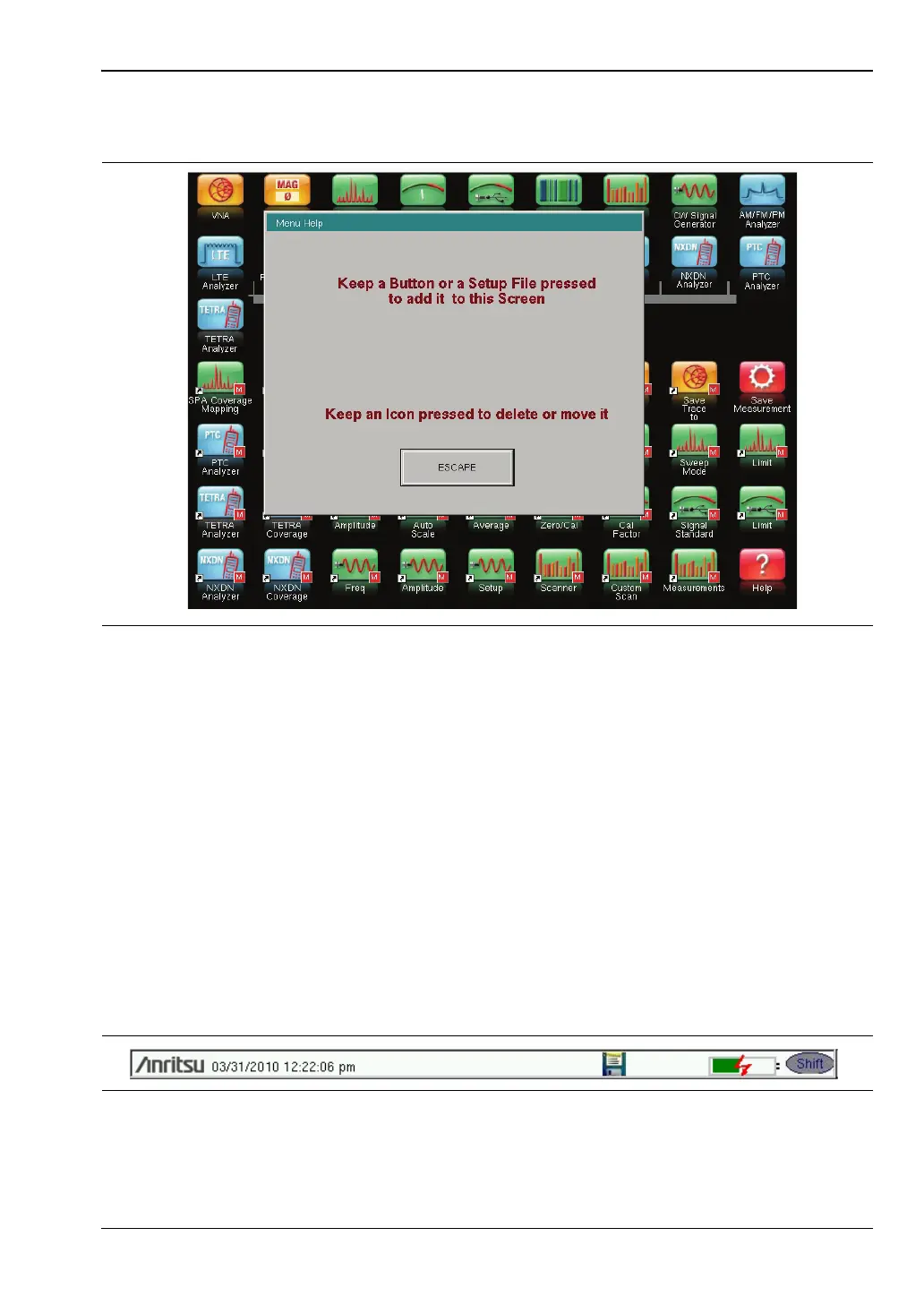
Help for the Menu shortcut screen is available by pressing the icon in the lower-right corner
of the display.
Esc Key
Press this key to cancel any setting that is currently being made.
Enter Key
Press this key to finalize data input or select a highlighted item from a list.
Arrow Keys
The four arrow keys (around the Enter key) are used to scroll up, down, left, or right. The
arrow keys can often be used to change a value or to change a selection from a list. This
function is similar to the function of the rotary knob. The arrow keys are also used to move
markers.
Shift Key
Pressing the Shift key followed by pressing a number key executes the function that is
indicated in blue text above the number key. When the Shift key is active, its icon is displayed
at the top-right of the measurement display area near the battery charge indicator.
Figure 2-4. Menu Help
Figure 2-5. Shift Key Icon



 To Next Page