5-2 System Menu Group Overview System Operations
5-2 PN: 10580-00318 Rev. P S412E UG
5-2 System Menu Group Overview
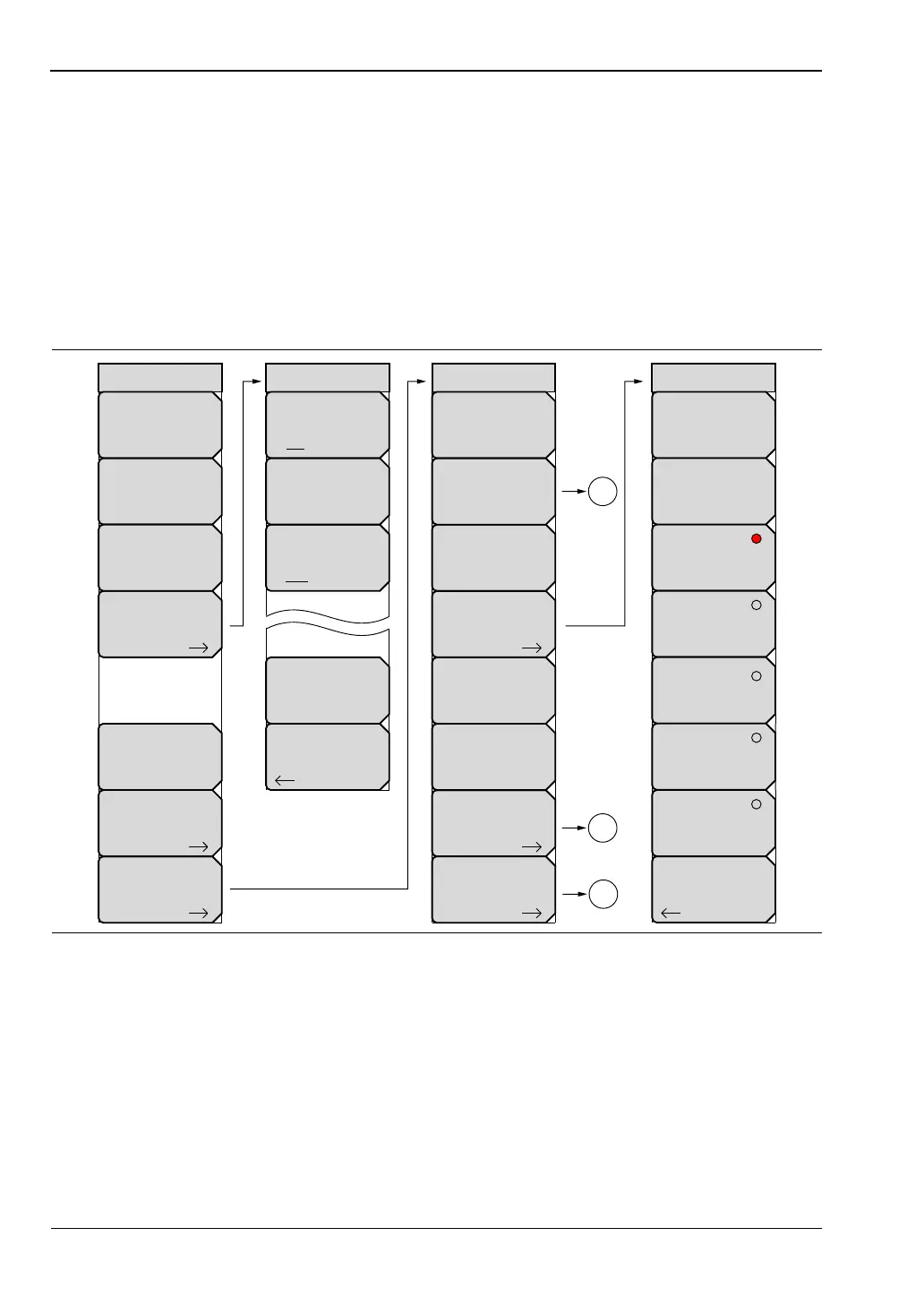
To access the functions under the System menu, press the Shift key, then the System (8) key.
Figure 5-1 and Figure 5-2 show the menu group that is accessible from the System menu.
Menu maps typically display all possible submenu keys, although some keys are displayed on
the instruments only under special circumstances (refer to the menu descriptions on the
following pages).
Note that the menus that are indicated by numbered circles are shown in Figure 5-2.
System Menu Map 1
Figure 5-1. System Menu Map – Part 1
GPS
Back
GPS
On Off
GPS Voltage
3.3 V 5 V
GPS Info
Reset
System
System
Options
Application
Options
GPS
Status
Self
Test
Application
Self
Test
Calibrate
Touch
Screen
2
1
3
Back
Display Settings
Brightness
Default Colors
Black on White
Night Vision
High Contrast
Display Blank
Color on White
Reset
System Options
Date
&
Time
Language
Name
Volume
Ethernet
Config
More
Display



 To Next Page