Instrument Overview 2-6 Symbols and Indicators
S412E UG PN: 10580-00318 Rev. P 2-13
Battery Symbols
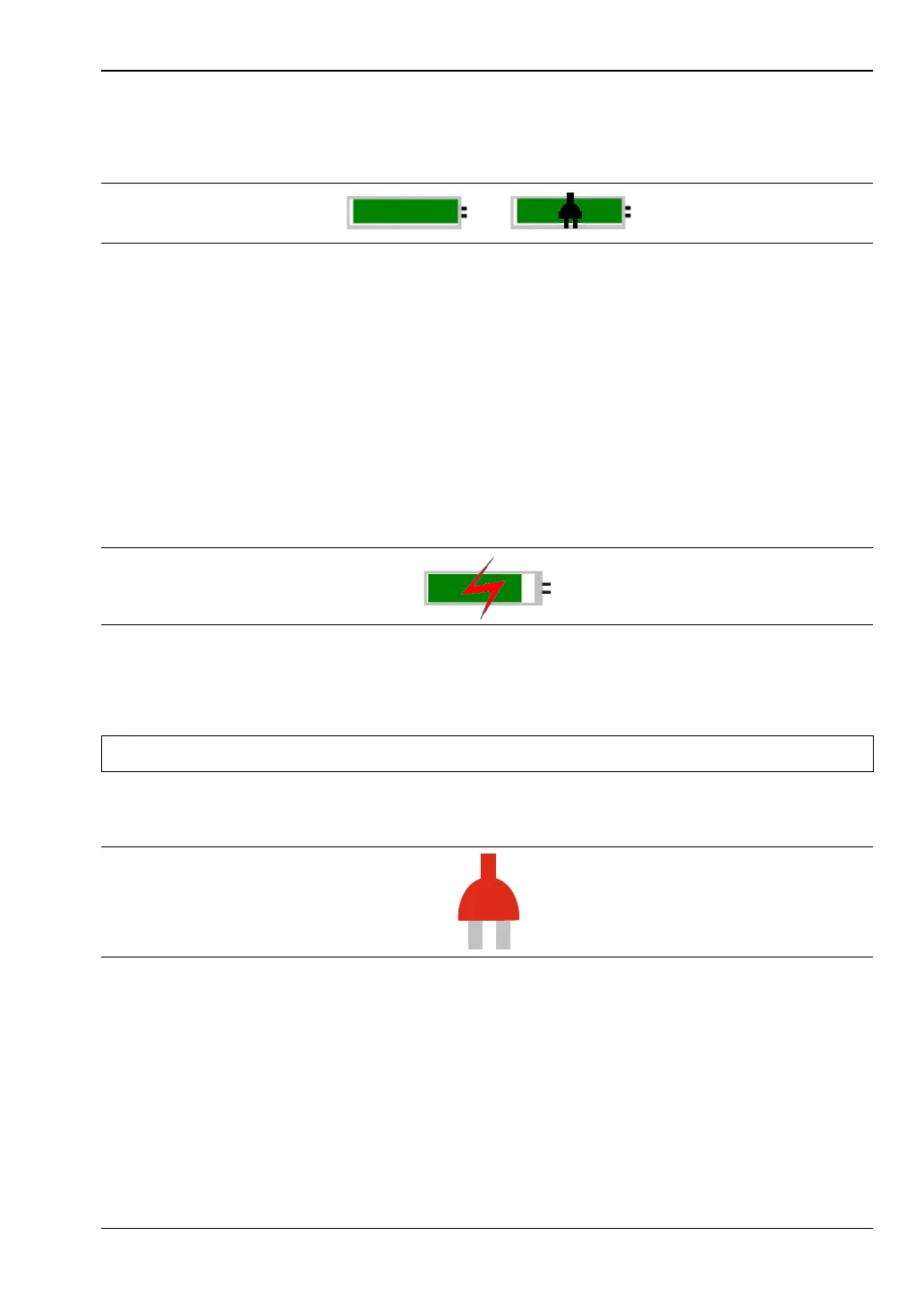
The battery symbol above the display indicates the charge remaining in the battery.
The colored section inside the symbol changes size and color with the charge level.
Green with Black Plug body: Battery is fully charged and external power is applied
Green: Battery is 30 % to 100 % charged
Yellow: Battery is 10 % to 30 % charged
Red: Battery 0 % to 10 % charged
Lightning Bolt: Battery is being charged (any color symbol)
Detailed battery information is also available in the Status dialog box (System > Status).
When either the AC-DC Adapter or the Automotive Cigarette Lighter Adapter is connected,
the battery automatically receives a charge, and the battery symbol with the lightning bolt is
displayed (Figure 2-10).
The green Charge LED flashes when the battery is charging, and remains on steady when the
battery is fully charged.
When operating from external power without a battery installed, the battery symbol is
replaced by a red plug body (Figure 2-11).
Figure 2-9. Battery Status
Figure 2-10. Battery Charging Icon
Caution Use only Anritsu-approved batteries, adapters, and chargers with this instrument.
Figure 2-11. Battery Not Installed



 To Next Page