Quick Start Guide 3-4 Vector Network Analyzer
S412E UG PN: 10580-00318 Rev. P 3-3
3-4 Vector Network Analyzer
Set the instrument to Vector Network Analyzer (VNA) mode as described in Section 3-2.
Field Mode Display vs. Standard VNA Display
Field Mode is the default display of the LMR Master when the instrument is turned on for the
first time or reset. Field Mode display may be more familiar to users who have experience
making Cable and Antenna measurements using the Anritsu LMR Master. Standard VNA
display allows the full Vector Network Analyzer functionality of the LMR Master.
Press Shift-8 (System) > Application Options > Meas Menu to toggle between the two views.
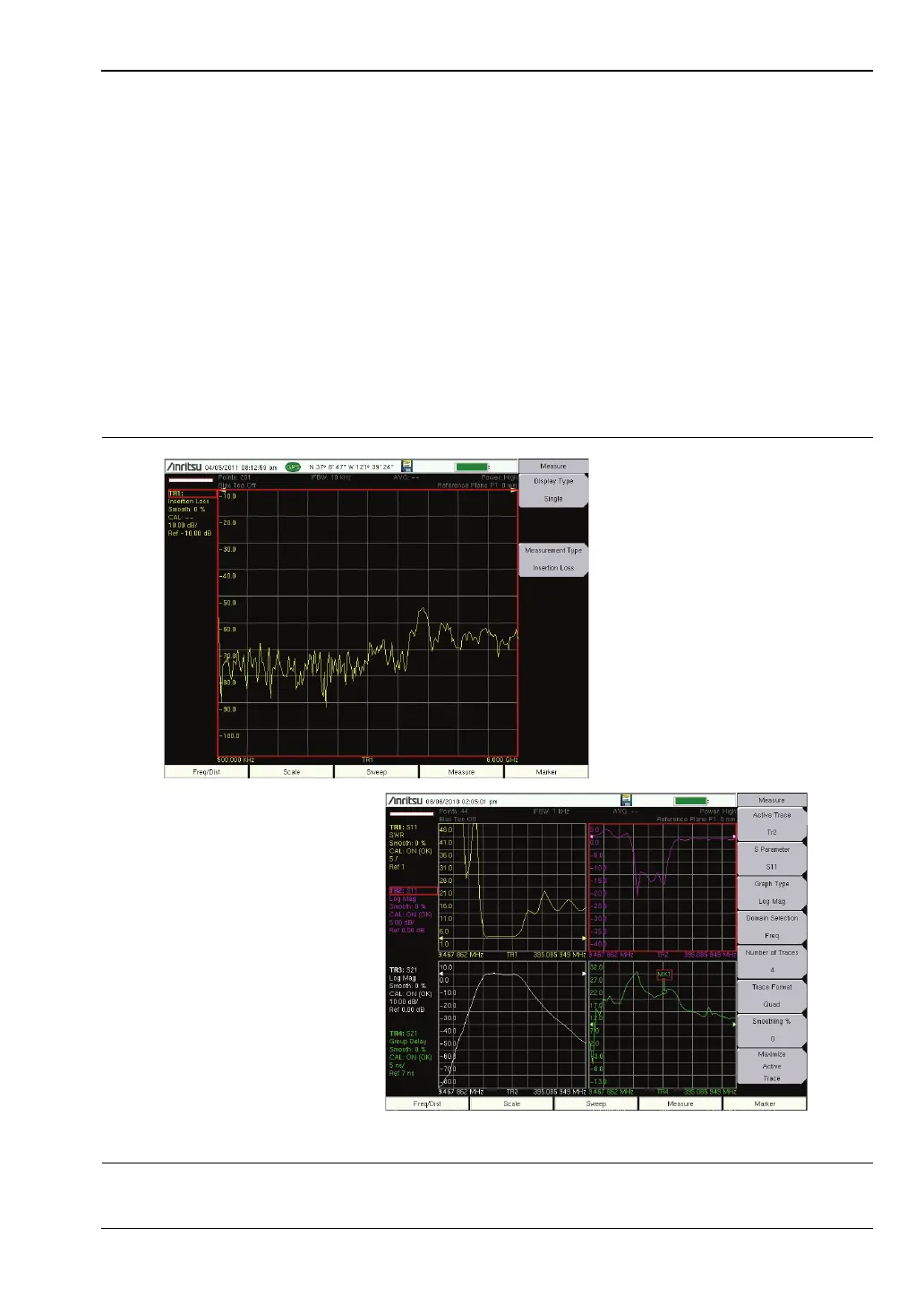
Figure 3-3 shows an example of typical VNA measurements in Field Mode Display and
Standard VNA display. Refer to the Vector Network Analyzer Measurement Guide listed in
Appendix A for detailed information on VNA measurements and the menu differences
between the two display structures.
Figure 3-3. Measurement Menu in Field Mode Display and Standard VNA Display
Field Mode Display
Standard VNA Display



 To Next Page