Quick Start Guide 3-5 Spectrum Analyzer
S412E UG PN: 10580-00318 Rev. P 3-13
Select a Smart Measurement Type
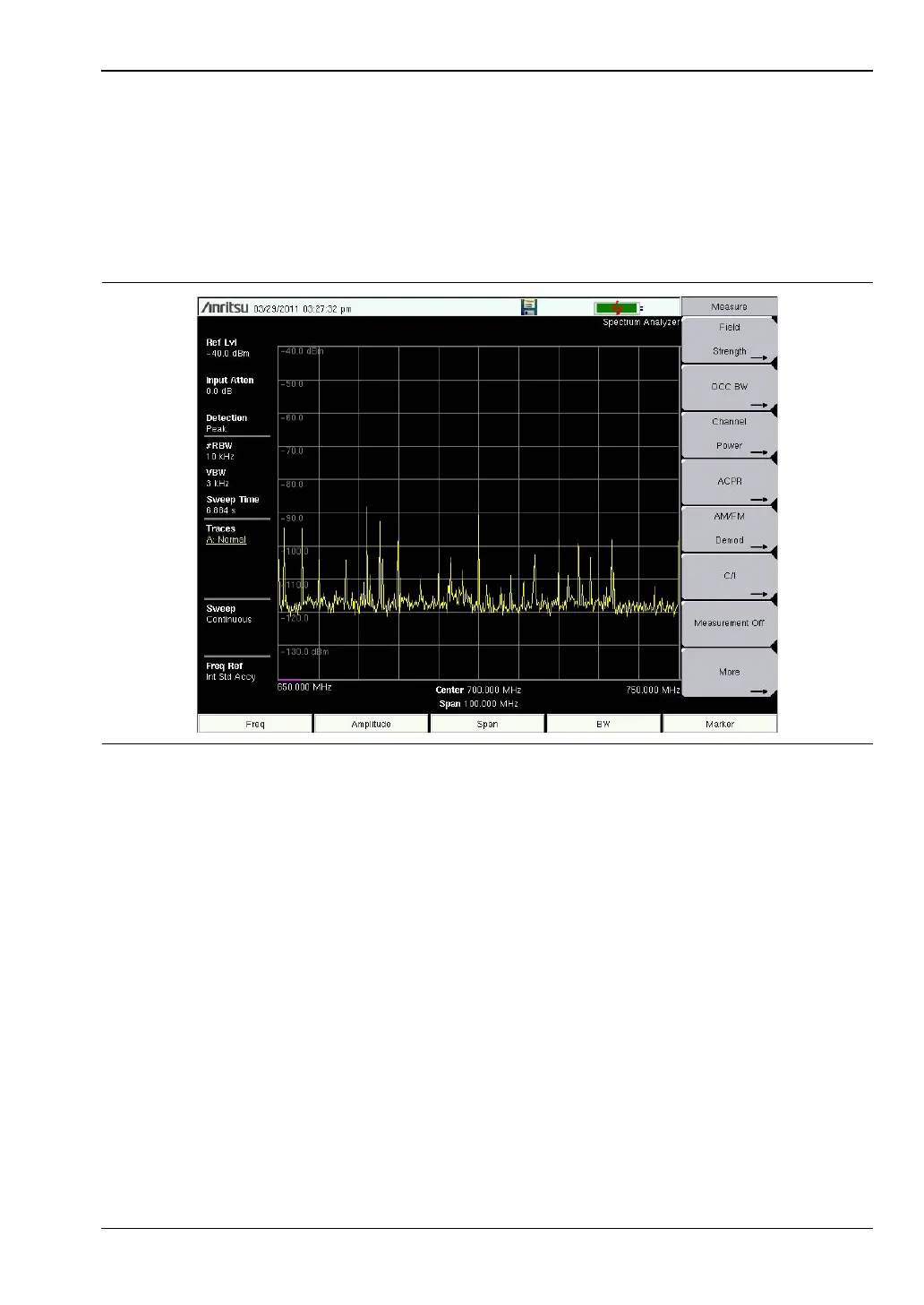
In Spectrum Analyzer mode, press Shift then Measure (4) and select a smart one-button
measurement using the submenu keys. The smart one-button measurements are built-in for
field strength, occupied bandwidth, channel power, adjacent channel power ratio, and carrier
to interference ratio (C/I) tests. In addition, AM/FM demodulation is available to aid in the
identification of interfering signals. Refer to the Spectrum Analyzer Measurement Guide
listed in Appendix A, “Measurement Guides” for additional information.
Figure 3-8. Spectrum Analyzer Measure Menu with Smart Measurements



 To Next Page