4-3 Managing Files File Management
4-6 PN: 10580-00318 Rev. P S412E UG
Delete Files
Press the Delete submenu key. Highlight the file to be deleted with the touchscreen or the
Up/Down arrow keys. Press the Select or De-Select key. Selected files are outlined in blue.
Press the Delete key and then press Enter to delete the selected file.
Delete Dialog Box
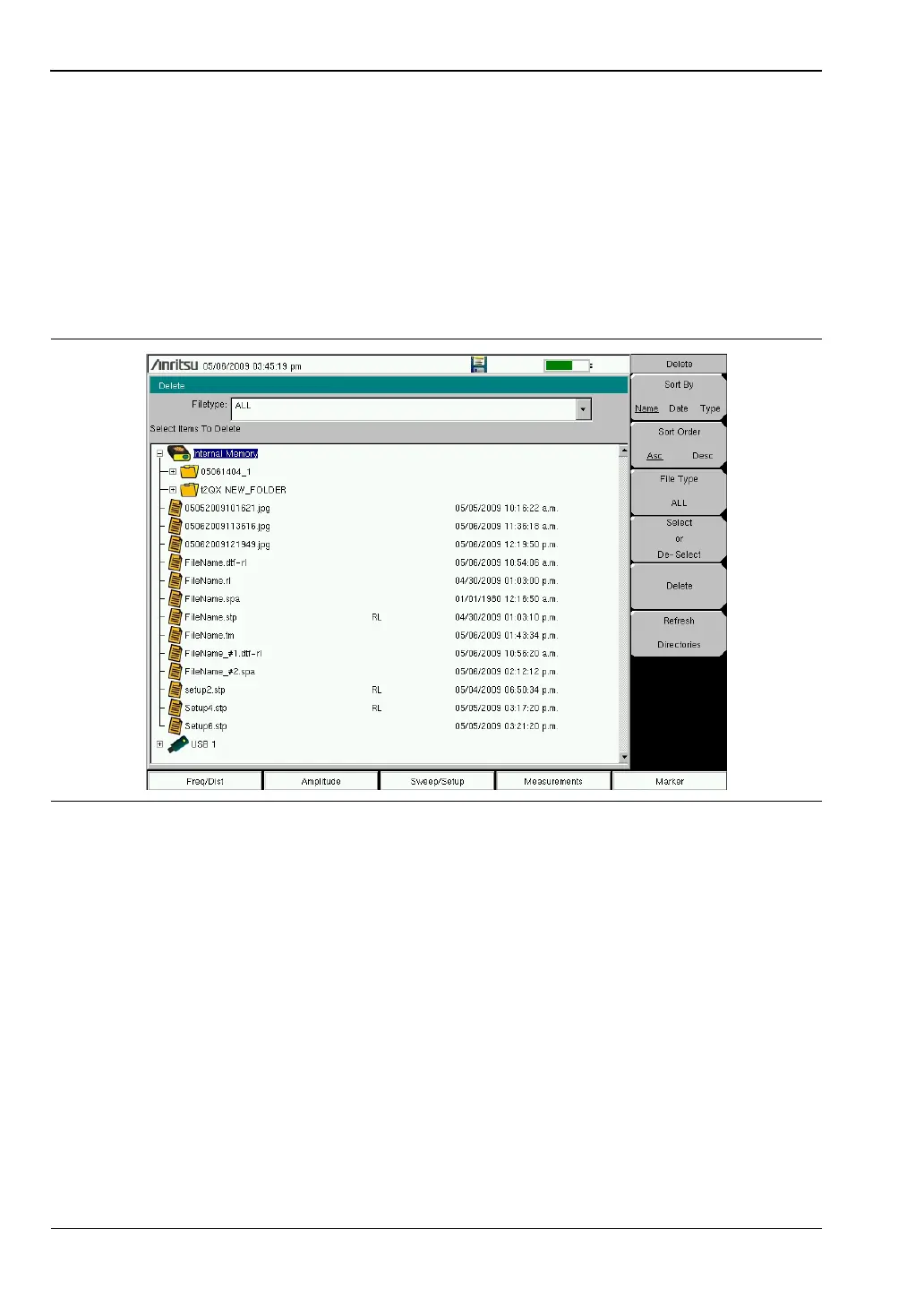
Press the Delete submenu key to open the Delete dialog box (Figure 4-4). The menus allow
sorting by file type, name, and saved date. Refer to the “Delete Menu” on page 4-14 for
additional information.
Figure 4-4. Delete Dialog Box



 To Next Page