3-4 Vector Network Analyzer Quick Start Guide
3-6 PN: 10580-00318 Rev. P S412E UG
4. Press the Limit Alarm key to turn on or off the Limit Alarm.
Set Up Distance Domain
This option is fully described in the Vector Network Analyzer Measurement Guide.
Refer to Appendix A, “Measurement Guides”. Measurement Guides are available
on the documentation disc and as free downloads from the Anritsu Web site
(refer to “Additional Documentation” on page 1-1).
Calibration Considerations
Various calibrations are available in the LMR Master. Press Shift-2 (Calibration) to open the
calibration menu. Press Start Cal and follow the instruction onscreen. 1-Port calibration is the
simplest and requires three connections during calibration. 2-Port calibration requires
four calibration connections and corrects for the transmit port match.
VNA calibration requires external precision OSL calibration components. 2-Port calibration
also requires a through connector (Figure 3-5 on page 3-7).
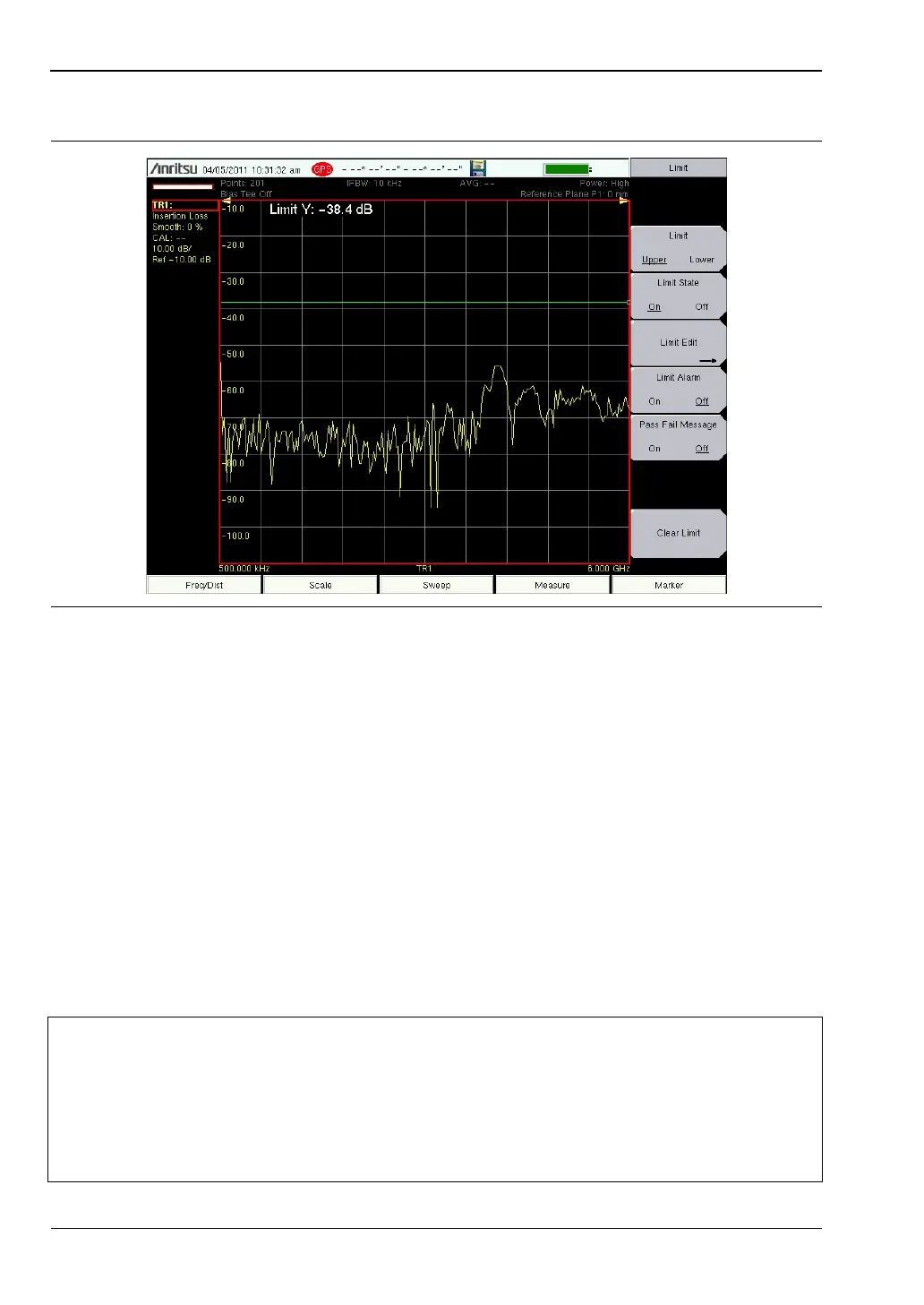
Figure 3-4. Single Limit Lines
Note
The Vector Network Analyzer Calibration menu is the same one that is used in the
Vector Voltmeter menu (Option 15). Refer to section “Calibration Menus” in
Chapter 6 of the Vector Network Analyzer Measurement Guide (refer to
Appendix A) for more information about the calibration menu. Note that some
calibration parameters are shared between the Vector Network Analyzer and
Vector Voltmeter mode, and that some parameters are different because they were
optimized for the specific mode application.



 To Next Page