5-5 System Options Menu System Operations
5-12 PN: 10580-00318 Rev. P S412E UG
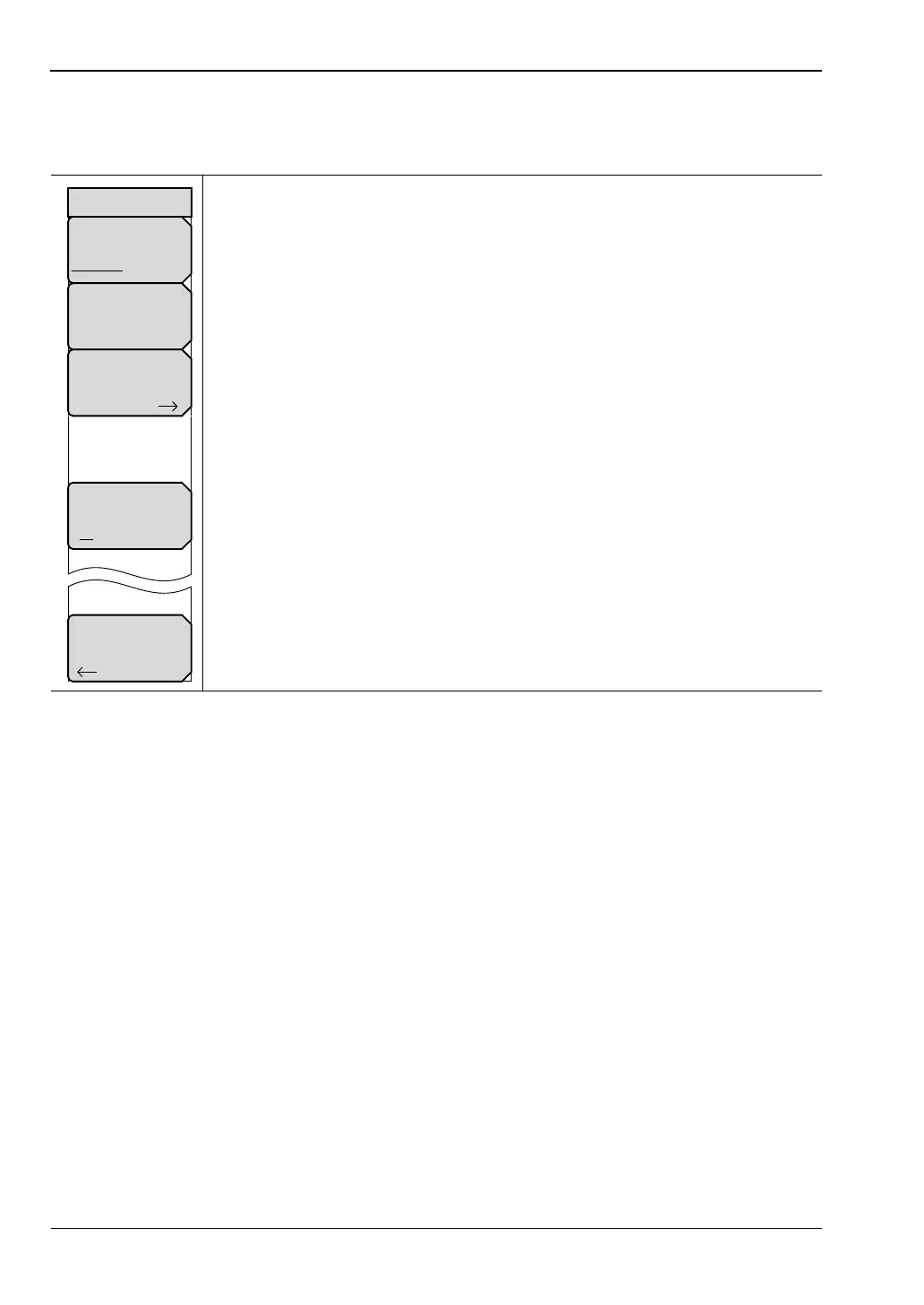
System Options 2/2 Menu
Key Sequence: Shift > System (8)>System Options > More
Share CF & Pwr Offset
All Modes Not Shared: Press this submenu key to toggle the setting to
All Modes or to Not Shared. Select All Modes to have the current center
frequency setting and power offset setting carried over when changing
measurement modes. This function is not applicable to measurements that do
not have a center frequency or power offset setting or to measurements in
which the current center frequency or power offset setting is outside the range
of the new measurement.
Set Remote Access Password: Press this submenu key to open the
Password text box (Figure 5-15) and Text Entry menu. Type in the desired
password. Upper case and lower case letters and the symbols - _ + . are
the allowed password characters. Press Enter to save or Esc to cancel.
Power–On: Press this submenu key to open the “Power–On Menu”
on page 5-14.
Input Power Warning
On Off: Press this submenu key to toggle a brief display of the input power
caution message at startup (Figure 5-16).
Back: Press this submenu key to return to the “System Options Menu”
on page 5-11.
Figure 5-14. System Options Menu 2/2)
Back
System Options 2/2
Share CF &
Pwr Offset
All Modes Not Shared
Set
Remote Access
Password
Power–On
Input Power
Warning
On Off



 To Next Page