System Operations 5-5 System Options Menu
S412E UG PN: 10580-00318 Rev. P 5-13
Remote Access Password
This function is valid only with Master Software Tools (MST) v2.21.1 or later. After setting
the password, reboot the instrument (normal power OFF then ON) to provide remote access
security. Only one user then has remote access at any one time.
The password is first set into the instrument, then used in MST. When prompted in MST,
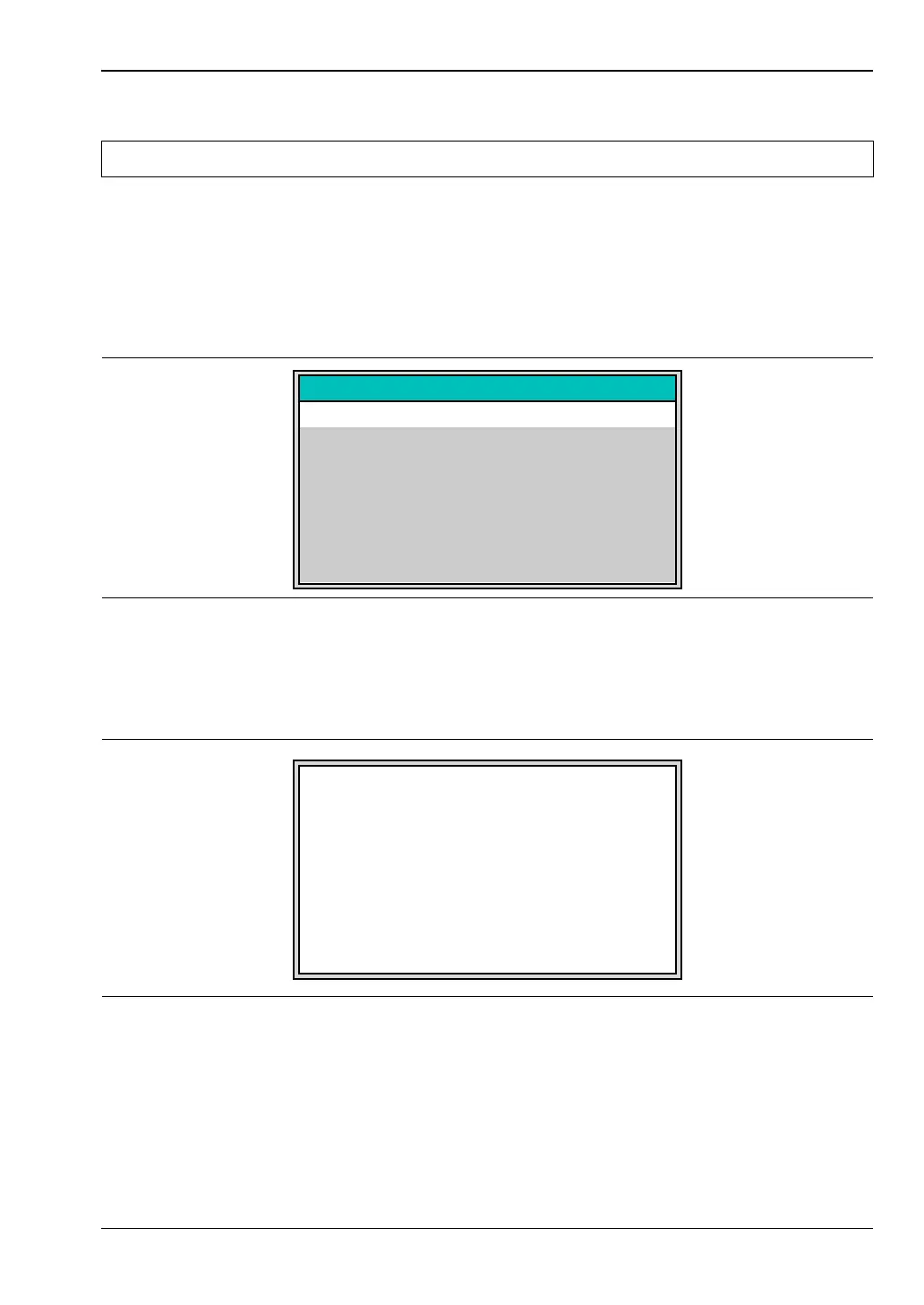
enter the password into the password text box. The password text box shown in Figure 5-15
may differ from the text box that is displayed on your instrument.
The password can be removed or reset by a Master Reset, by a Factory Default reset, or by a
firmware update (which includes a restart).
Warning Do not use SCPI commands with this feature.
Figure 5-15. Remote Access Password Text Box
Figure 5-16. Input Power Caution Text Box
Press Shift for Caps
Use arrow keys to navigate cursor within file name
Enter to Save
Password
To prevent damage to the instrument, NEVER connect
a transmitter directly to the input ports.
Input power limits per port:
RF In port: 50 Ohms, +33 dBm MAX, +50 VDC MAX
VNA port 1: 50 Ohms, +23 dBm MAX, +50 VDC MAX
VNA port 2: 50 Ohms, +23 dBm MAX, +50 VDC MAX
Press ESC to continue.
CAUTION !



 To Next Page