10-3 Web Remote Control Interface Web Remote Control
10-10 PN: 10580-00318 Rev. P S412E UG
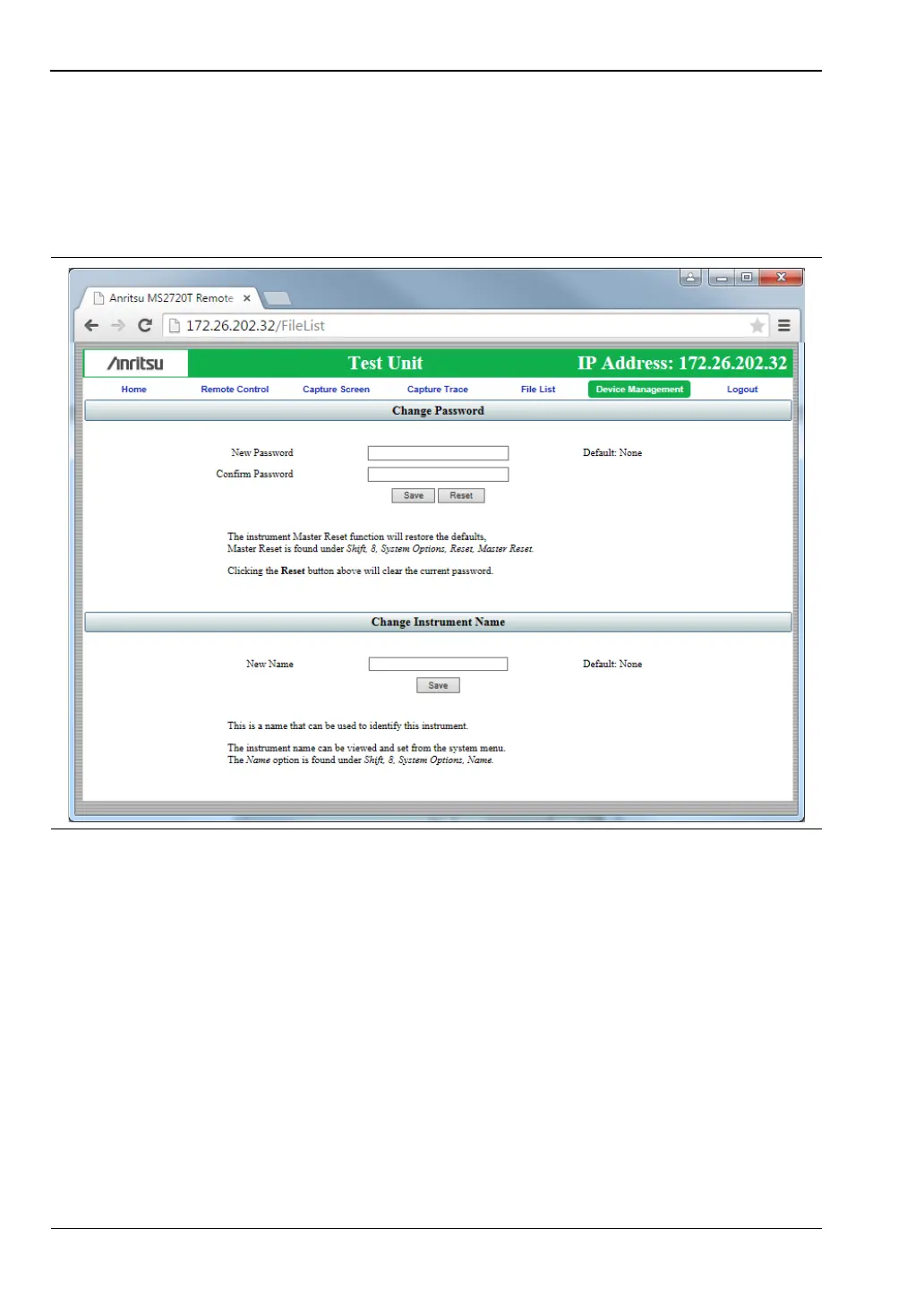
Instrument Name
The instrument name is displayed in the green title bar of the browser screen. It is useful in
identifying the instrument when you have more than one instrument connected. The name
can be assigned remotely from this Device Management page, or it can be set from the
instrument's System Options menu. Note that this instrument name is not a "hostname" as
used in an Ethernet router.
Logout
Exits Web Remote Control and displays the login page. To return to Web Remote Control,
enter the password or leave the field blank if no password has been set, then click Login.
Figure 10-8. Device Management Page



 To Next Page