Ethernet Connectivity 6-3 Ethernet Configuration on the LMR Master
S412E UG PN: 10580-00318 Rev. P 6-3
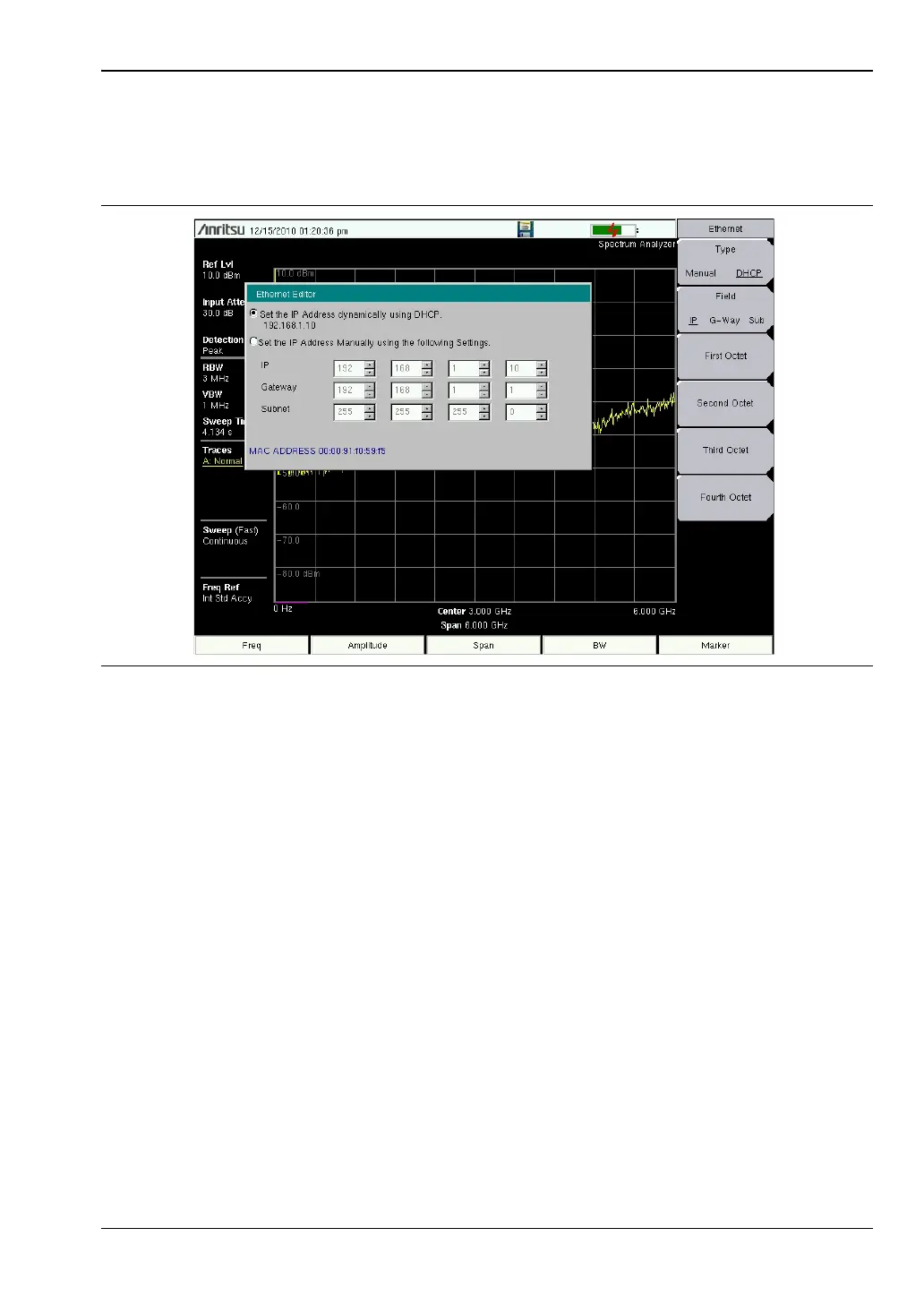
To display the IP address with the instrument on, press the Shift key, then the System (8)
key, then the System Options soft key and the Ethernet Config soft key. The IP address will be
displayed as shown in Figure 6-1. The image on the display panel of your LMR Master may
differ from the image shown here.
Figure 6-1. IP Address Assigned Using DHCP



 To Next Page