A7 Plus – OPERATOR'S MANUAL
• Select the desired patient - the corresponding general data sheet will be
displayed in order to be checked.
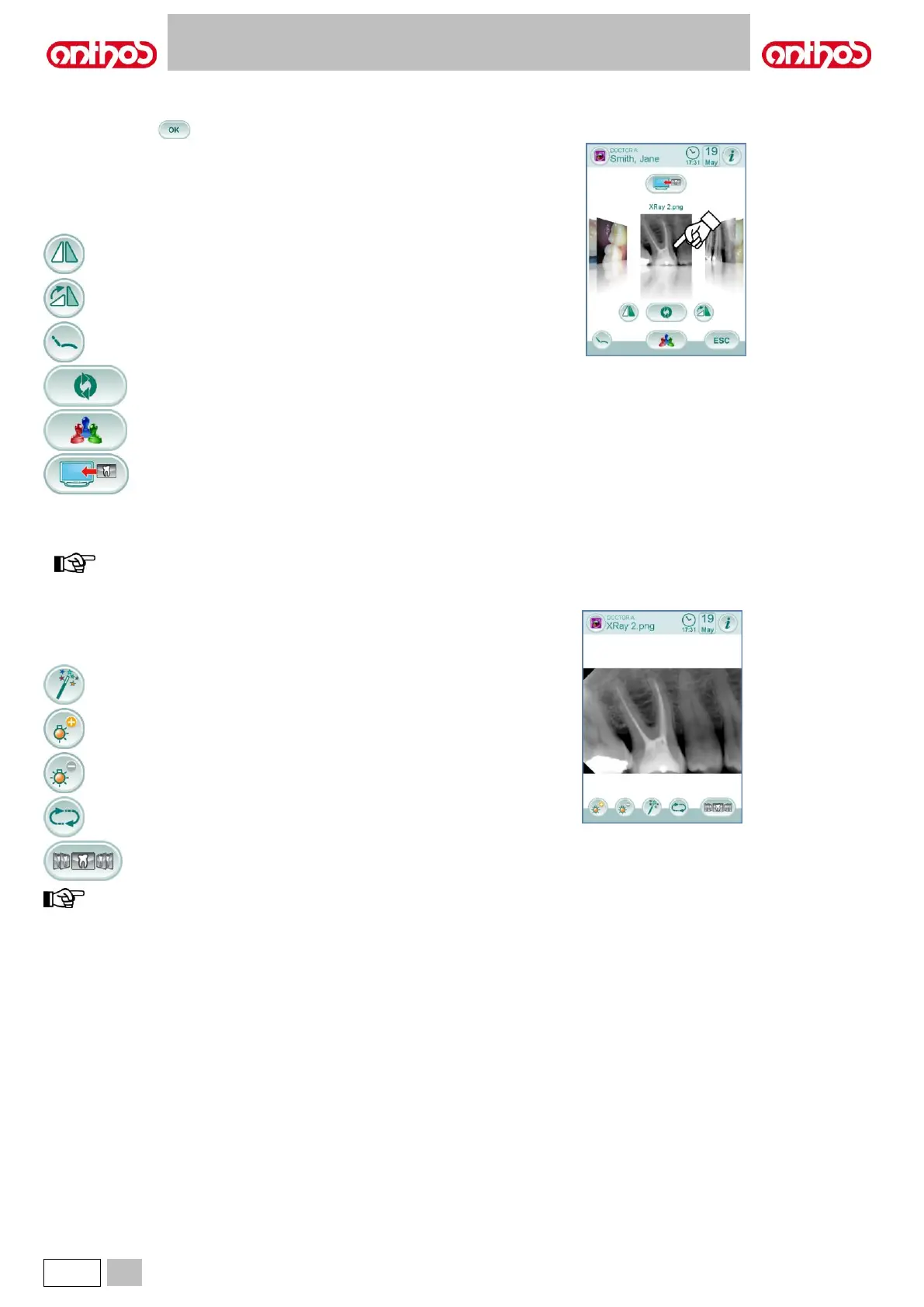
• Touch icon button to access the “thumbnail” screen.
"Thumbnail" screen.
• Scroll image thumbnails by touching on the left or on the right of the
central image.
• Touch the image to display it in full screen mode.
• Available controls:
Recall main controls of main screen.
Delete image (a confirmation prompt will appear).
Go back to "list" screen.
Display images on monitor (only with monitor connected
to camera module).
Scroll image thumbnails by touching on the left or on the right of the
central image.
• Touch the image to display it in full screen mode.
any image change performed from the console are NOT
saved in iRYS.
"Image" screen.
• Touch the image to zoom it and move it sideways.
• Available controls:
Image automatic improvement.
Increase image brightness.
Restore image original appearance.
Go back to "thumbnail" screen.
any image change performed from the console are NOT saved
in iRYS.



 To Next Page