A7 Plus – OPERATOR'S MANUAL
• Lever pulled upwards:
Dental chair programme “A" activation.
Protection against liquid penetration.
The foot control is protected against liquid penetration. Degree of
protection: IPX1.
Cleaning.
Clean the foot control using a suitable product (see Paragraph 1.4).
if the foot control slips on the floor, remove any dust from the
slip-proof rubber found under the base with a moist cloth.
5.2.4. WIRELESS FOOT CONTROL
The "side travel" and "push-pedal" foot controls can also be supplied in WIRELESS version.
The wireless foot control contains a ZIGBEE transmitter module (module certified for Europe, Canada and the USA).
Warnings for use.
WARNING:
• Avoid keeping the WIRELESS foot control in proximity of other RF sources, such as wireless LAN cards, other radio devices, home
RF devices, microwave ovens. The recommended distance is at least 2 metres in the case of microwave ovens and 1 metre in all
other cases.
• Even though the electromagnetic field irradiated by the foot control is insignificant, it is advisable NOT to use it in proximity of life
support equipment (e.g. pacemakers or heart stimulators) and hearing aids. Before using any electronic device in health facilities,
always check that it is compatible with the other equipment present.
• Exclusively use the dental unit to charge the battery of the WIRELESS foot control.
• The internal battery may only be replaced by a qualified technician.
Warnings for first use.
It is advisable to fully charge the foot control battery before using it for the first time.
WIRELESS foot control operation.
The WIRELESS foot control operates exactly in the same way as the wired version, therefore refer to the paragraphs above paying WARNING to the
specific model used.
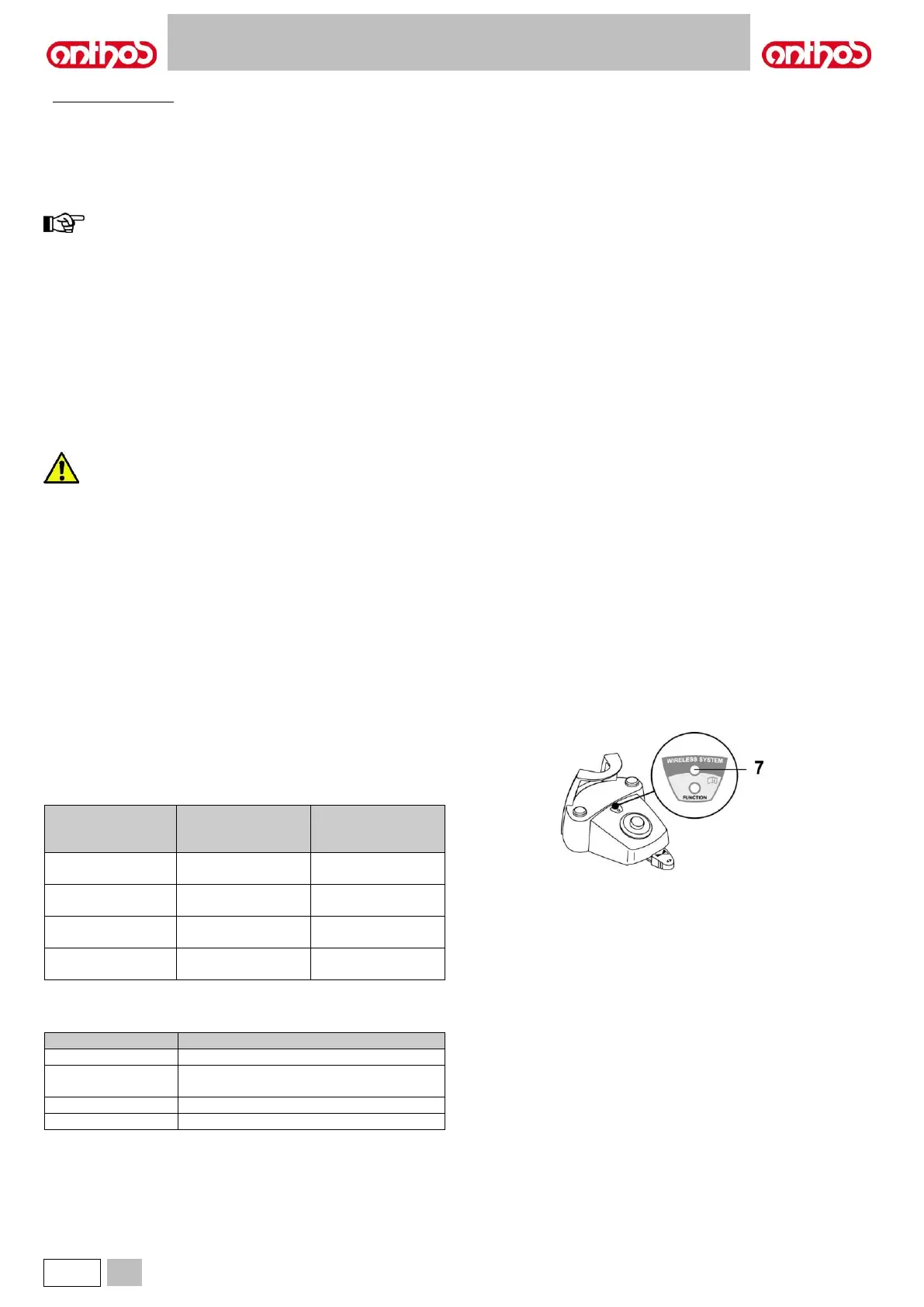
In addition, the WIRELESS foot control has a specific LED ( 7 ) that indicates the battery charge and the communication status with the dental unit.
LED ( 7 ) indications.
The colour of the LED indicates the battery charge, while the type of
flashing indicates the communication status with the dental unit.
Battery charge:
DESCRIPTION
( CABLE
DISCONNECTED )
DESCRIPTION
( CABLE
CONNECTED )
Battery needs
charging (<25%)
Dental unit off or
foot control fault
Connection active in wireless mode
Connection active with charging cable
inserted



 To Next Page