5.8. C-U2 DENTAL CAMERA
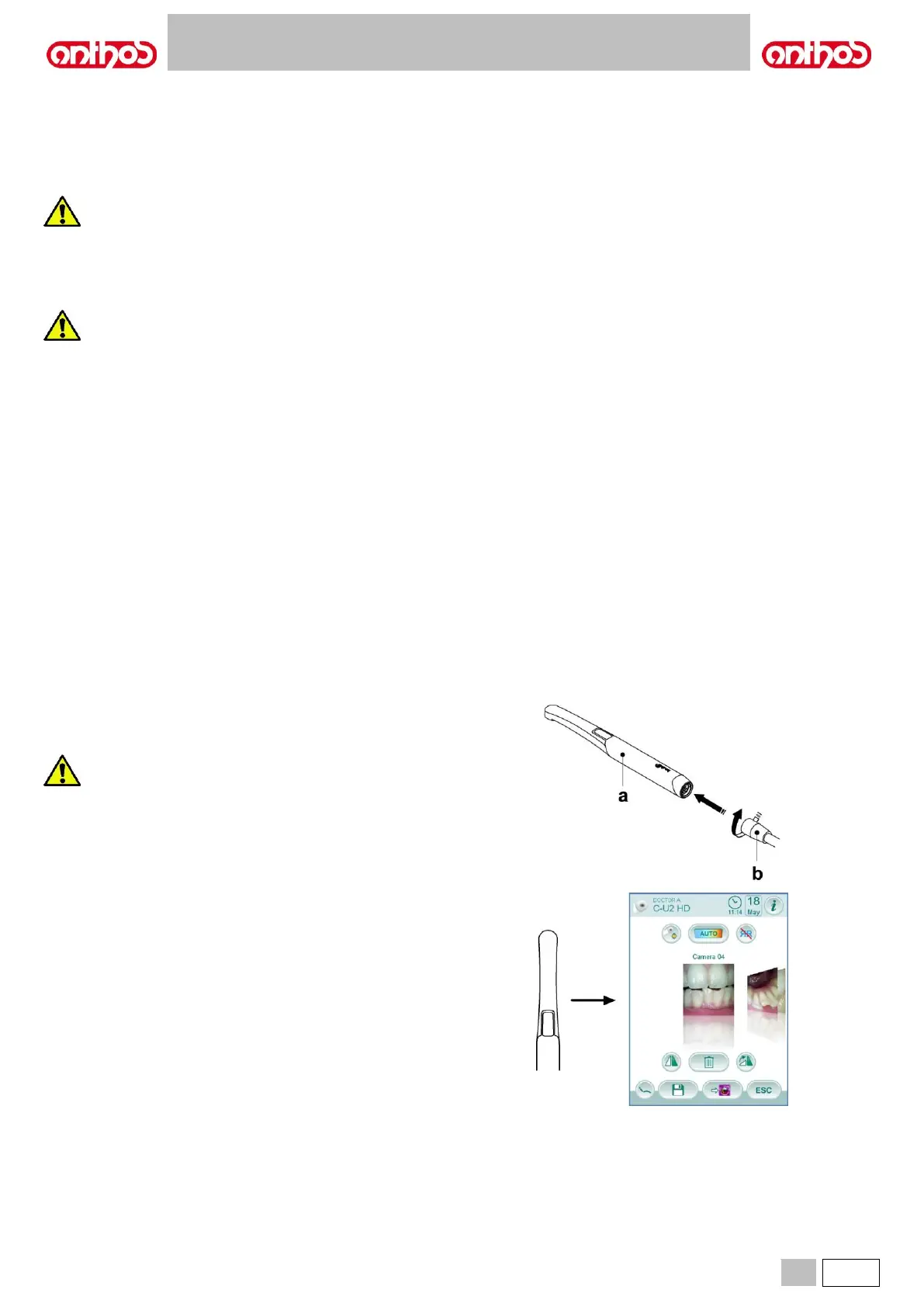
The C-U2 dental camera system, complete with an extremely lightweight ergonomic handpiece, is specially designed for simple and well-conceived
usability in examining the oral cavity. Auto-exposure and fixed focus features provide easy operation. This system is designed to allow the dentist to
more efficiently show and explain to patients all oral conditions and reasons for planned treatment. The C-U2 system allows taking high-definition
(1280x720) live images of the section in question through the touch of a fingertip on the touch-sensitive area of the handpiece. The live intraoral images
are displayed on the monitor or Personal Computer.
The camera may be used as a tool to aid in diagnosis; however, the result must always be supported with visual examination and/or
other diagnostic indications.
Evaluations and conclusions based only on the image taken by the camera may be poor as the colours and shapes, electronically
processed, may not perfectly correspond to the actual ones.
• The external PC and the external monitor must be of medical grade, namely they have to be certified and comply with the standard IEC 60601-1 3rd
Ed. They have to be able to ensure a double insulation level for both patient (2 MOPP) and operator (2 MOOP): - with respect to the power mains;
- to all the I/O ports (USB, LAN) supplied with Safety Extra Low Voltage (SELV).
• Even though the electromagnetic field irradiated by the device is insignificant, it is advisable not to use it in proximity of life support equipment (e.g.
pacemakers or heart stimulators) according to the specifications included in the user manual of such equipment.
• The disposable infection control sheaths must be used with the device. Change the sheath for each new patient.
• After putting on a new disposable infection control sheath, check it over before using the camera, making sure it is not torn anywhere. If it is, take it off
and put on a new one.
• Do not place the handpiece in liquids or in autoclave under any circumstances.
• Store the handpiece in a clean dry area.
• Do not bend the connecting cable excessively.
• Be extremely careful not to drop the handpiece and do not expose it to excessive vibrations.
• Never use a damaged handpiece. Make sure the camera is in good condition and has no sharp edges before attempting to use it. If in doubt, do not
use the handpiece, carefully put it away, and contact technical assistance.
• Before starting the equipment, check the condition of the lens protection.
• Do not aim the light beam at the operator’s or patient’s eyes during operation.
• During continuous use (example, more than 10 consecutive minutes), the temperature of the camera’s tip usually increases significantly; if this is
uncomfortable, put the handpiece in its holder for a few minutes to allow the light source to cool down. When the camera needs to be used for a
prolonged time, reduce light brightness using the cursor on the OSD Control Panel (see paragraph 5.8.1.).
• If left running for extended periods, make sure the temperature of the tip is acceptable before attempting to use the camera. Briefly touch the clear
plastic part with your fingertip being careful not to touch the lens in the middle.
• Do not attempt to bend, pull or remove the handpiece.



 To Next Page