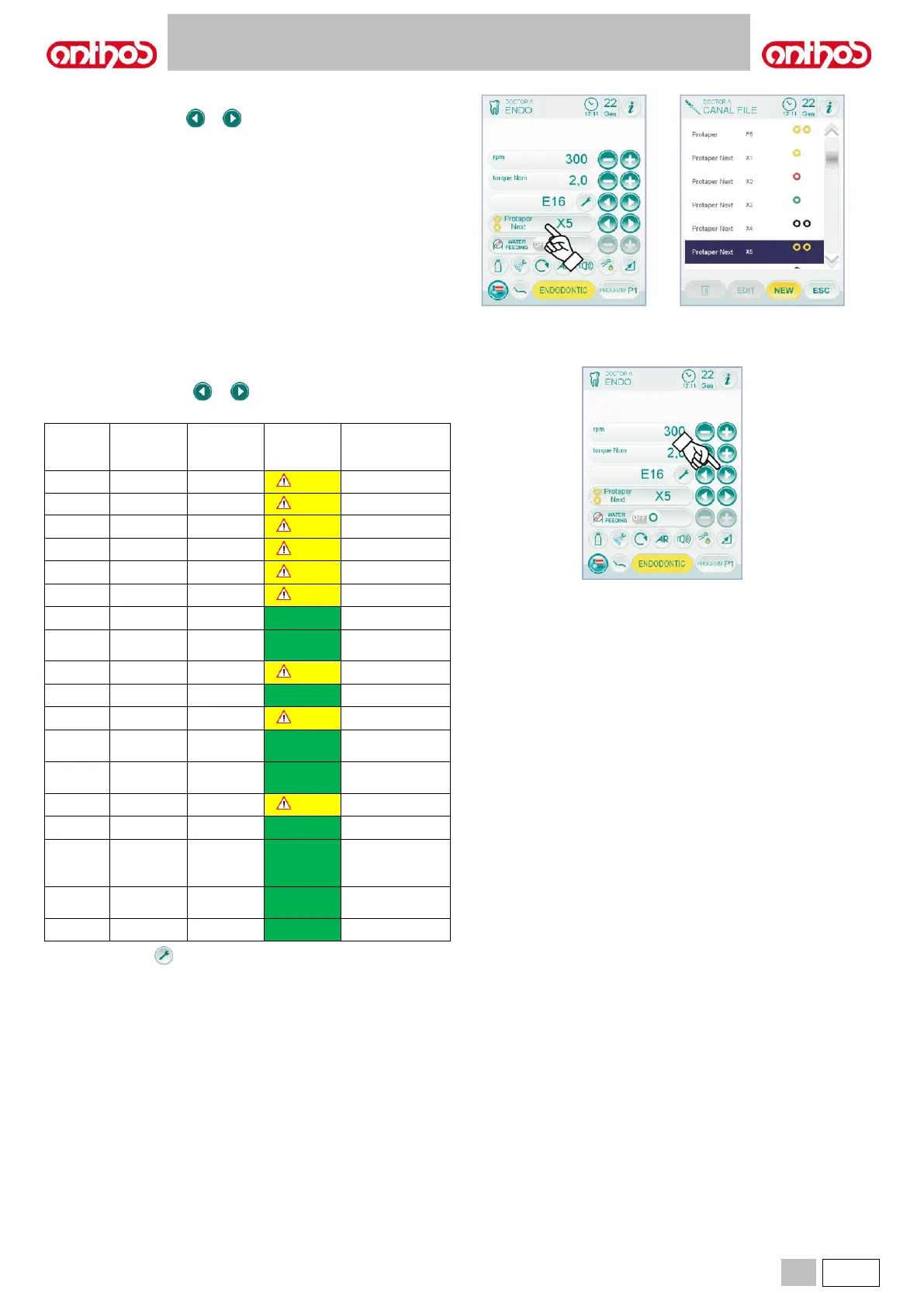
• Customizable list for root canal drills control.
- Press icon buttons or to scroll the list of pre-set root canal
drills.
As soon as the new drill is selected, the corresponding speed and
torque values will be automatically set.
- By pressing the box relating to the set drill, the page showing the
list of all available drills can be accessed.
Here you can scroll the list, selecting the desired drill, or create
customized drills (see paragraph 5.5.2.1.).
If speed and torque values are edited (compared to those set in
the list), the box background will turn yellow to warn the dentist
that the values recommended by the manufacturer are NOT being
used.
If the box relating to the set drill is pressed when the background
is YELLOW the optimal values inside the list will be set again, and
the background will turn into the standard colour.
• Certified contra angle pre-set list.
- By pressing icon buttons or it is possible to scroll the list of the
certified contra-angles:



 To Next Page