Patient monitor User’s manual
Chapter 14-3
vapor and eliminates the need of changing the adapter. It allows free positioning
of the AG sensor as well.
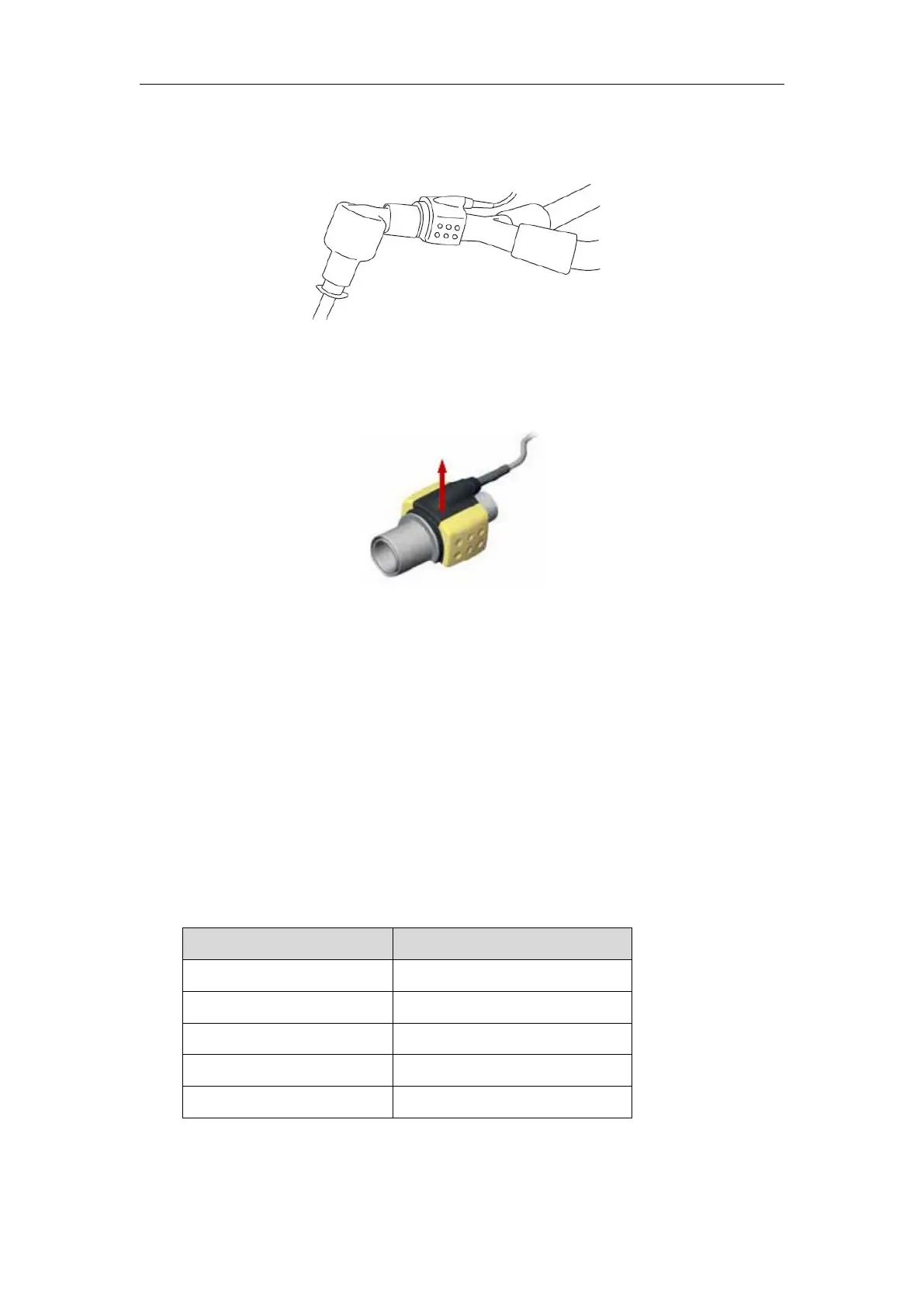
5. Unless the AG sensor is protected with an HME always position the AG
sensor with the indicating LED pointing upwards
1
、
Prior to connecting the AG airway adapter to the breathing circuit, verify
the O2 calibration by checking that the O2 reading on the monitor is correct
(21%). See Chapter 14.7.1 for instructions on how to perform room air
2、Always verify gas readings and waveforms on the monitor before
connecting the airway adapter to the patient circuit.
3
、
Perform the tightness check of the patient circuit with the AG sensor
snapped on the AG airway adapter.
The state of the LED on the AG sensor:
Note 1: Valid for IRMA multi-gas sensors only.



 To Next Page