Patient monitor User’s manual
Chapter 7-7
1. Select ECG parameter area, enter ECG parameter setup menu, select
【
Lead
2. You can select【3 lead】,【5 lead】or【12 lead】.
7.3.5 Checking Paced Status
It is important to set the paced status correctly when you start monitoring
If the【Paced】status has been set to【Yes】, the icon will be shown
on the screen. If the system detects paced signal, the symbol “
︱
” will be
To change the paced status, you can select【Patient Manage.】smartkey→
【Pat. Information】, and set the【Paced】status in the popped up menu.
For paced patients, you must set
【
Paced
】
to
【
Yes
】
. If it is incorrectly
set to 【 No】 , the monitor could mistake pace pulses for regular QRS
complexes and fail to alarm during asystole.
Some pace pulses can be difficult to reject. When this happens, the
pulses are counted as a QRS complex, and could result in an incorrect
HR and failure to detect cardiac arrest or some arrhythmias. Keep
pacemaker patients under close observation.
For non-paced patients, you must set【Paced】to【No】, otherwise, the
system can not detect the arrhythmia related to Ventricular
Premature(including PVCs count), and will not conduct ST analysis.
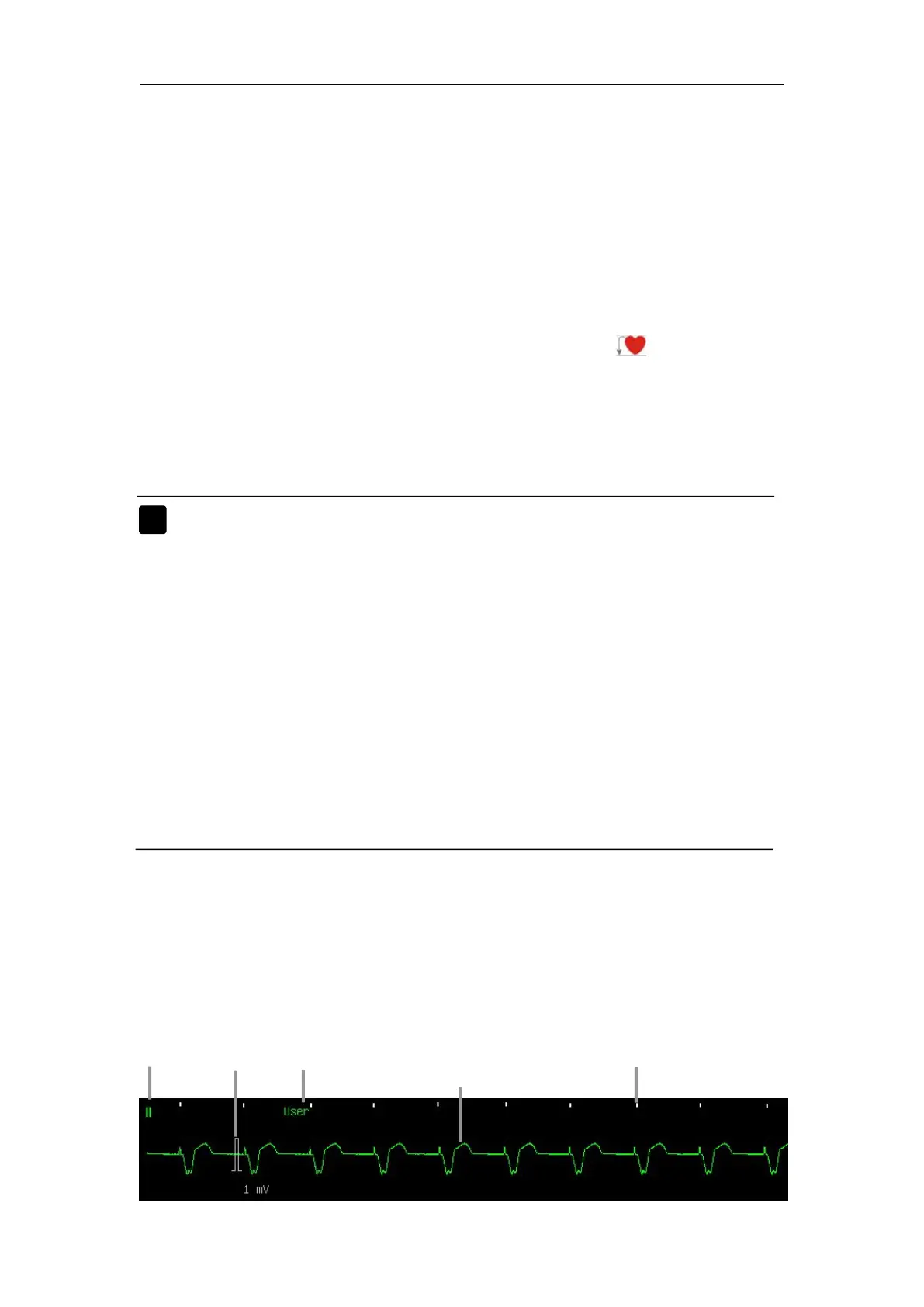
The following figure shows the ECG display screen, the display on your
monitor may be looked slightly different.



 To Next Page