Patient monitor User’s manual
Chapter 21-1
Select【Main Menu】smartkey→【Review 】to enter the review function.
Select【Trend Review】, 【NIBP Review】, 【Alm Review】,【ARR Review】
or【Full Disclosure】to open the relevant reviewing windows.
21.1 Reviewing Graphic Trends
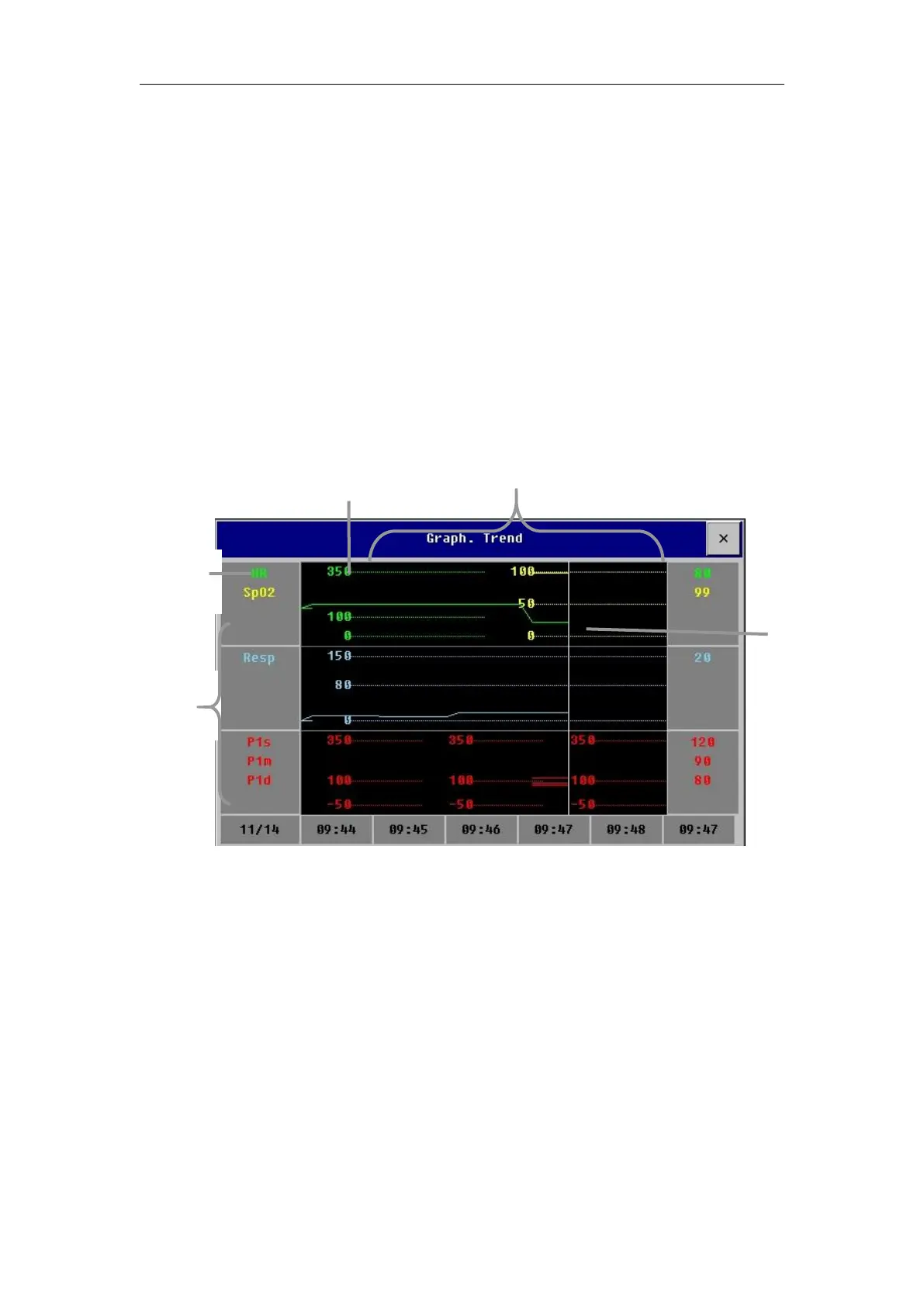
Select【Main Menu】→ 【Review】or 【Review】smartkey→【Trend
Review】→【Graph. Trend】to open the graphic trends review window which
21.1.1 Selecting Review Parameter
You can select reviewing parameters by the following way:
——Select one parameter label in the parameter selecting frame.
—— Select【Select Trend Group 】and select the parameter combination
required to display from the pull-down menu.
If you want to add a trend group defined by user as required, the following
Select
【
Trend Group Setup
】
in the graphic trends window and enter the
Trend Group Setup menu. You can define the name of trend group as required
and add the parameter label requiring displayed.



 To Next Page