Patient monitor User’s manual
Chapter 21-2
21.1.2 Selecting Time interval
Select
【
Interval
】
in the menu which is under the graphic trends window,
and then select an appropriate resolution according to your need.
21.1.3 Browsing Graphic Trends
If needing to browse the graphic trends of this parameter in more time
— — Select or and shift time scale axis leftwards or rightwards to
browse the graphic trends of this parameter in more time intervals.
——Selecting or and shift time scale axis to the first or last, you can
browse the graphic trends in the first or the last time interval
— — Selecting or , you can shift the trend cursor. The corresponding
time of current cursor position will display above the cursor, and the
parameter value will display left to the graphic trends window. The value
will vary with the shift of trend cursor.
— — Select or and turn page up or down to browse the graphic trends with
more parameters within this time interval.
21.2 Reviewing Tabular Trends
Select the
【
Main Menu
】
smartkey→
【
Review
】
→
【
Trend Review
】
to
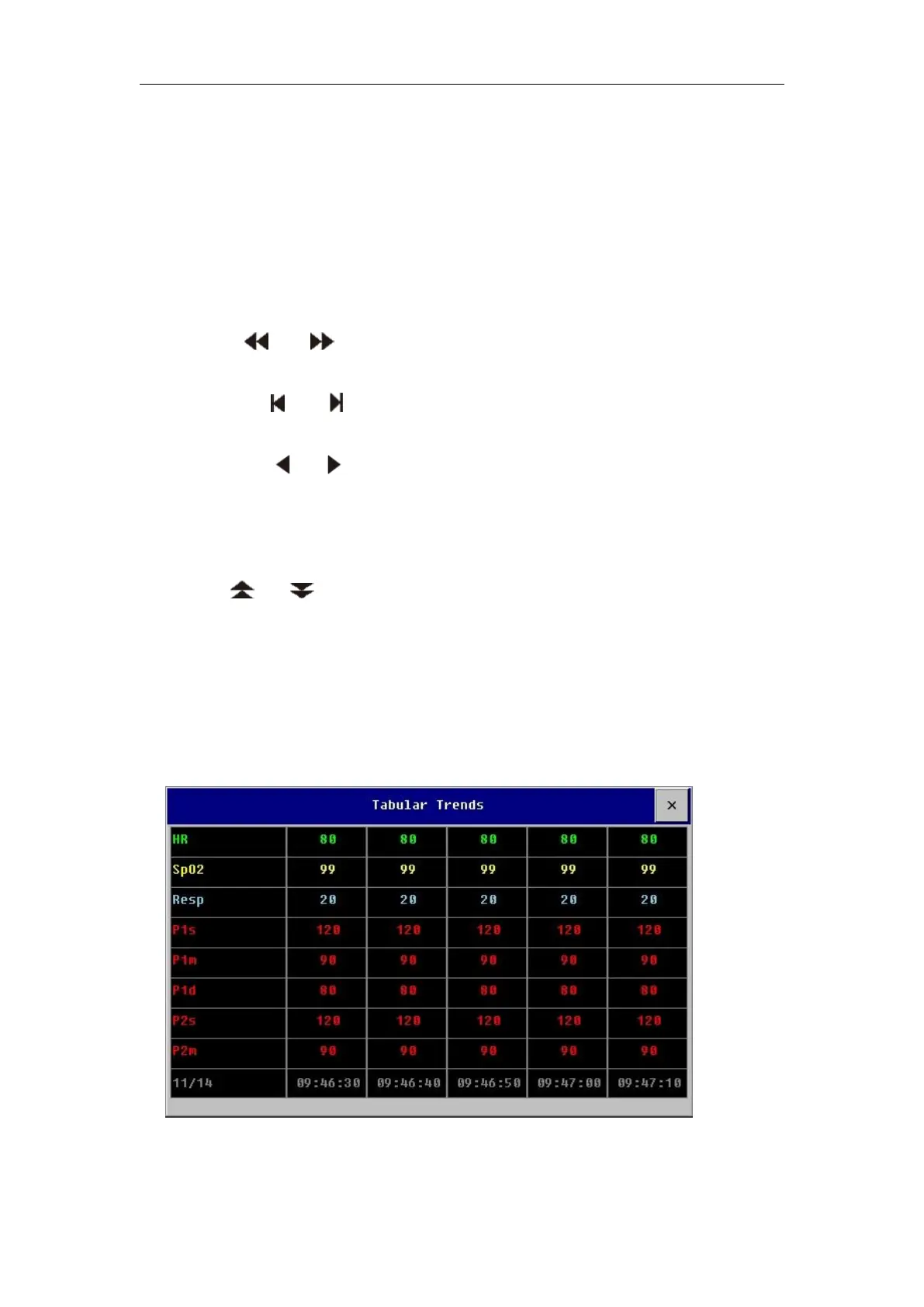
open the Tabular Trends review window as follows.



 To Next Page