Patient monitor User’s manual
Chapter 19-25
19.7 Reviewing
To facilitate your reviewing stored physiological parameter information,
the module is provided with trend review function. Through the introduction
in this chapter, you may learn how to fulfill review operation.
19.7.1 Graphic Trends Reviewing
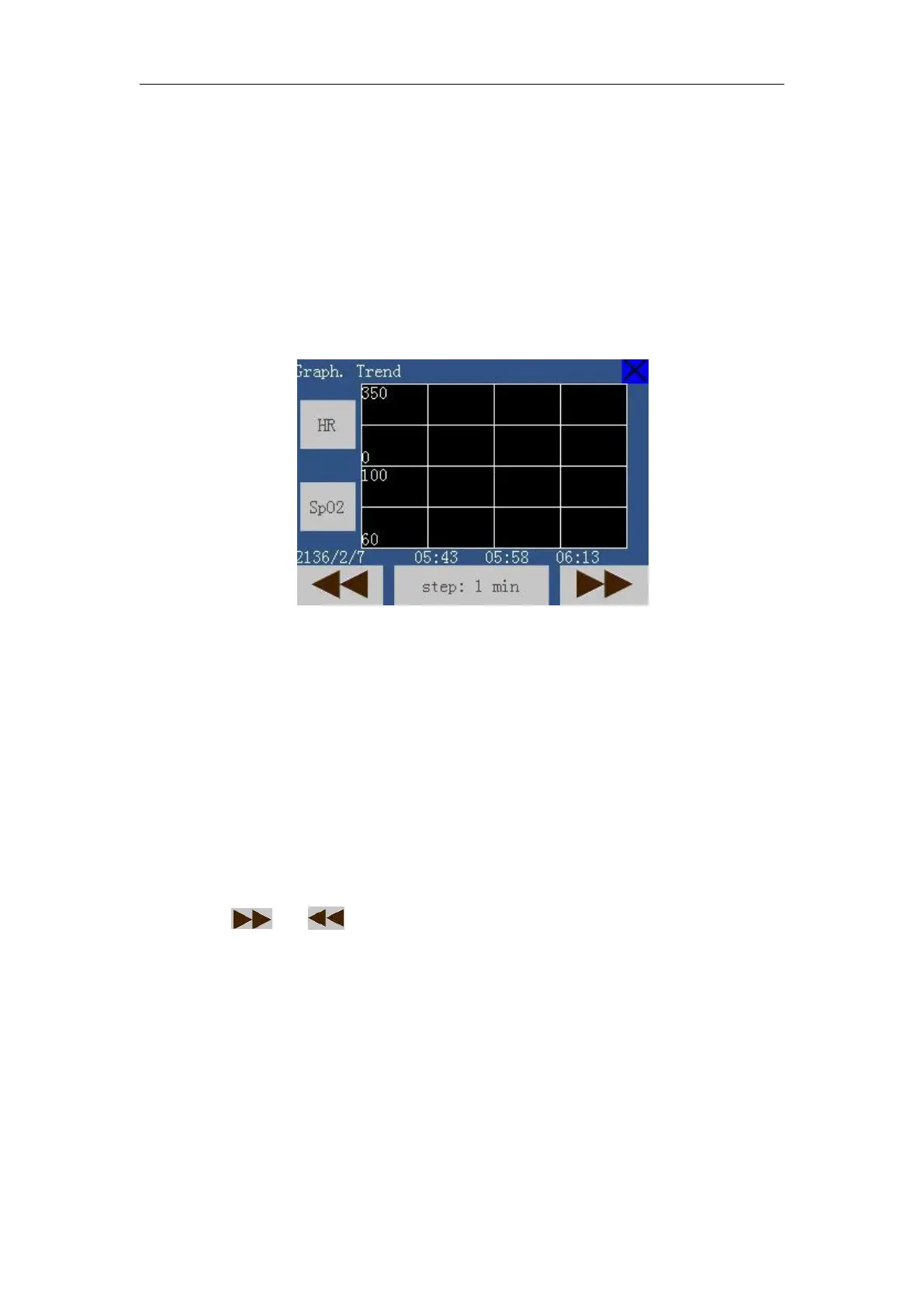
Enter the main menu, select【Trend Review】→【Graph. Trend】, a trend
chart as follows appears.
Touch the parameter on the right of the trend, upturn or downturn to select
a parameter you need. You can select two at one time.
Select the selecting area on the right side of【step】. Upturn or downturn to
select an appropriate interval value. You can select from【1min】,【2min】,
Select or to see the anterior or latter graphic trends.
19.7.2 Tabular Trends Reviewing
Enter the main menu, Select【Trend Review 】→【Tabular Trends】, a
Tabular Trends window as follows appears.



 To Next Page