Patient monitor User’s manual
Chapter 7-13
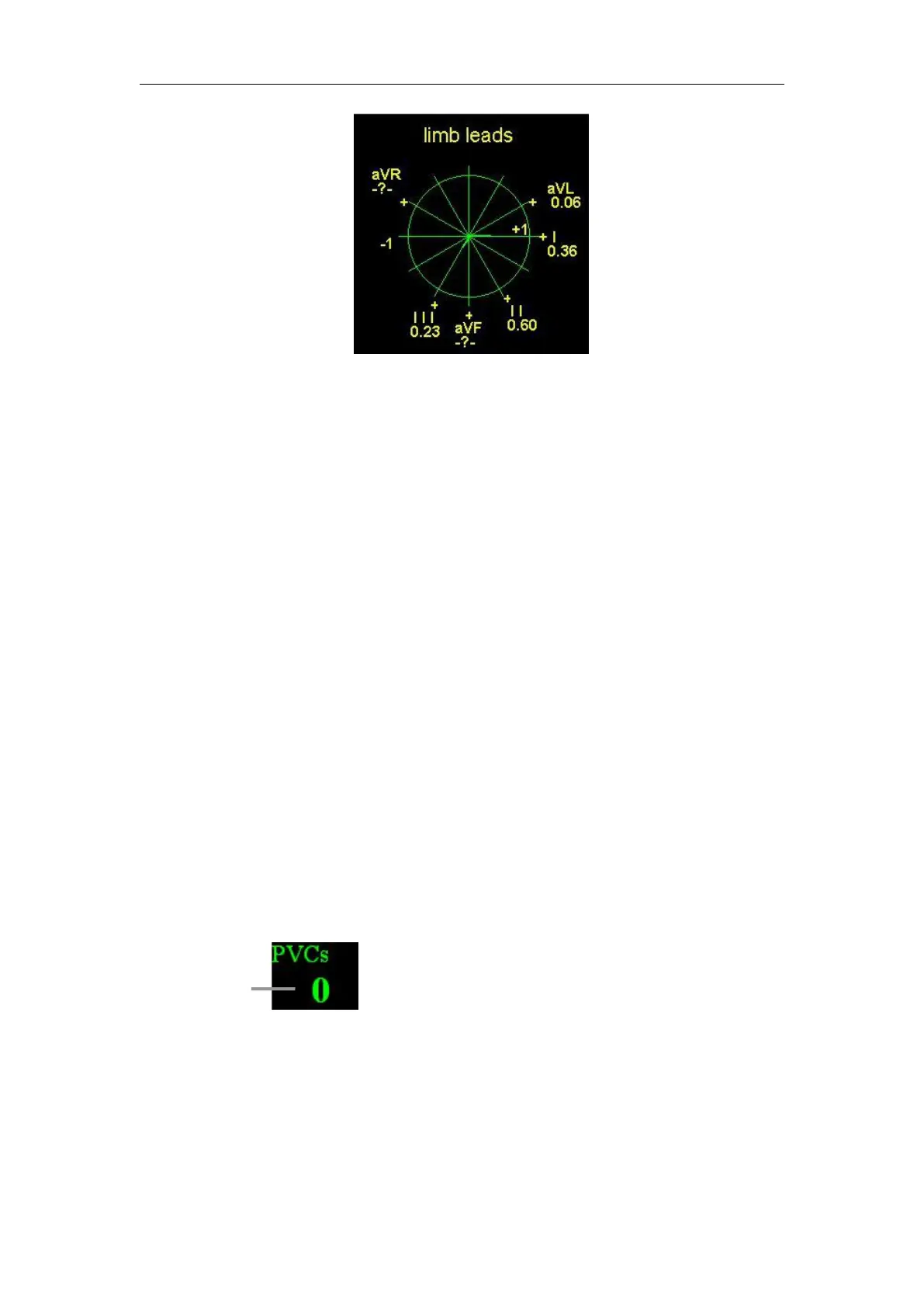
3. The ST Map will refresh at each 12s intervals. The ST values of each axis
will refresh like that.
4. Change the radius of a circle of of the ST map (that is the scale)
The value which the radius of a circle reflects can be changed, the options
are 1, 2, 3, 5, 10 and 15.When the value of the radius changed, the ST map
area changed follows.The values bigger, the areas smaller. Conversely, the ST
map areas will bigger.
Click the ECG parameter area,and select the 【 ST map 】 , then you can
select 【reduce】or【enlarge】to change the value of the radius.
7.7 Arrhythmia Monitoring
Arrhythmia analysis provides information on your patient’s condition,
including heart rate, PVC rate, rhythm, and ectopics.
7.7.1 Switching Arrhythmia Analysis On and Off
Select【ARR Analysis】in ECG setting menu, and set【ARR Analysis】
PVC count indicates the quantity of PVC occurring within 1 minute. When
the PVC quantity in 1minute exceeds the set alarm limit, the monitor will
indicate alarm message “Multi PVCs”.



 To Next Page