Patient monitor User’s manual
Chapter 19-7
The icon indicates that the machine has connected to AP, but it
does’t mean it has connected to the central monitor.
The icon and the icon share the same area, and the icon
priority display. Checking the current Wifi state in the Wifi state
window will be more accurate.
19.4 User’s Screen
Screen of the monitor is touch screen with automatic display rotation
(Gravity Activated) which provides for vertical and horizontal positioning to
maximizing space utilization and visibility.
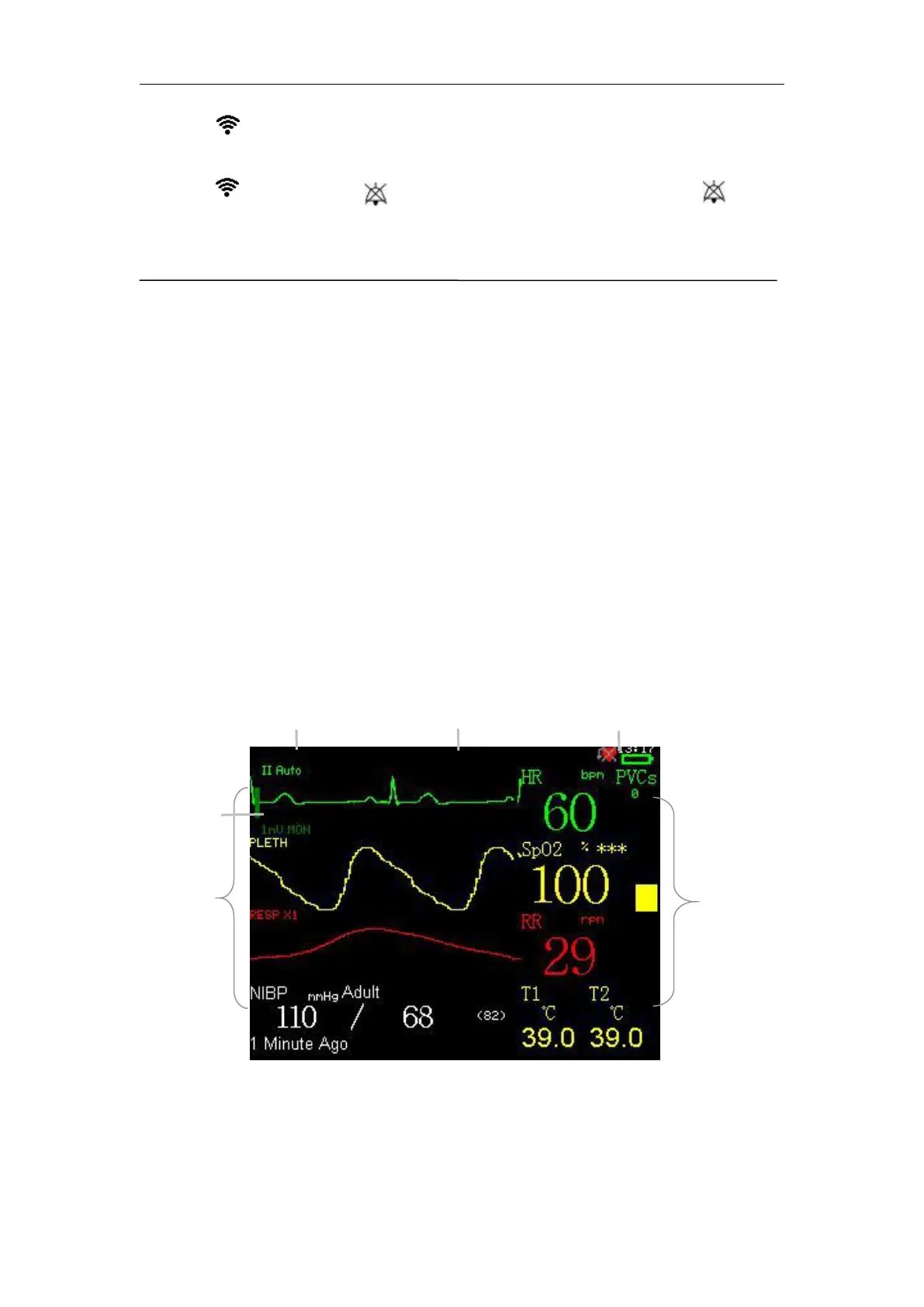
The following figure is a standard screen of the module. The parameters
displayed on the screen include: HR (it will be switched over to PR
automatically if without ECG), SpO
2
, NIBP, RR and T, an ECG waveform, a
SpO
2
waveform and a Resp waveform. ECG waveforms can be displayed in
Four ordinary parameters, one pressure parameter and 1-3 waveforms are
displayed at the same time on the screen. Parameters and waveforms can be
selected freely.



 To Next Page