Patient monitor User’s manual
Chapter 21-4
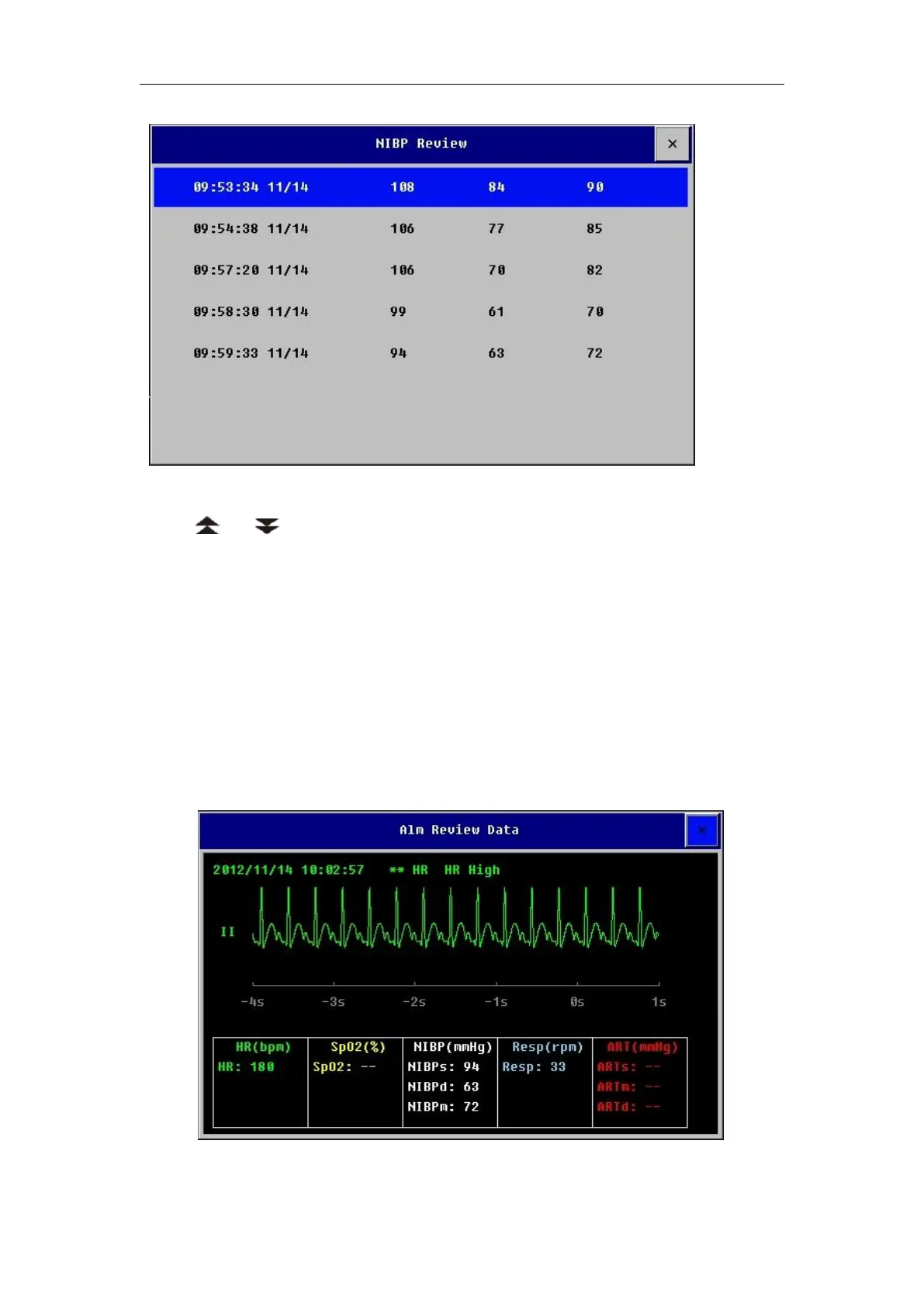
In the window, there are【Sys】,【Dia】 ,【Map】and【Time】. You can
select or to browse NIBP measurement results.
21.4 Reviewing Parameter Alarm
When a parameter alarm occurs, the monitor can store all the parameters’
value at the alarm time and the associated waveform during 16 seconds before
or after the alarm. So that you can review the alarm events.
Select【Main Menu】smartkey→【Review】→【Alm Review】, you can
open the list of parameter alarm events. Select one of the events and then
select【Wave】to open its parameter review window as follows.



 To Next Page