Patient monitor User’s manual
Chapter 7-16
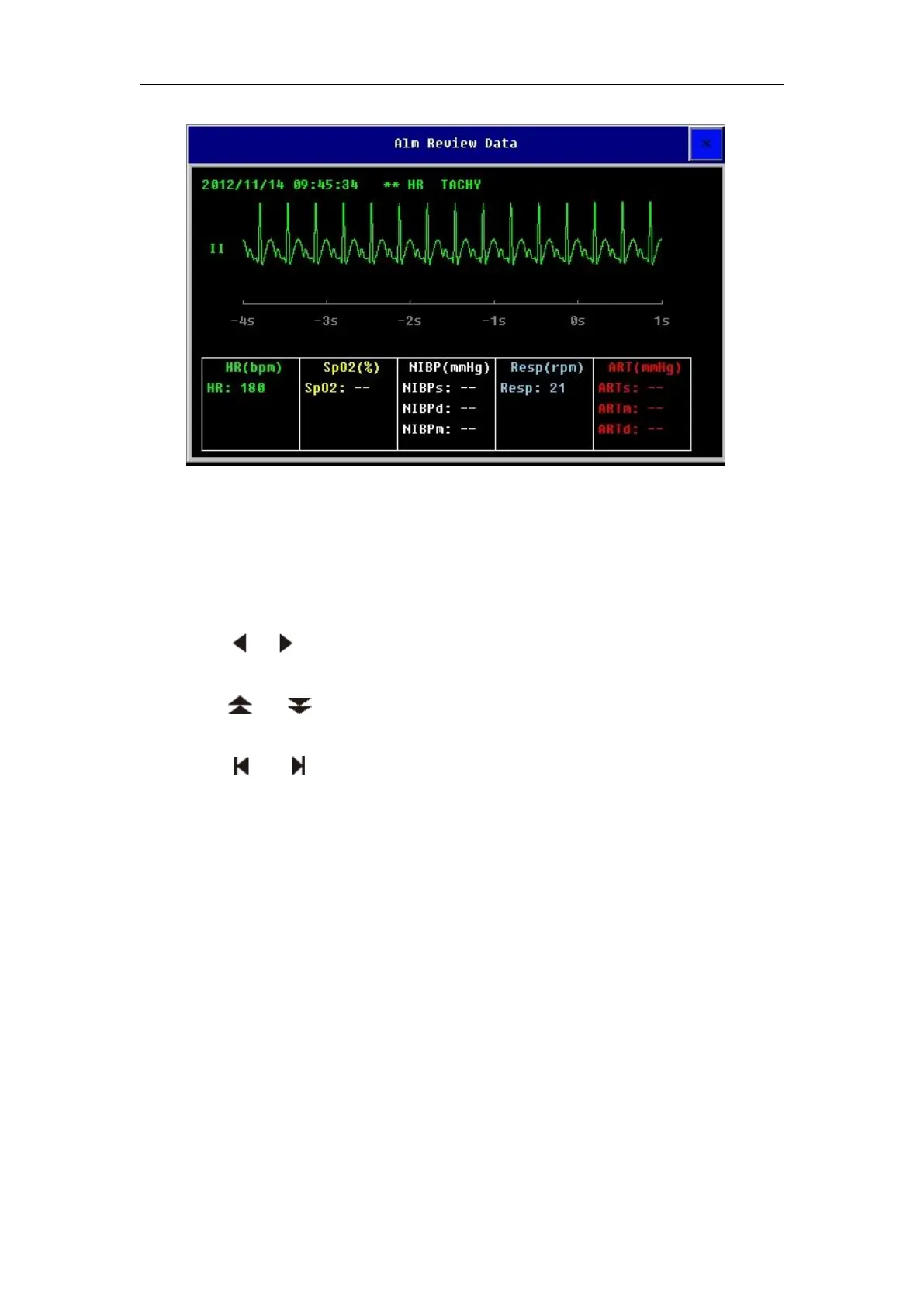
In the above window, you can:
— — In the area of smartkeys which is under the the ARR Wave window, you
can select 【 Record 】 to record the current displaying ARR waveform and
parameter values.
— — In the area of smartkeys which is under the the ARR Wave window, you
can select or to shift ARR waveform leftwards or rightwards.
— — In the area of smartkeys which is under the the ARR Wave window, you
can select or to turn page up or down.
— — In the area of smartkeys which is under the the ARR Wave window, you
can select or to shift ARR waveform to the first or last.
7.8 QT/QTc Interval Monitoring
The QT interval is that the interval time between the beginning of the
Q-wave and the end of the T-wave. That is the interval from the beginning of
the depolarization to the end of the rapolarization phases of the ventricular
action potential. As the follow figure:
QT interval monitoring can assist in the detection of prolonged QT
interal syndrome.



 To Next Page