Patient monitor User’s manual
Chapter 19-11
Enter the main menu, select【 System Setup 】 → 【 Open Demo 】 , select
【 Open Demo 】 , then a password entering window appears, input the
Enter the main menu, select 【 System Setup 】 → 【 Close Demo 】 , select
【Close Demo】to exit Demo Screen.
19.5 Parameter Measurement
Note: More details about the ECG measurement principle, safety
information and monitoring steps turn to Chapter 7: Section
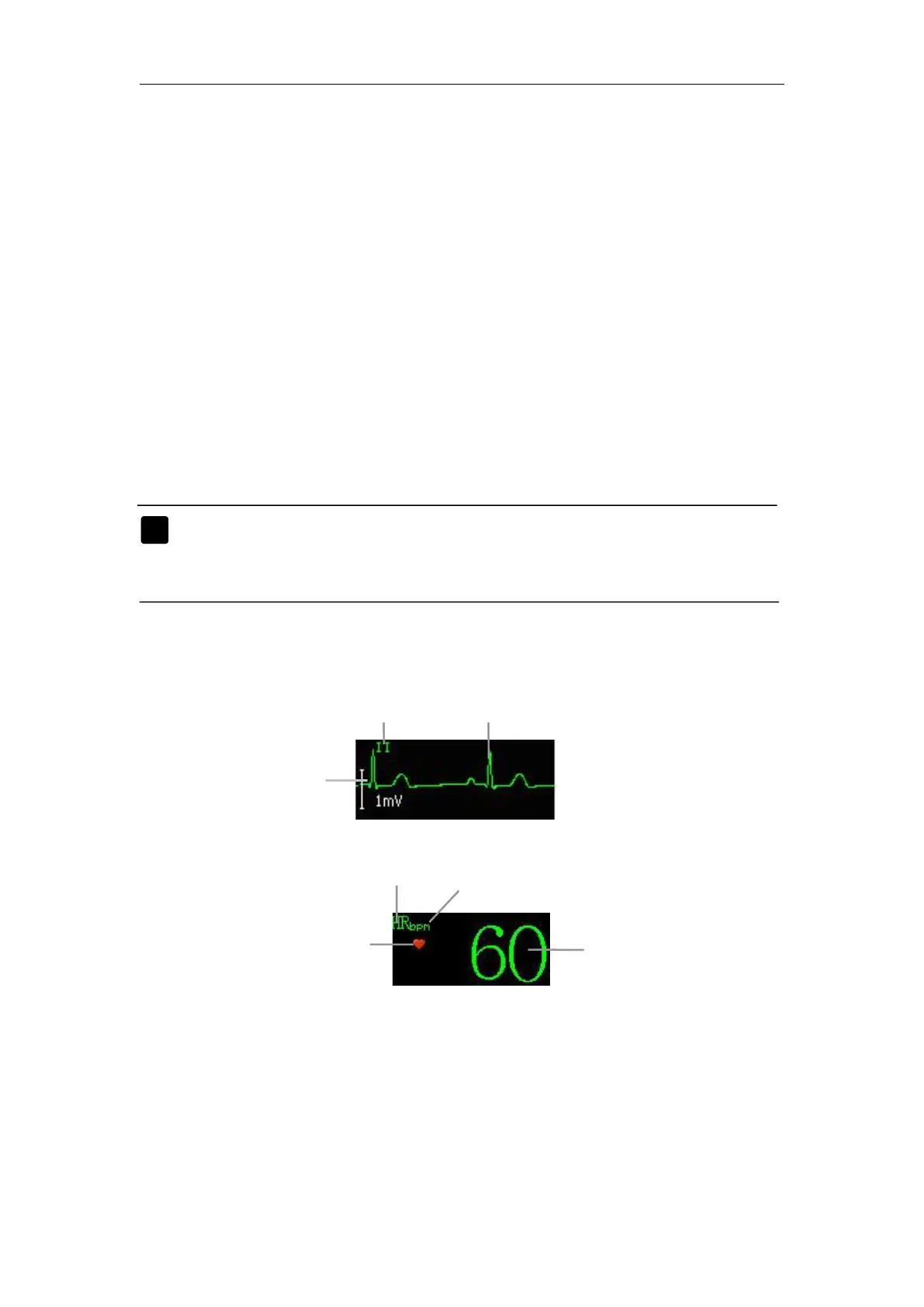
If the monitor doesn’t obtain an effective HR value by ECG measuring,
the PR value will be displayed instead here
Enter the main menu, select【Module Setup】→【ECG Setup】, the ECG
setup window appears. You can set ECG measurement in it.



 To Next Page