Patient monitor User’s manual
Chapter 19-15
Apnea LIM means that when the duration of no Resp reaches this limit,
apnea alarm will be triggered. Select 【 Apnea Time 】 , input an appropriate
value in the pop-up setting window.
Select【Resp Gain】,upturn or downturn to choose the appropriate value.
Larger the gain value is, higher the waveform range is.
Select【Resp Lead】,upturn or downturn to choose the appropriate value.
You can choose between【RA-LA】and【RA-LL】.
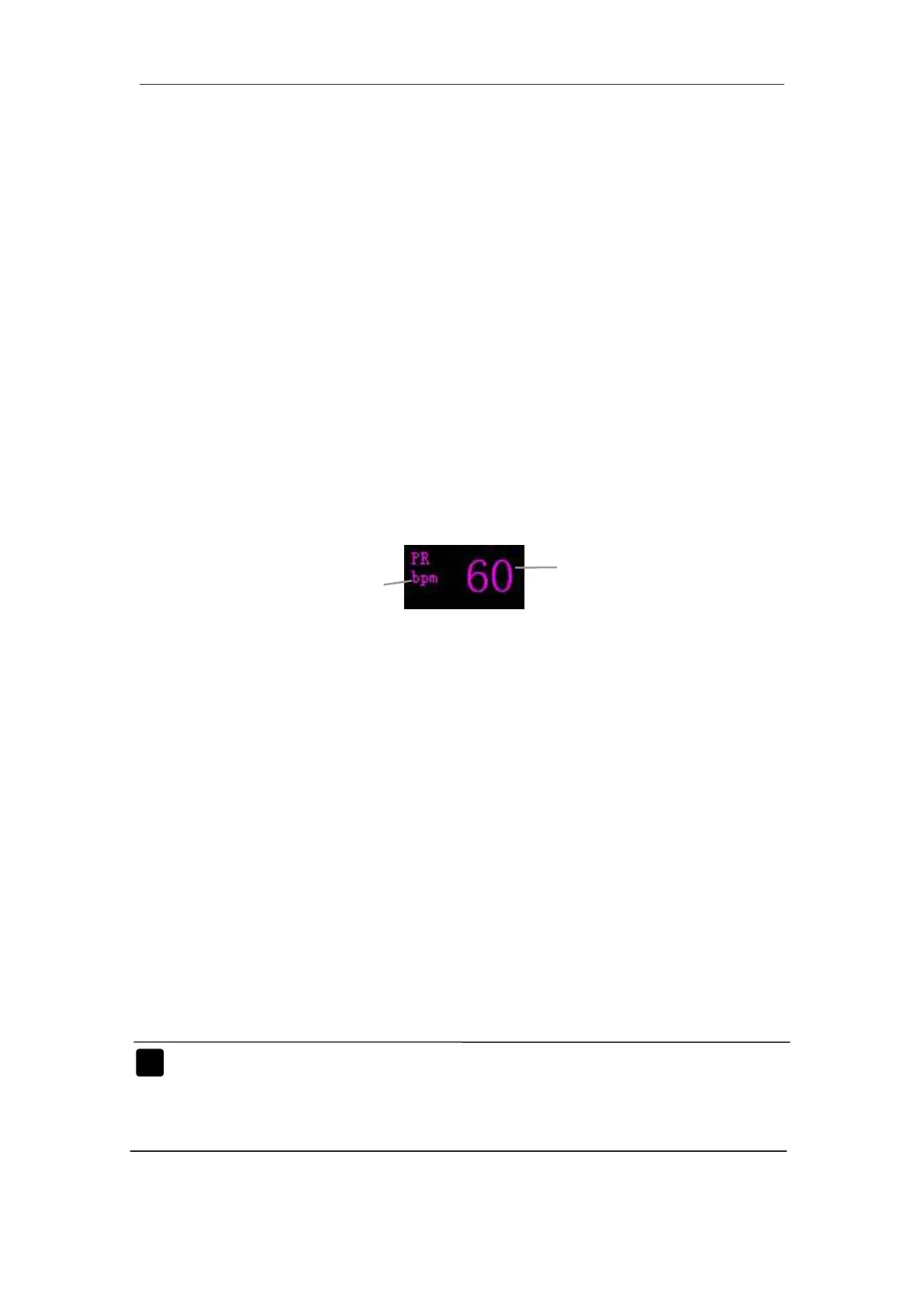
a. Entering PR Setup Window
Enter the main menu, you can enter Setup window by the following
1) Select 【Module Setup】→【PR Setup】,a PR Setup window appears.
2) Select 【Module Setup】→【SpO
2
Setup】→【PR Setup】, a PR Setup
Select【PR Source】, upturn or downturn to choose an appropriate source.
You can choose from 【Auto】, 【SpO
2
】and【ART】.
Note: More details about SpO
2
measurement principle, safety
information and monitoring steps turn to Chapter 9: Section



 To Next Page