Patient monitor User’s manual
Chapter 19-27
Select【 】or【 】to see the anterior or latter NIBP measurement results.
Select【 】or【 】to the top or the end of the current page.
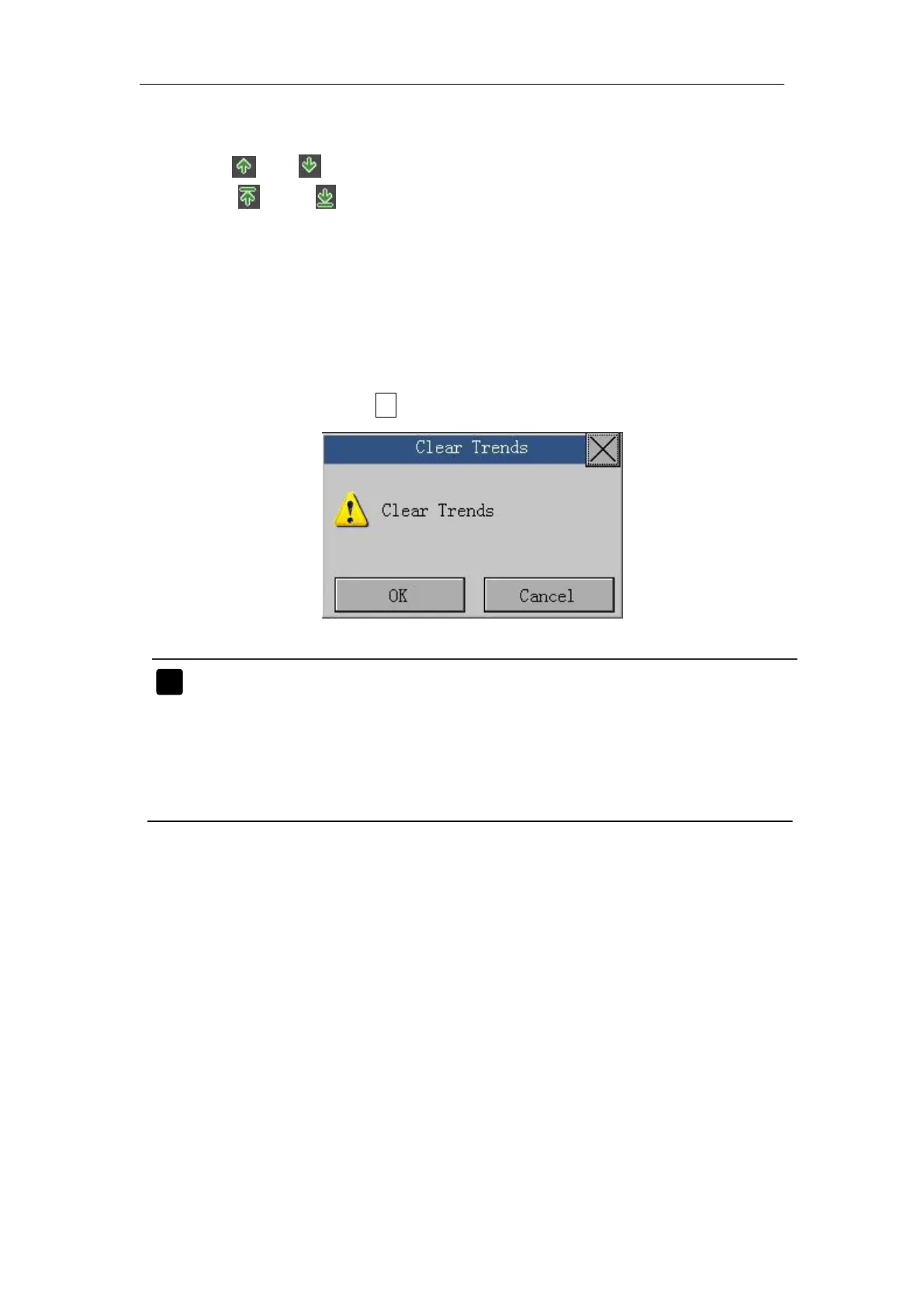
Enter the main menu, select【Trend Review 】→【 Clear Trends 】, a
confirm window as follows appears, all the trends will be cleared after you
select
【
OK
】
. If you don’t want to clear the trends, you can exit it by
selecting 【Cancel】or“ ×”.
Note: The module may store a maximum of 8h trend data and 400
groups of NIBP measurements. When data storage reaches
the above limit, conduct 【 Clear Trends 】 to clear all stored
records, if you need to continue storing, otherwise the
module will store new records, and clear the front records.


 To Next Page