Patient monitor User’s manual
Chapter 3-7
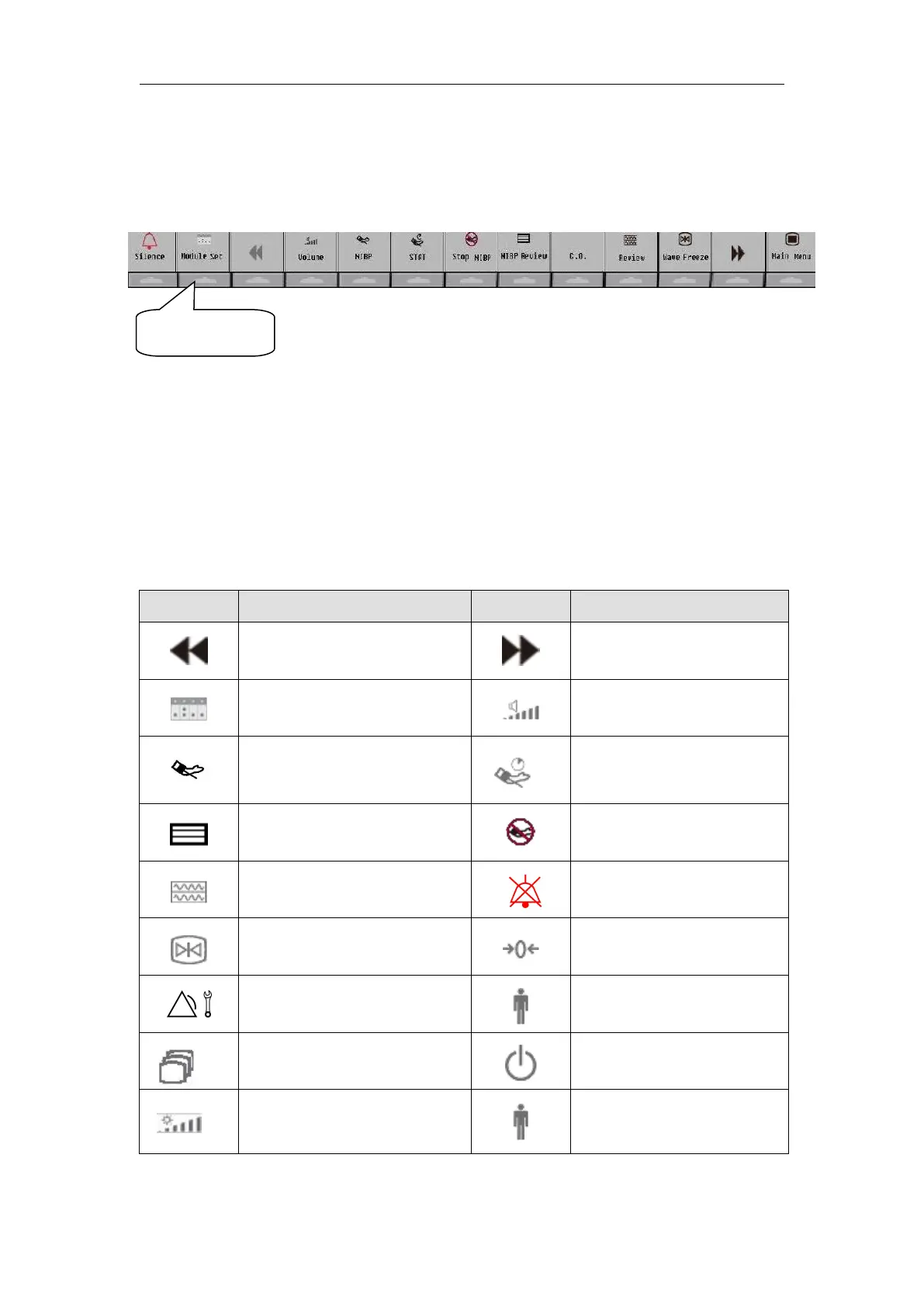
To use the touch smartkeys on the screen, you shall touch the position
below the smartkey. For example, if you want to enter【 Module Set 】menu,
you shall touch the position shown as follows:
To configure the smartkeys on the screen by the following ways:
1. Select【Main menu】smartkey→【Smartkey Define】, select the smartkeys
you want to display on the screen, and you also can arrange the smartkeys as
2. For AnyView A8,A6: Select【Back】to confirm it.
The symbols on the smartkeys are shown as follows:
Start NIBP STAT
measurement



 To Next Page