Patient monitor User’s manual
Chapter 7-10
Warning: Some clinical conditions may make it difficult to achieve
reliable ST monitoring, for example:
——If you are unable to get a lead that is not noisy;
——If the patient is continuously ventricularly paced;
——If the patient has left bundle branch block;
——If arrhythmias such as atrial fib/flutter are present, which may cause
You should consider switching ST monitoring off if these conditions
7.6.1 Switching ST On and Off
Select 【 ST Setup 】in the ECG setting menu, from the popped up window select
【ST Anal. Switch】, it can be set to【On】or【Off】.
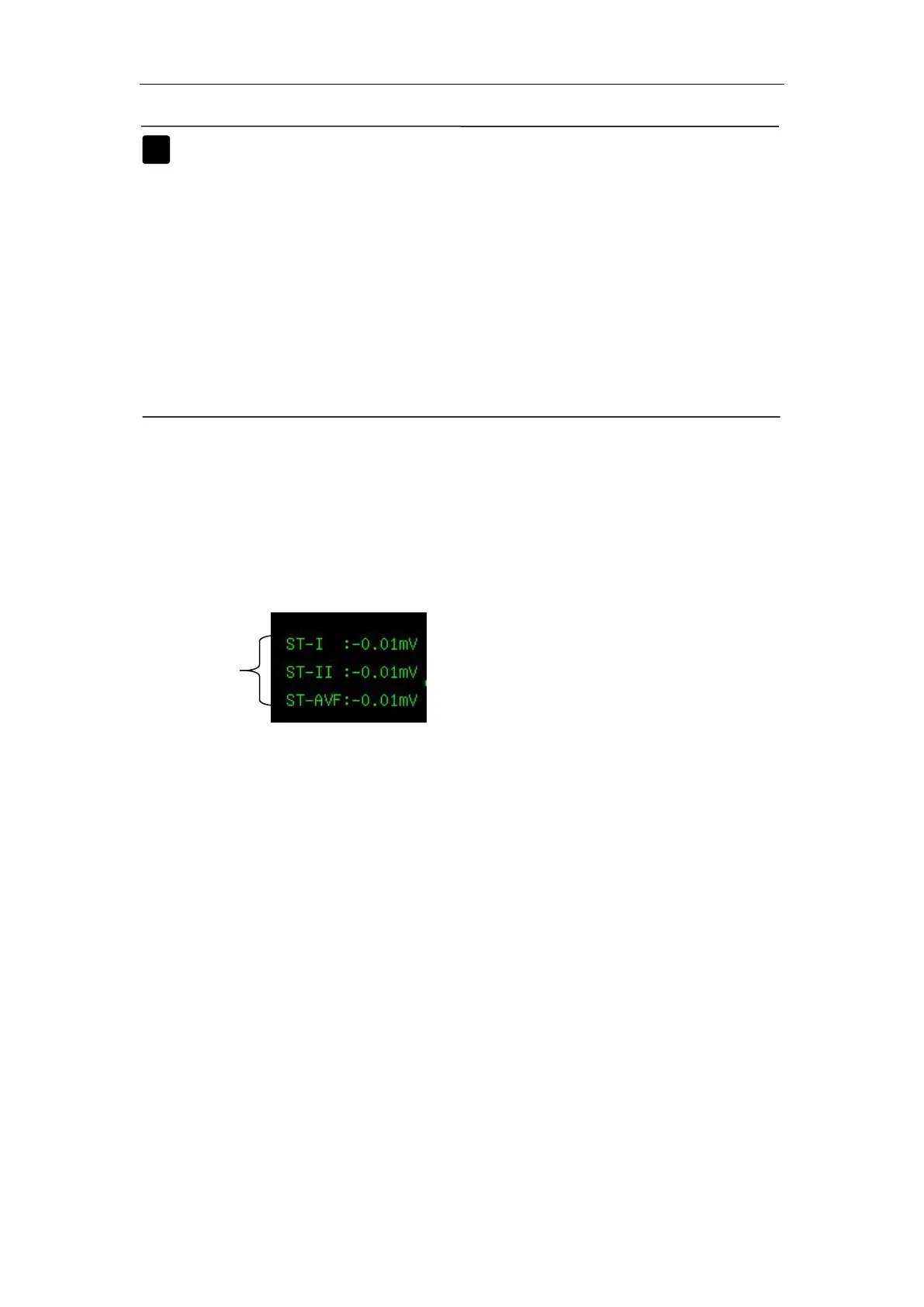
ST segment are displayed on the right of ECG parameter area of screen.
The quantity for ST segments displaying on the screen depends on the current
lead type, and it also depends on the quantity of parameters displaying on the
screen. Up to 12 ST segment numerics of 12 leads can be displayed on the
A positive ST value indicates ST segment elevation; a negative value
The ST alarm limit of each lead can be set in ST analysis setting menu,
and in this menu, you can also set alarm switch, alarm level and alarm print



 To Next Page