SW Version 2.04 30-January-2009 Page 61 of 128
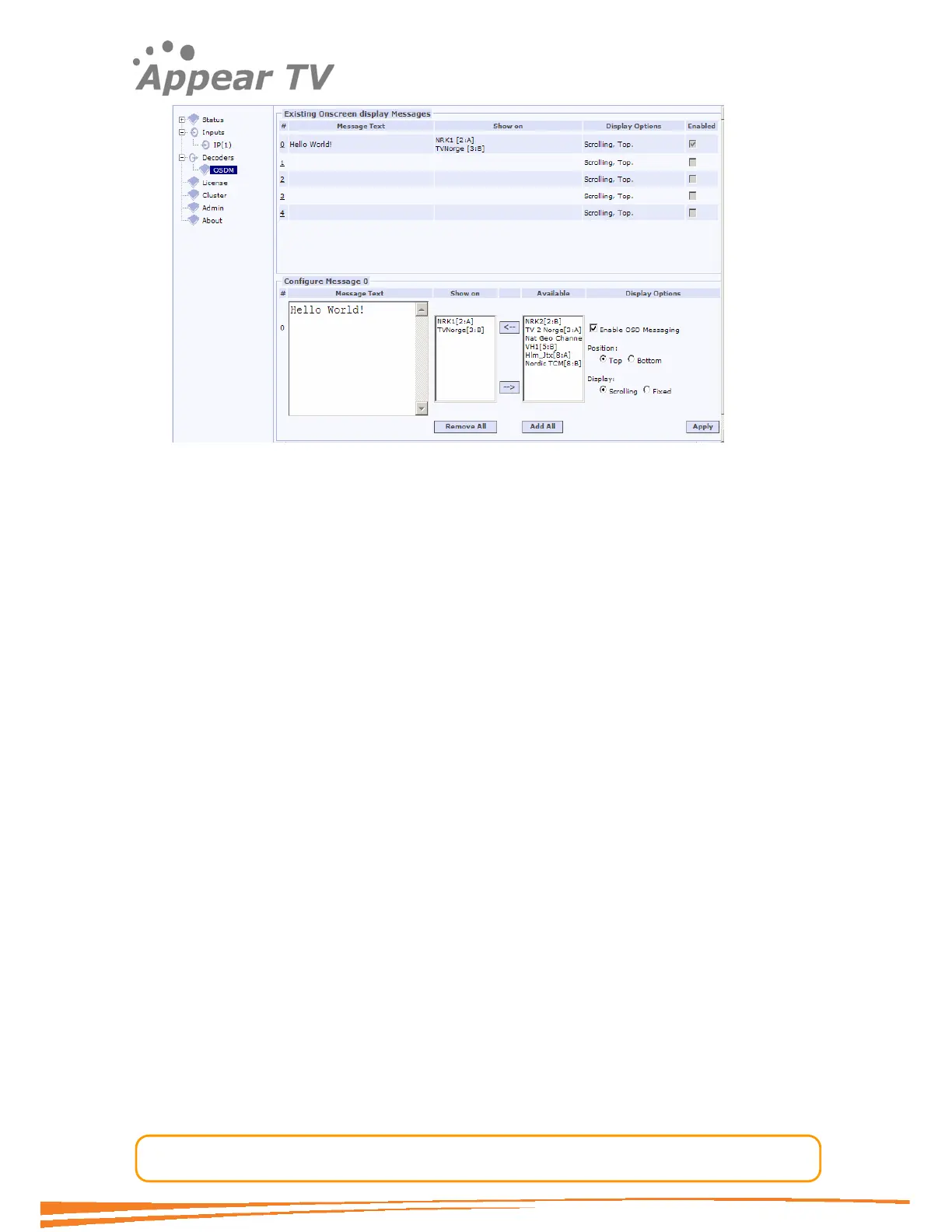
Figure 47 - Enable OSD Messages.
Disable OSD Messages
In order to disable OSD Messages the following procedure should be followed:
Open the On Screen Display (OSD) Messaging window by clicking on the OSDM tab.
Choose which message number to disable (#0-4) by clicking on the appropriate
message number. The message numbers are listed in red.
Deselect Enable OSD Messaging to disable the message. Note that the message will
still be available and can be enabled again later.
Click the Submit button to register the message (see Figure 48 for example
configuration)



 To Next Page