Automatic Divider-rounder model Syncro
33/79
Use and maintenance manual (translation of the original instructions) - MASA6_en_2 of 23/03/2021
3.8.2 CORRECTION OF PROCESSING BASED ON PRODUCTION NEEDS
The first characteristic to check, and possibly modify, is the selected weight with
respect to the required one. It is advisable to weigh the first 4 products after
processing, and by comparing the resulting weight with the set one, define a
correction, expressed in grams of dough, to be added ("+" sign) or removed ("-"
sign).
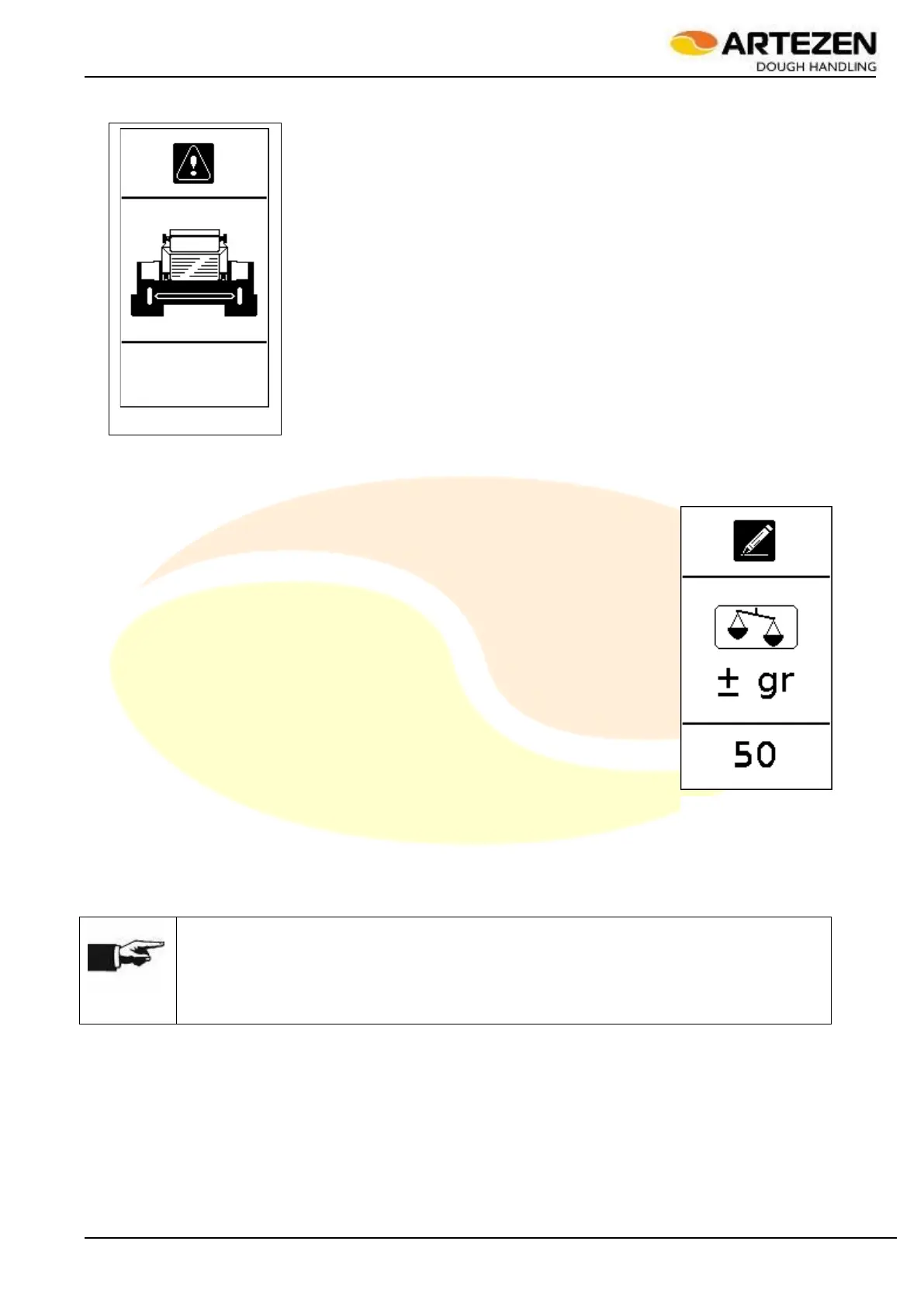
Press the “DOUGH WEIGHT CORRECTION” push-button 2.4 ref. 4:the display will
show the image in Figure 24.
Rotate “I-DRIVE” par. 2.4ref. 9 clockwise to increase the weight, and anticlockwise
to decrease the weight: in the meantime, the display will show the grams of dough
that will be added or removed from the current value.
Press “I-DRIVE” par. 2.4ref. 9) to confirm the correction and thus start the
adjustment.
Check the weight of the dough again after about 7 ÷ 8 work cycles (rows of product)
before performing a second adjustment, if needed.
NOTE!
The dough weight correction is to be considered in this phase as the adjustment of a value
(weight) already defined in the recipe (or program); therefore the system will allow this
correction within certain defined limits. If, on the other hand, it is necessary to change the
weight significantly, it will be necessary to unload the dough being processed from the
machine, as per par. 3.11 and load or create a new recipe, par. 3.8.1 and 3.8.5
Figure 24 - Dough
piece weight
correction
Figure 23 - Safety light
curtains interrupted



 To Next Page