Automatic Divider-rounder model Syncro
42/79
Use and maintenance manual (translation of the original instructions) - MASA6_en_2 of 23/03/2021
3.9 TEMPORARY STOP DURING PROCESSING
During work, it is possible to temporarily stop the processing, usually to
replace the tray, or to move the tray rack, or to prepare new dough. In
this case, the selected program will remain active waiting to resume
processing. To temporarily stop processing, the following procedures are
possible:
Press the "START/STOP" button on the control panel Figure 4
ref. 8,
Press the "STOP" button on the small panel at the end of the loaf
moulder (only for “SYNCRO M” and “SYNCRO EM”), as
indicated in paragraph Figure 5 ref. 12, holding it down for at
least 1 second.
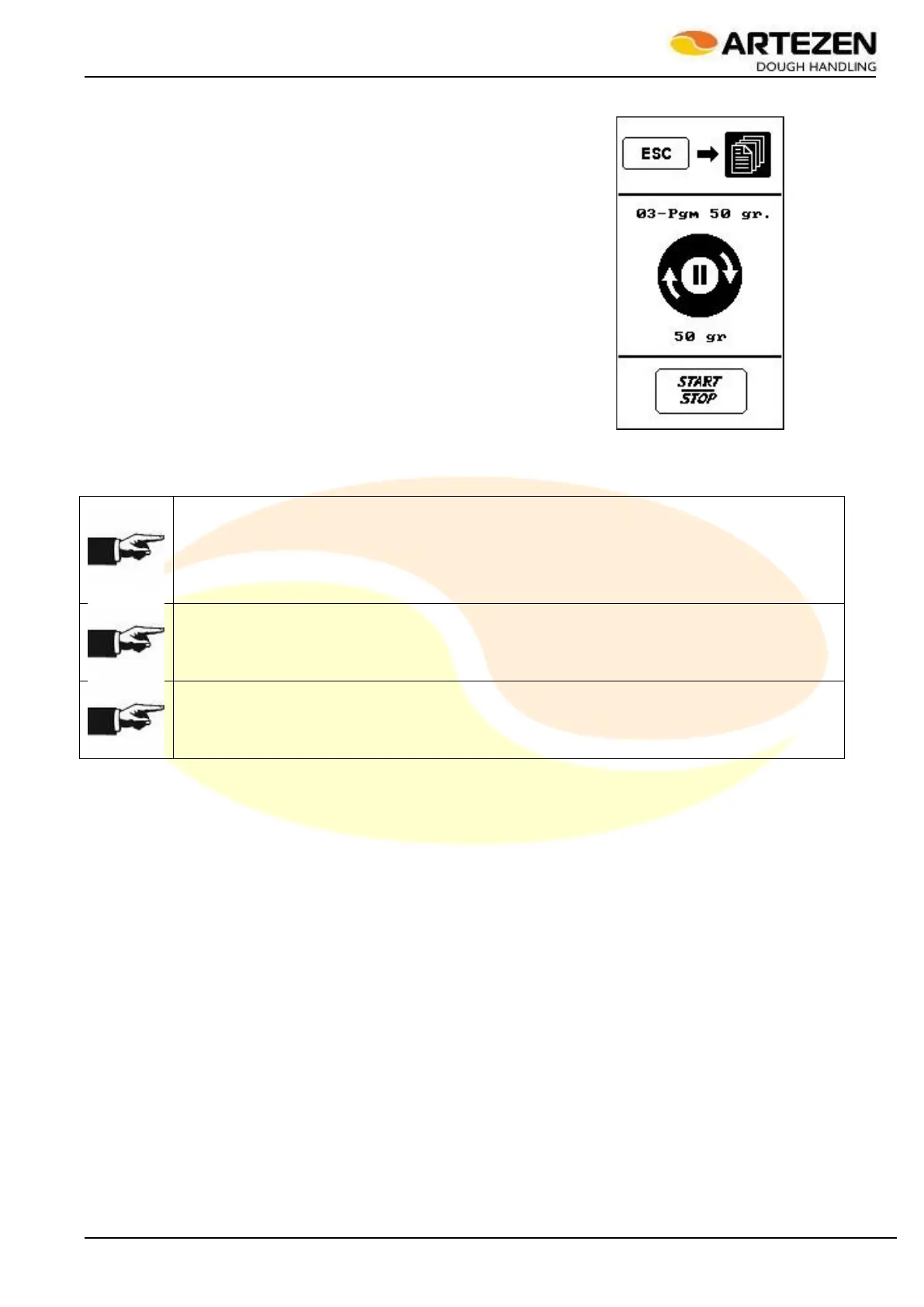
The display will show the image to the side
Press the "START/STOP" push-button on the control panel 2.4 ref. 8 to
resume processing
NOTE!
If the temporary stop needs to be carried out repeatedly during processing to allow the operator
to collect an excess processed product, it means that the output set in the recipe is too high in
relation to the capacity of the product collection. Therefore, the value should be reduced as
indicated in paragraph3.8.2 , in order to guarantee production continuity, which allows reducing
processing waste, thus reducing the final scrap.
NOTE!
The temporary stop takes place at the end of the work cycle, so it may be necessary to wait a
moment before the machine actually stops.
NOTE!
The temporary stop also occurs automatically 2 minutes after the machine has been working
without any dough being processed.
Figure 31 - Temporary stop



 To Next Page